
Movie Ticket Widget for Elementor
On this page
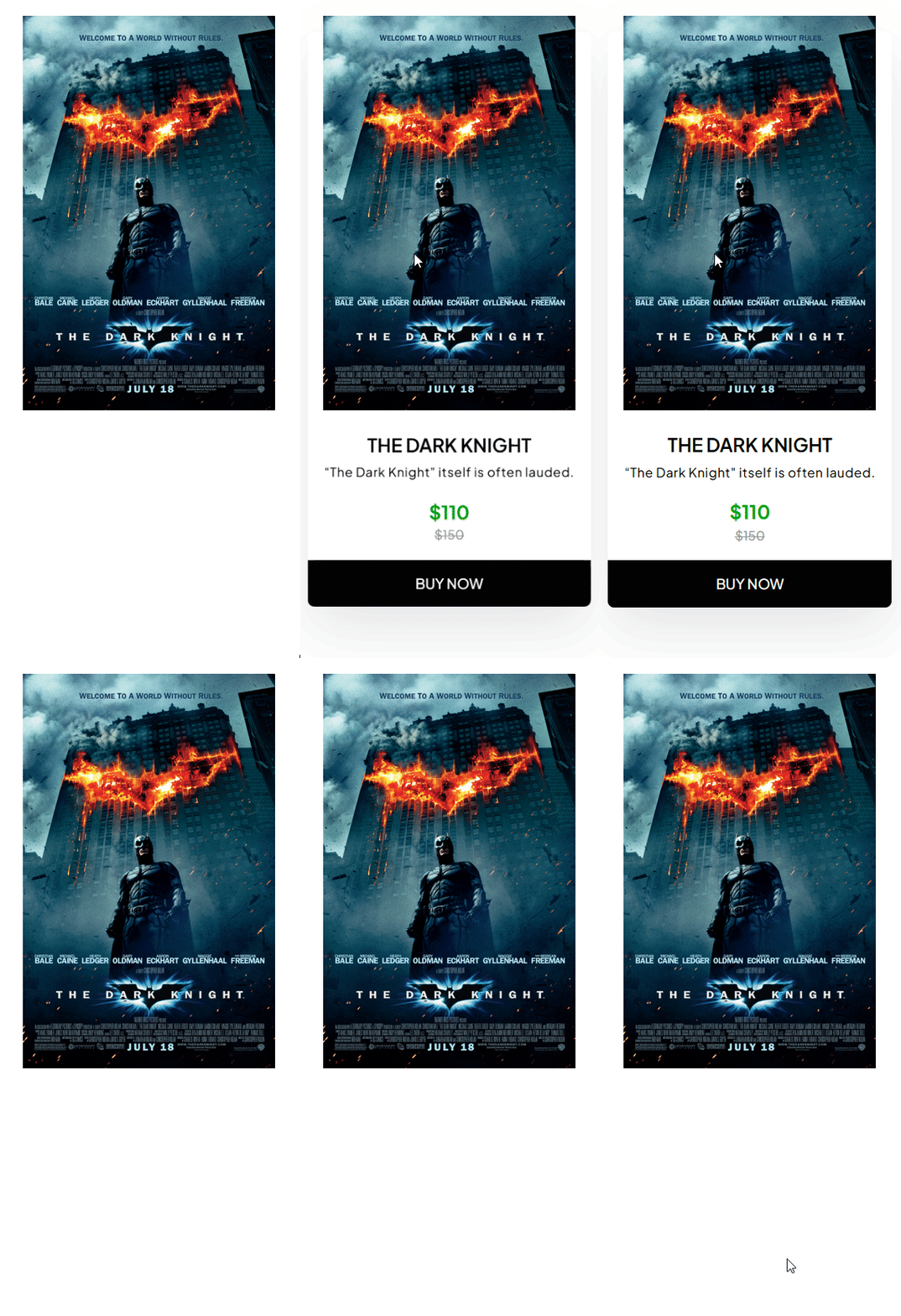
The Movie Ticket widget builds a movie-ticket-styled promo card with an image, pricing, and a call-to-action button.
1. What It Does
Displays an image alongside a title, slogan, current and old price, and a button, styled to look like a movie ticket stub.
2. Why It Matters
A ticket-styled promo card gives a discount or offer a playful, event-like presentation that a plain price box does not, useful for a limited-time deal.
3. What You Get
An image, title, slogan, current and old price fields, and a button with its own text and link, all styled as a ticket.
4. Benefits
Skipped, already covered above: the value is the ticket-styled promo presentation described in Why It Matters and What You Get, restating it here would not add anything new.
5. Capabilities
- Media field for the ticket image
- Title and Slogan fields
- Current Price and Old Price fields
- Button Title field for the button text
- Url field for the button’s link
6. How It Works
The widget lays out the Media image, Title, and Slogan alongside the Current Price and Old Price, styled as a ticket, with the button pointing wherever Url is set.
7. How to Use It
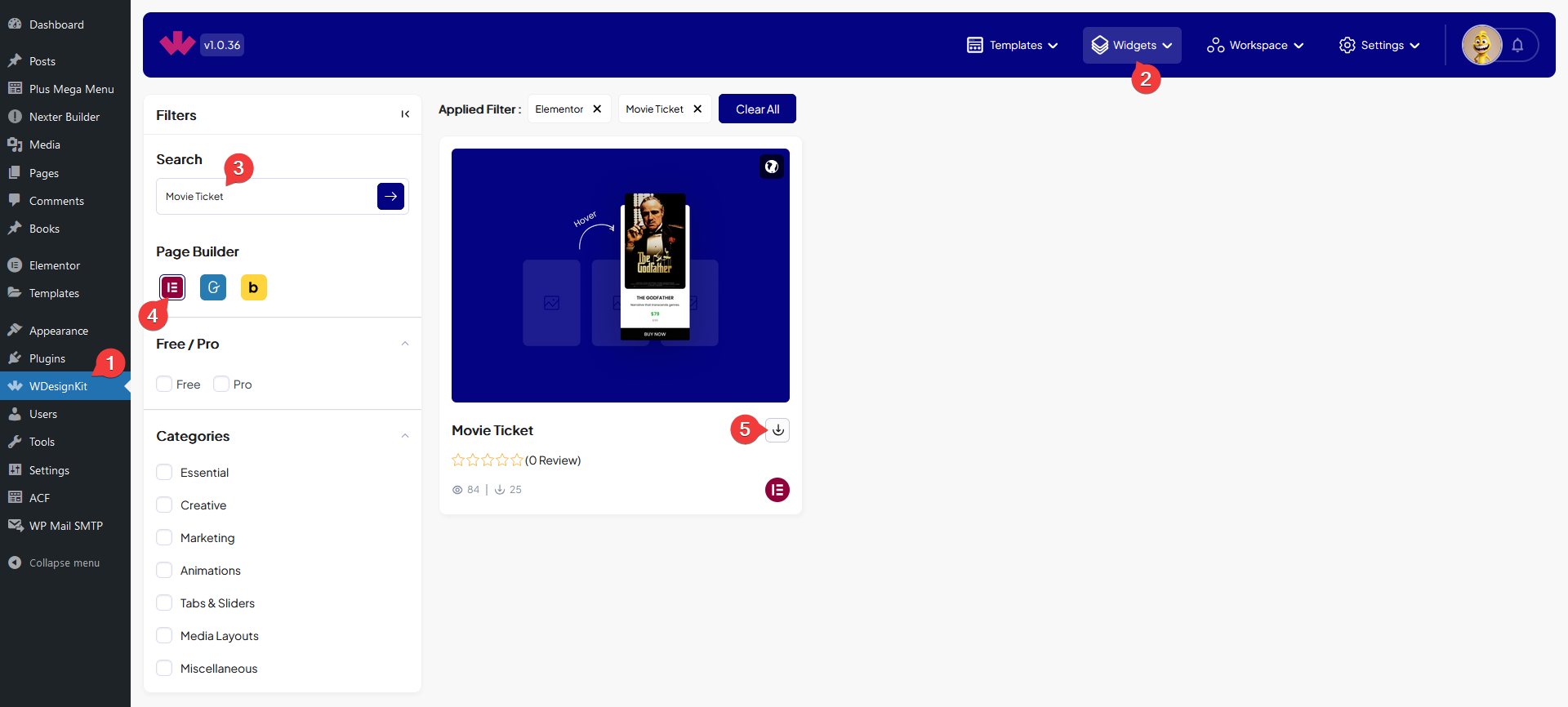
- Activate the Movie Ticket widget from WDesignKit’s Ready Widgets.
- Drag the widget onto the page and set Media, Title, and Slogan.
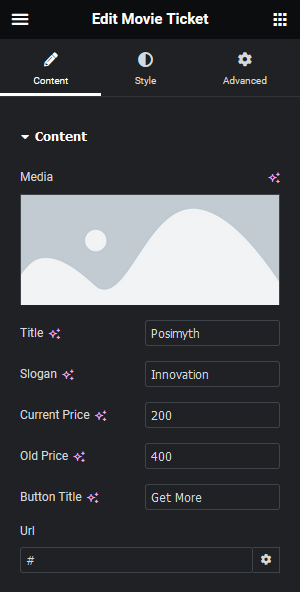
- Set Current Price and Old Price, then Button Title and Url, and customize further on the Style tab.
8. Use Cases
- A limited-time discount promo styled as an event ticket
- An event or webinar registration card with a ticket look
9. Limitations
- The layout is fixed to one image, one title, and one price pair per widget instance, it is not a repeater for multiple tickets.
- Old Price has no automatic strikethrough logic tied to a discount percentage, both prices are entered manually.
10. Troubleshooting
- Image does not appear: confirm Media has a real image set, the field has no default placeholder.
- Button link does not work: confirm the Url field has a complete address including https://.
- Prices look misaligned: check both Current Price and Old Price are filled in, an empty one can throw off the ticket layout.