
AI-Powered WordPress Workflows
Bring AI-Powered WordPress
Workflows into One Place
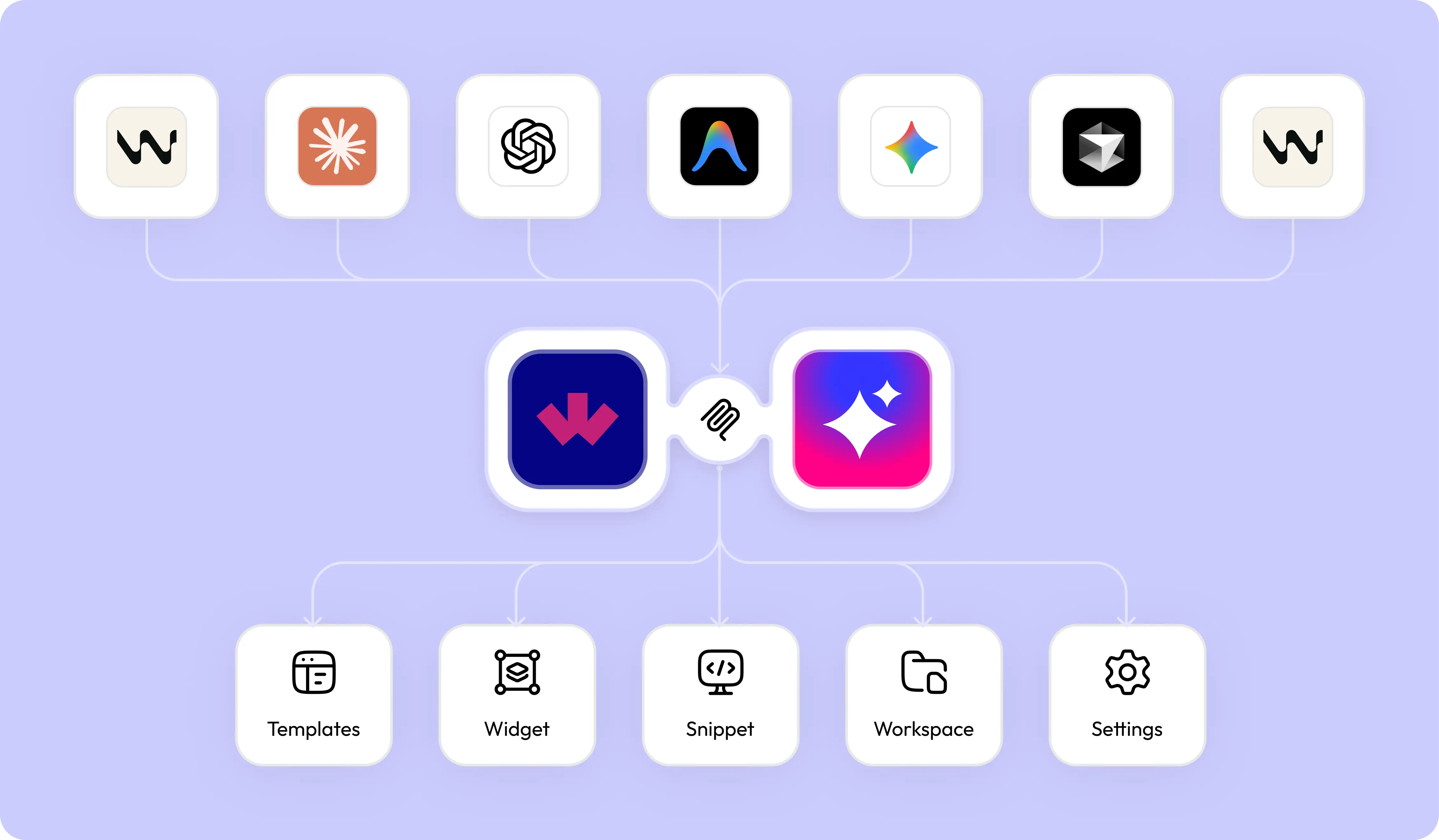
Integrate WDesignKit with AI assistants through MCP and access templates, widgets, snippets,
Workspace, and workflows directly from your preferred AI environment.
Built for Modern WordPress Professionals & AI-Driven Teams









A Smarter Way to Work with WordPress & AI
MCP integration allows AI assistants to securely access and interact with your WDesignKit ecosystem. From discovering
templates and widgets to managing snippets and workflows, everything becomes faster, smarter, and more centralized.
AI-Assisted Resource DiscoveryQuickly find templates, widgets, snippets, and presets using natural AI-driven interactions.
Faster Workflow ExecutionReduce repetitive steps and complete development tasks more efficiently with AI assistance.
Reduced Manual NavigationSpend less time switching between dashboards and searching through multiple resources manually.
Smarter Development OperationsStreamline WordPress workflows with intelligent AI-supported development and management processes.
Centralized AI InteractionsAccess and manage WDesignKit resources from a unified AI-connected workflow experience.
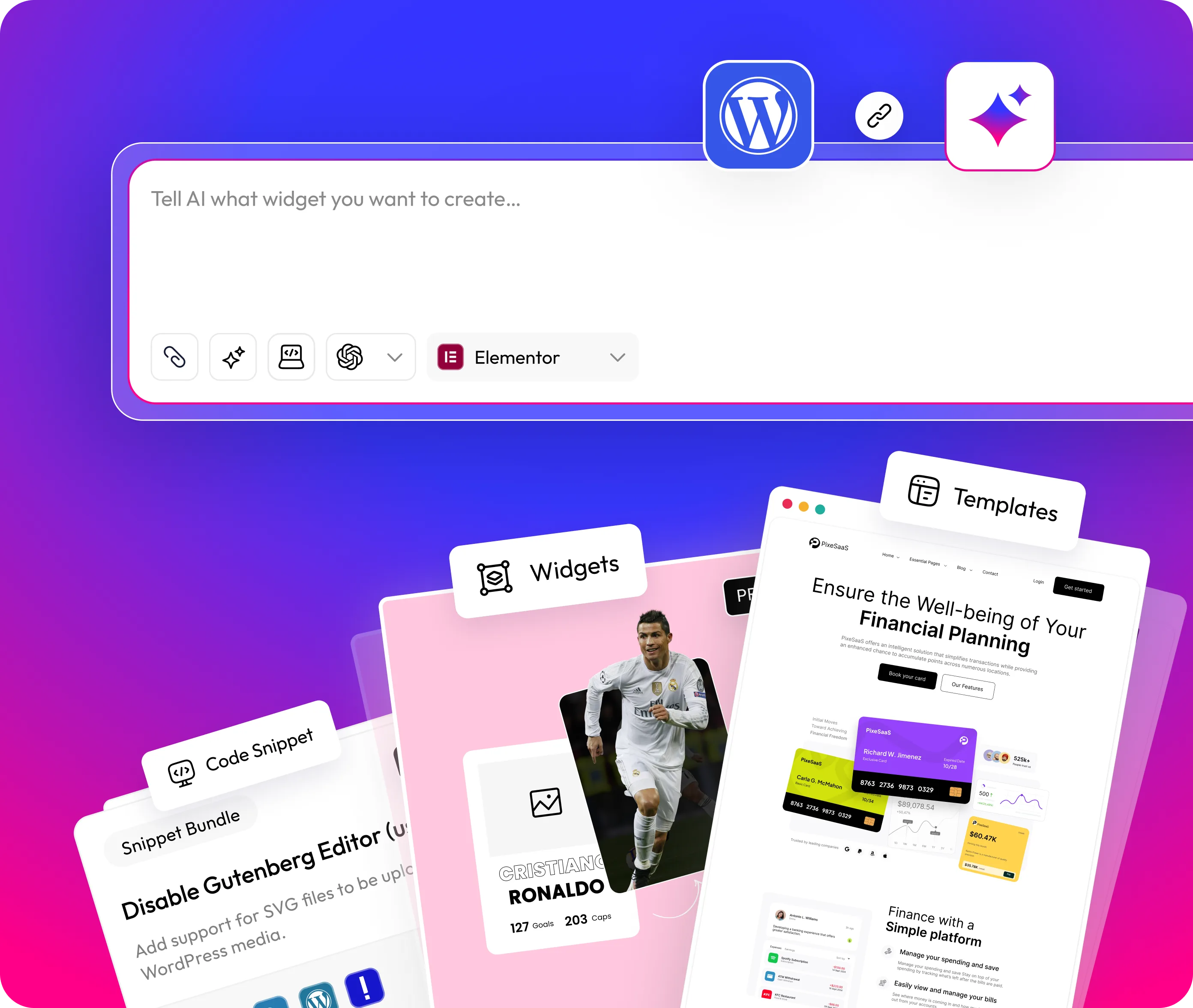
Get Started with MCP Connectivity
Set up MCP integration and start managing templates, widgets, snippets, and workflows directly through AI.
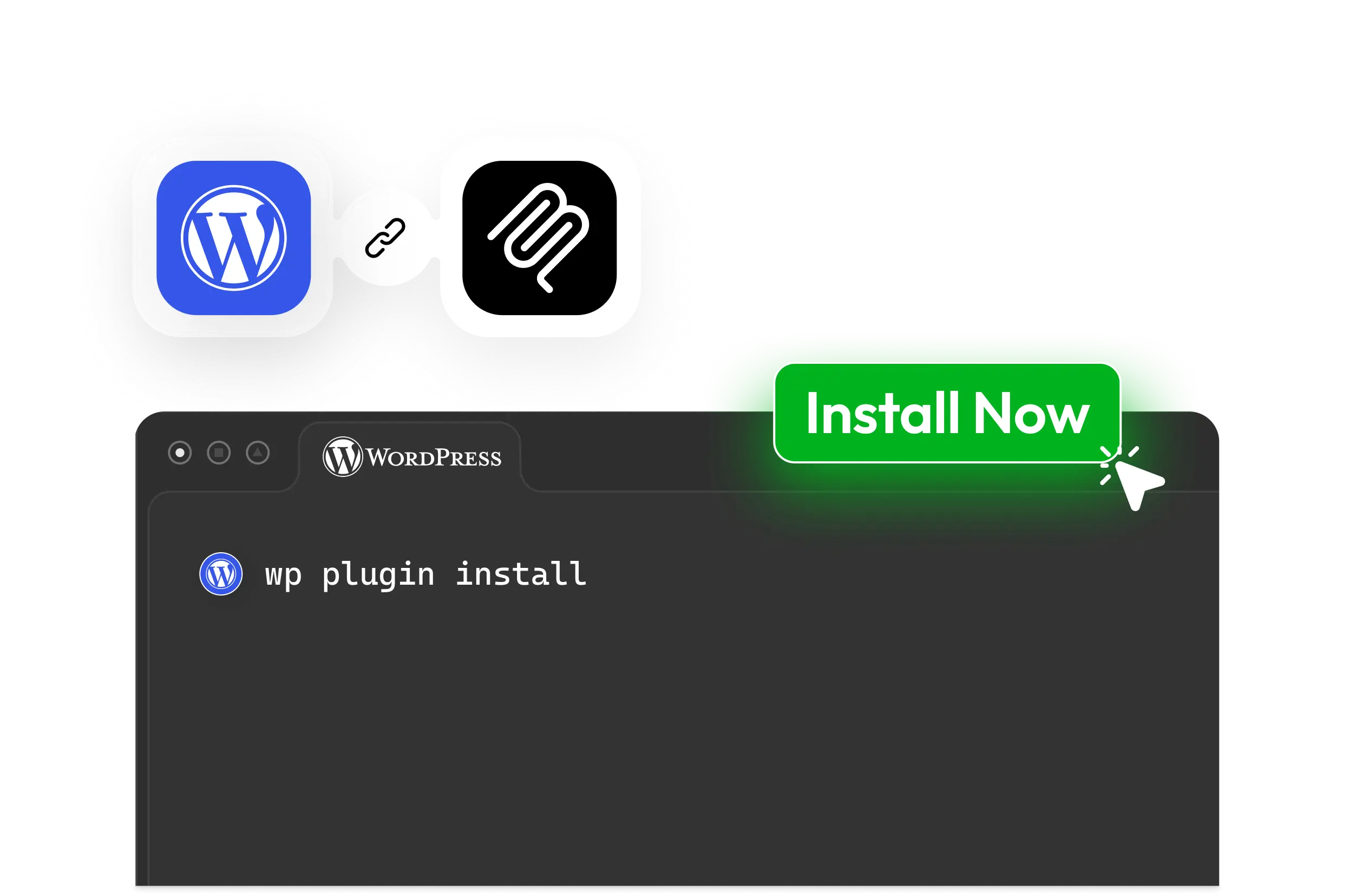
Step - 1
Connect your WordPress site with MCP to start managing templates, widgets, and workflows through AI.
AI-Powered Productivity for Every Team
From solo creators to enterprise teams, MCP helps simplify and scale WordPress workflows efficiently.
For Developers
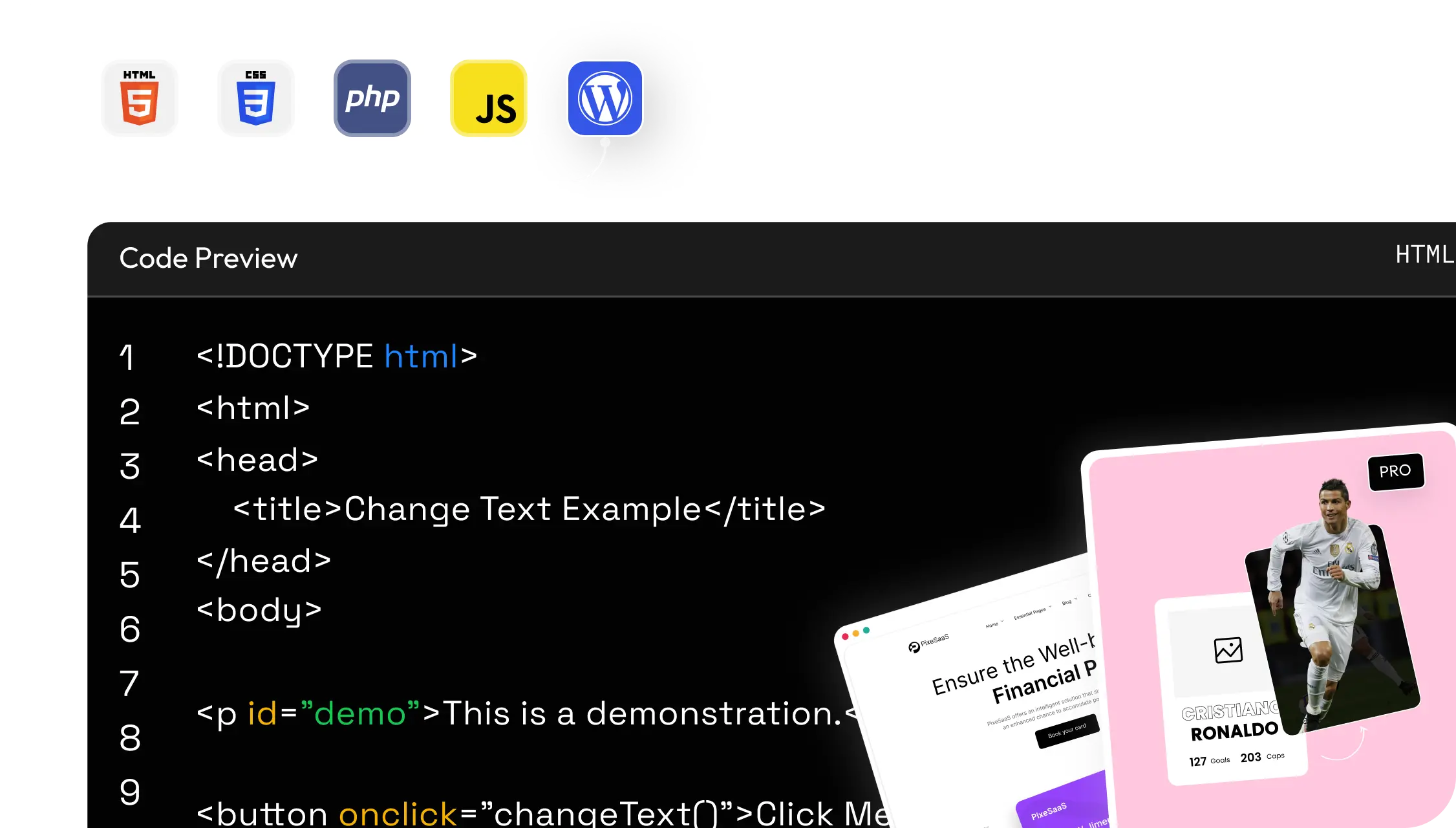
Reduce repetitive coding tasks and accelerate workflows directly through MCP-powered AI assistance.
Generate HTML, CSS, JS, and PHP snippets instantly
Create widgets and templates faster
Improve workflow efficiency with AI support
Speed up development and testing operations
Explore WDesignKit AI Abilities
Built to simplify resource management, automate repetitive tasks, and improve workflow
productivity across WordPress.
18
Widget Builder
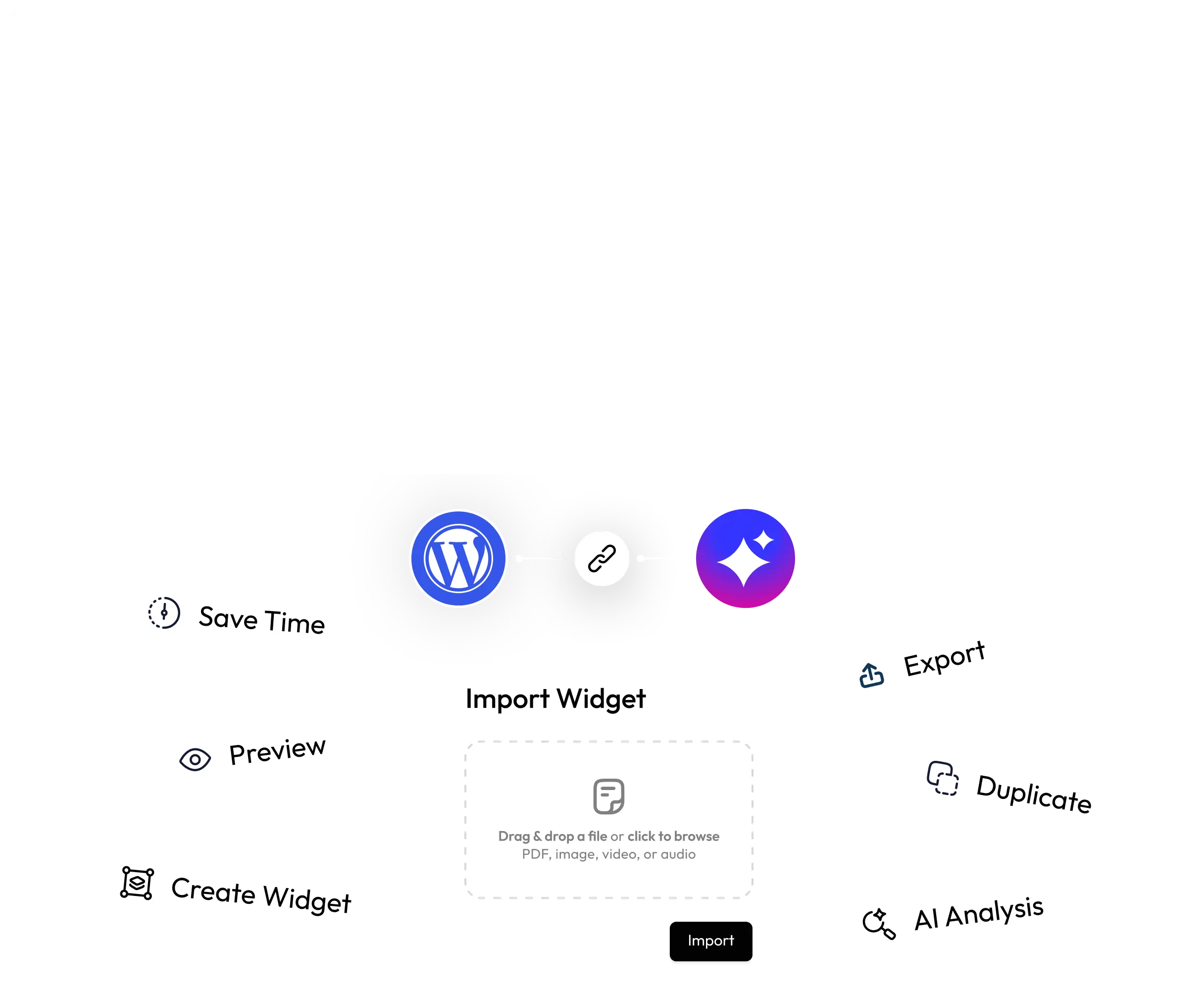
Create, manage, preview, duplicate, export, import, and control widgets directly through connected AI workflows.Features
- Widget creation & updates
- Export & import workflows
- Version management
- Builder controls
11
Template Cloud
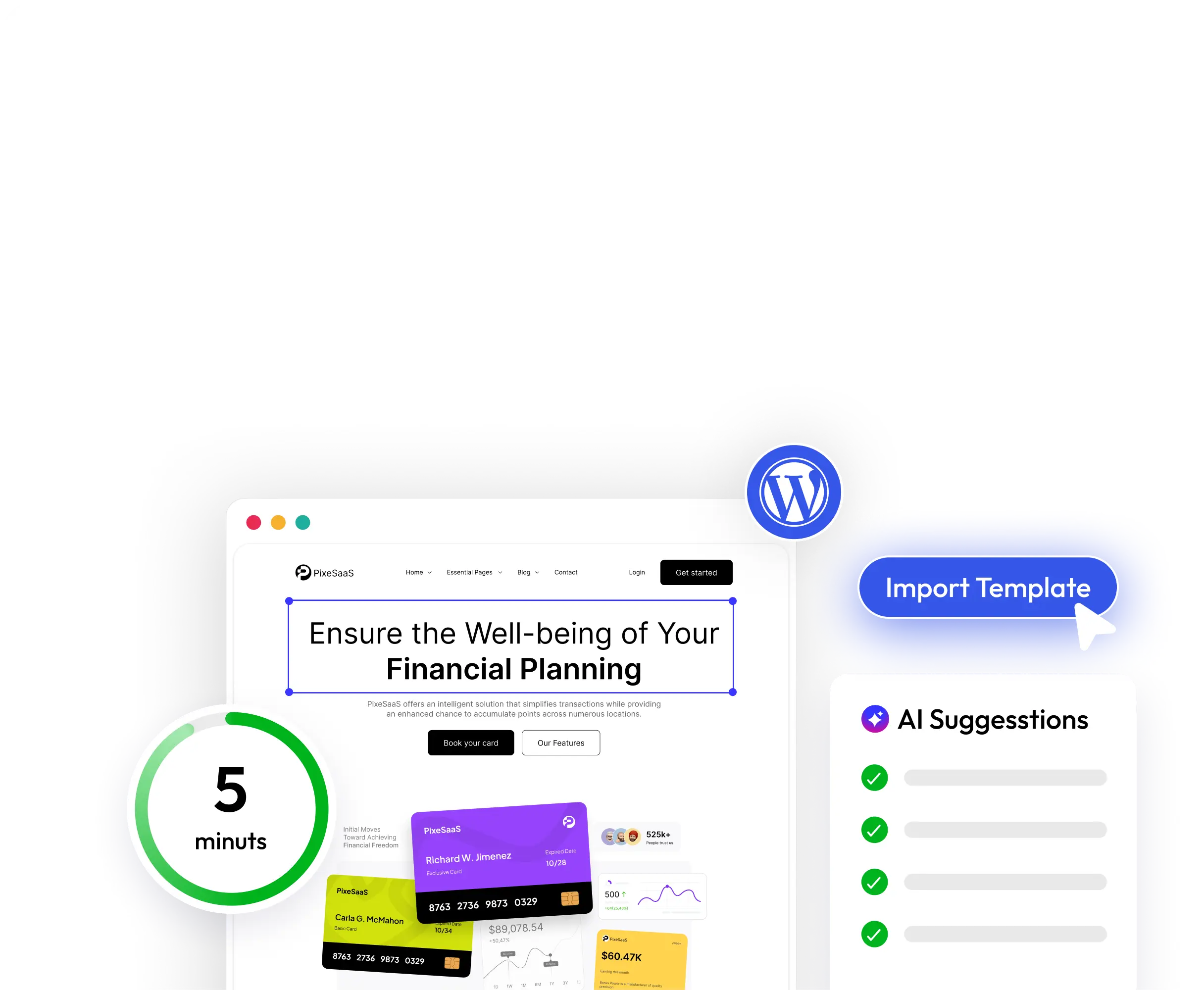
Save, import, browse, update, replace, and manage templates with AI-powered discovery and cloud-based template workflows.Features
- AI template import
- Template image browsing
- Cloud template management
- Design library controls
12
Code Snippets
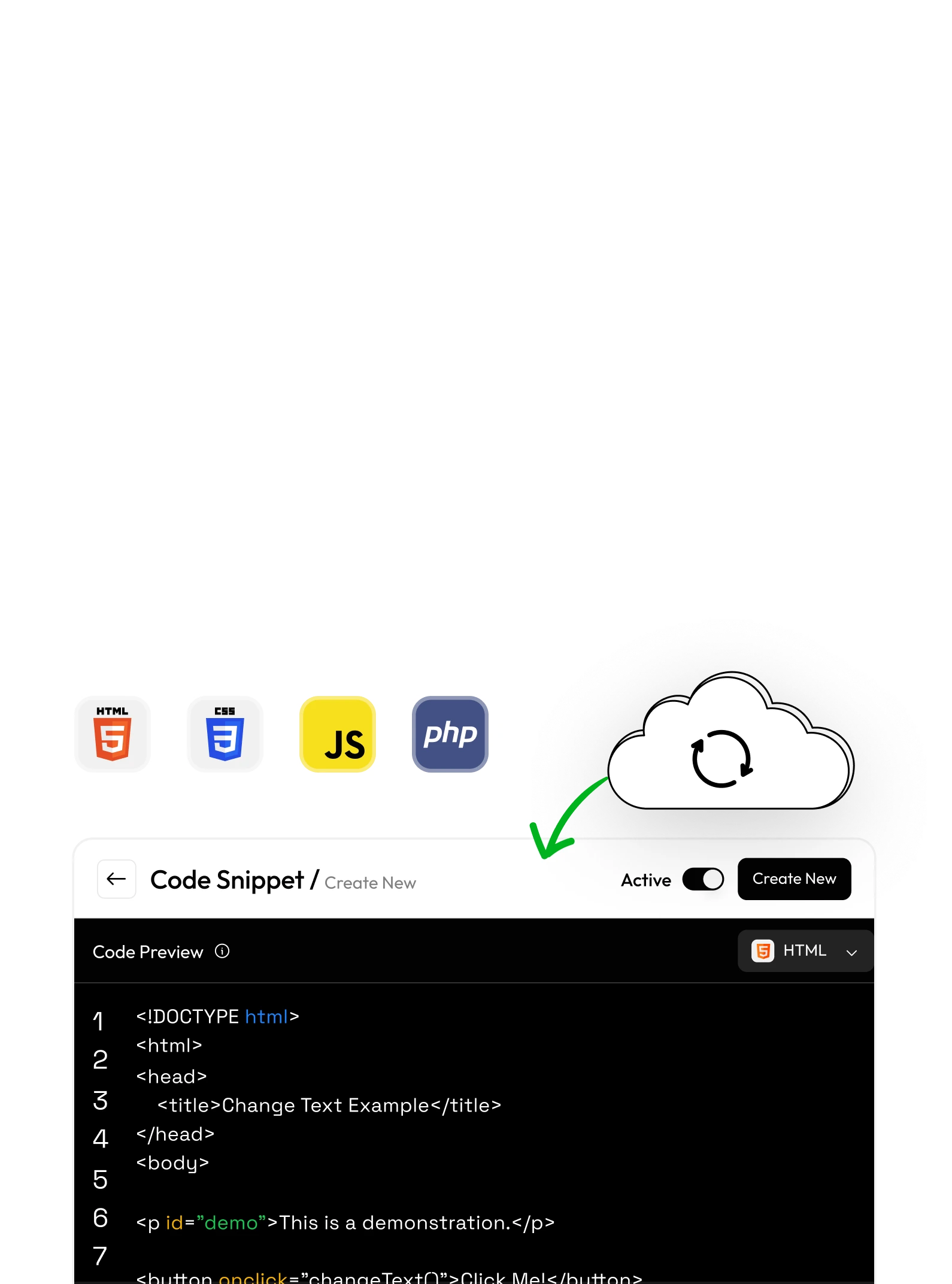
Browse, save, manage, and organize reusable PHP, CSS, JS, and HTML snippets with AI-assisted workflow support.Features
- Marketplace snippets
- Favourites & snippet kits
- Local snippet management
- Snippet updates
7
Workspaces
Manage workspaces, templates, widgets, and snippets through centralized AI-powered workflows.Features
- Shared workspace access
- Template & widget management
- Snippet organization
- Workspace controls
2
Presets
Browse and download reusable preset libraries to streamline design consistency and workflow efficiency.Features
- Preset browsing
- Quick downloads
MCP CapabilitiesUse MCP-powered AI workflows to manage templates, widgets, snippets, workspace operations, and
Connect AI Directly to Your WordPress Stack
Use MCP-powered AI workflows to manage templates, widgets, snippets, workspace operations, and
WordPress tasks faster with WDesignKit.
Automate Repetitive WordPress
Operations with AI
Everything designed to reduce repetitive work and improve how teams build, manage, and
scale WordPress projects with AI assistance.
AI Template GenerationDiscover and import relevant templates faster using AI-assisted workflows and smart resource suggestions.
AI Widget AccessCreate, manage, duplicate, export, and organize widgets directly through AI-powered interactions.
AI Code Snippet AccessQuickly browse and manage reusable snippets for PHP, CSS, JS, and HTML workflows.
Centralized Workspace AccessAccess templates, presets, widgets, and collaborative resources from a unified AI-powered environment.
Faster Design ExplorationExplore layouts, presets, and reusable design assets without manually navigating dashboards.
Smart Workflow AutomationAutomate repetitive WordPress operations and simplify everyday workflows with AI-powered assistance.
Traditional WordPress Workflows vs
AI-Powered MCP Workflows See how MCP transforms repetitive WordPress operations into faster, smarter, and more connected AI-assisted workflows.
AI-Powered MCP Workflows See how MCP transforms repetitive WordPress operations into faster, smarter, and more connected AI-assisted workflows.
Without MCP
Manual resource discoveryRepetitive configuration tasksSlower workflow executionConstant dashboard switchingLimited automation supportFragmented workflow management
With MCP
AI-assisted resource accessFaster template and widget discoveryStreamlined workflow executionCentralized AI interactionsSmarter automation supportImproved productivity and collaboration
Need Quick Help?Simple Solutions to Keep You Moving
MCP (Model Context Protocol) allows AI platforms and external systems to securely interact with WDesignKit features like templates, widgets, snippets, workspace management, and automation workflows.