
 Trusted by 0+ Designers & Agencies Worldwide
Turn Prompts Into Live
AI Widgets
Connect WDesignKit through MCP and build widgets right inside your AI tool,
ready to use in Elementor, Gutenberg, and Bricks.
Generate Widget
How It Works
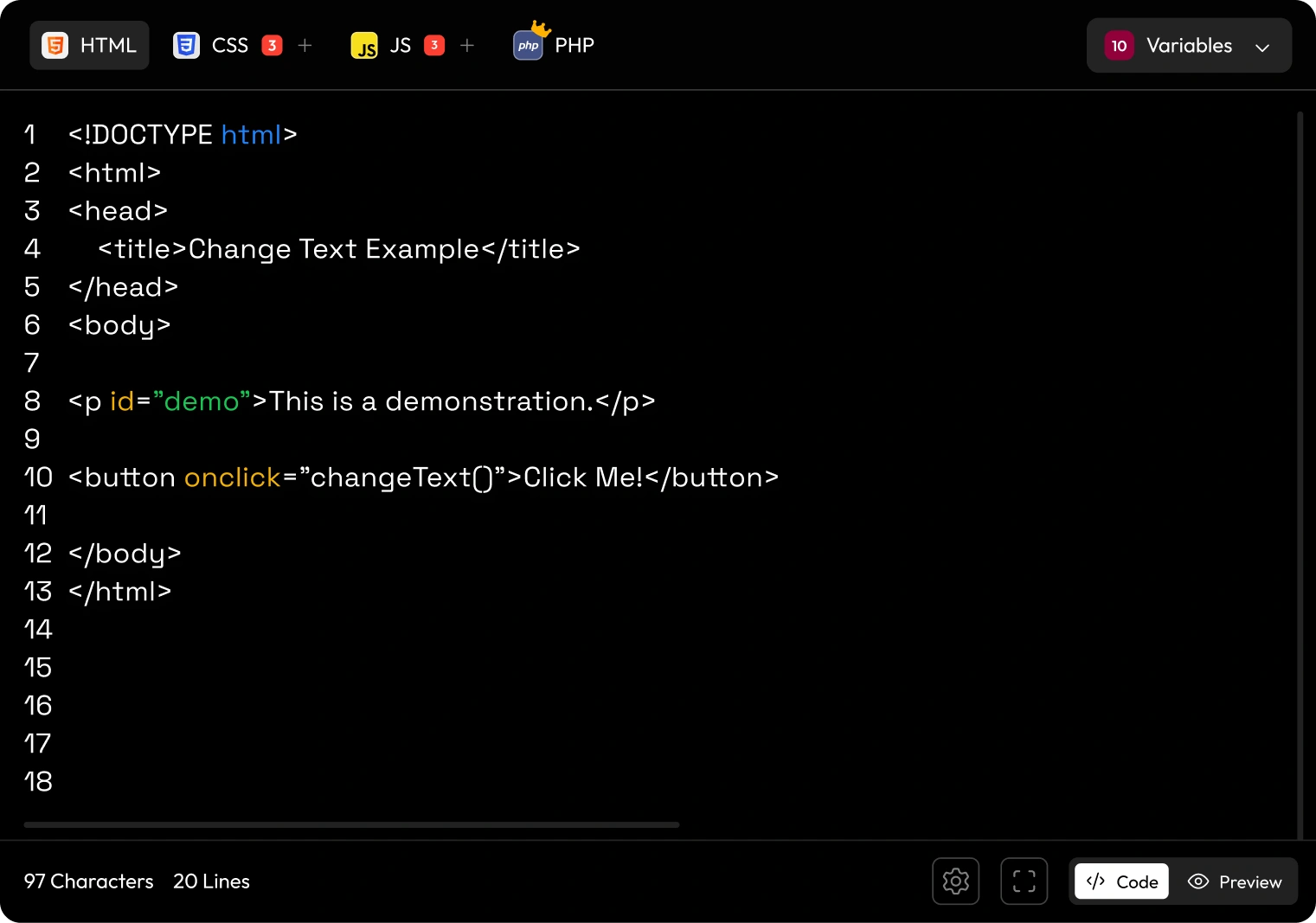
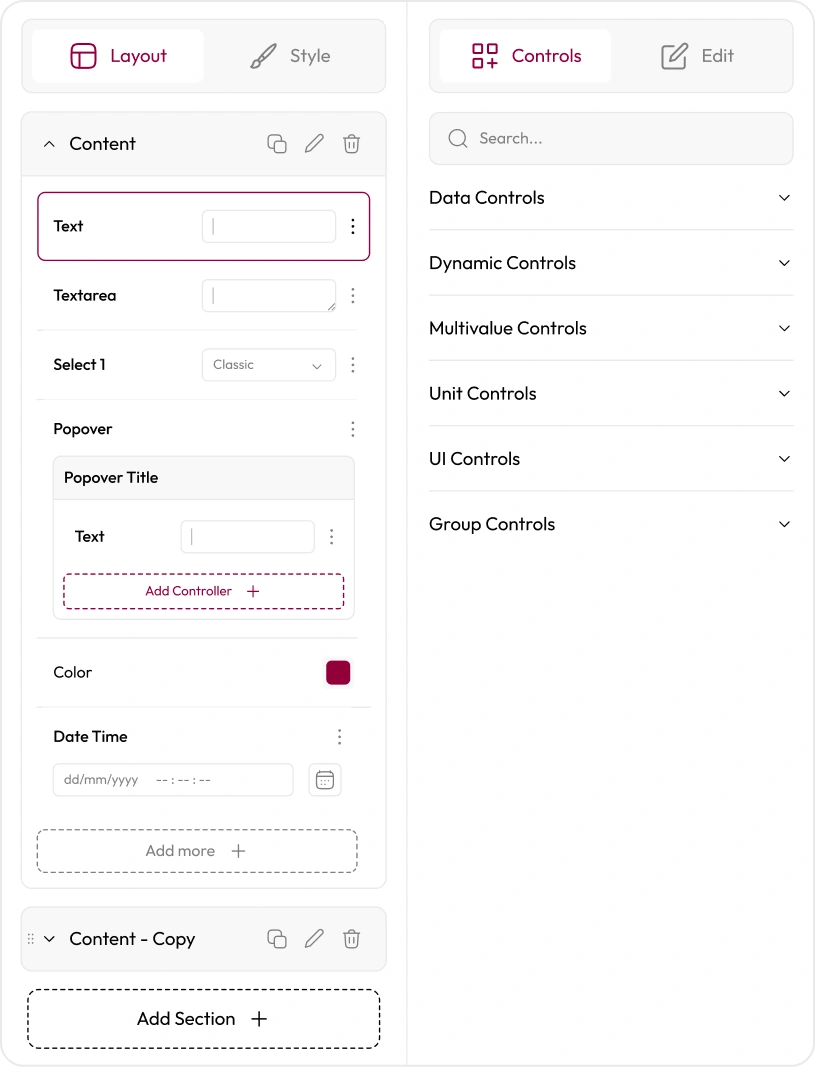
What You Can Build with AI
Describe what you want in plain language and generate widgets instantly.
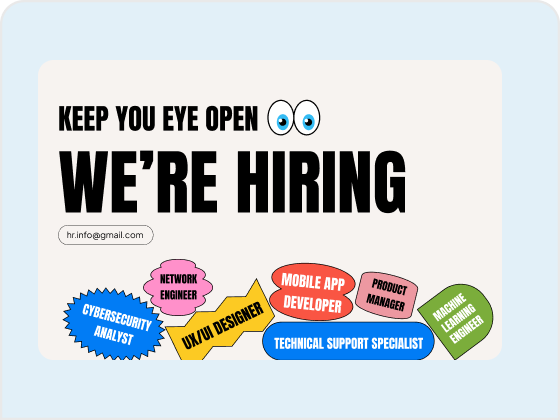
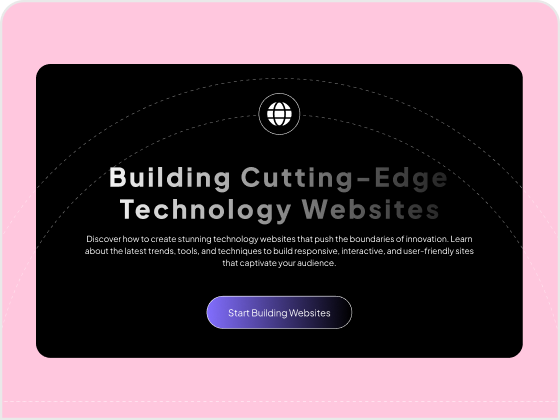
Hero Section name testing
Logo Cloud

Prompt to Result
Feature Grid
Stats Counter
Testimonials
Scroll-Based Image Reveal
FAQ
How the MCP Way Works
Set up MCP integration and start managing templates, widgets, snippets, and workflows directly through AI.
Step - 1
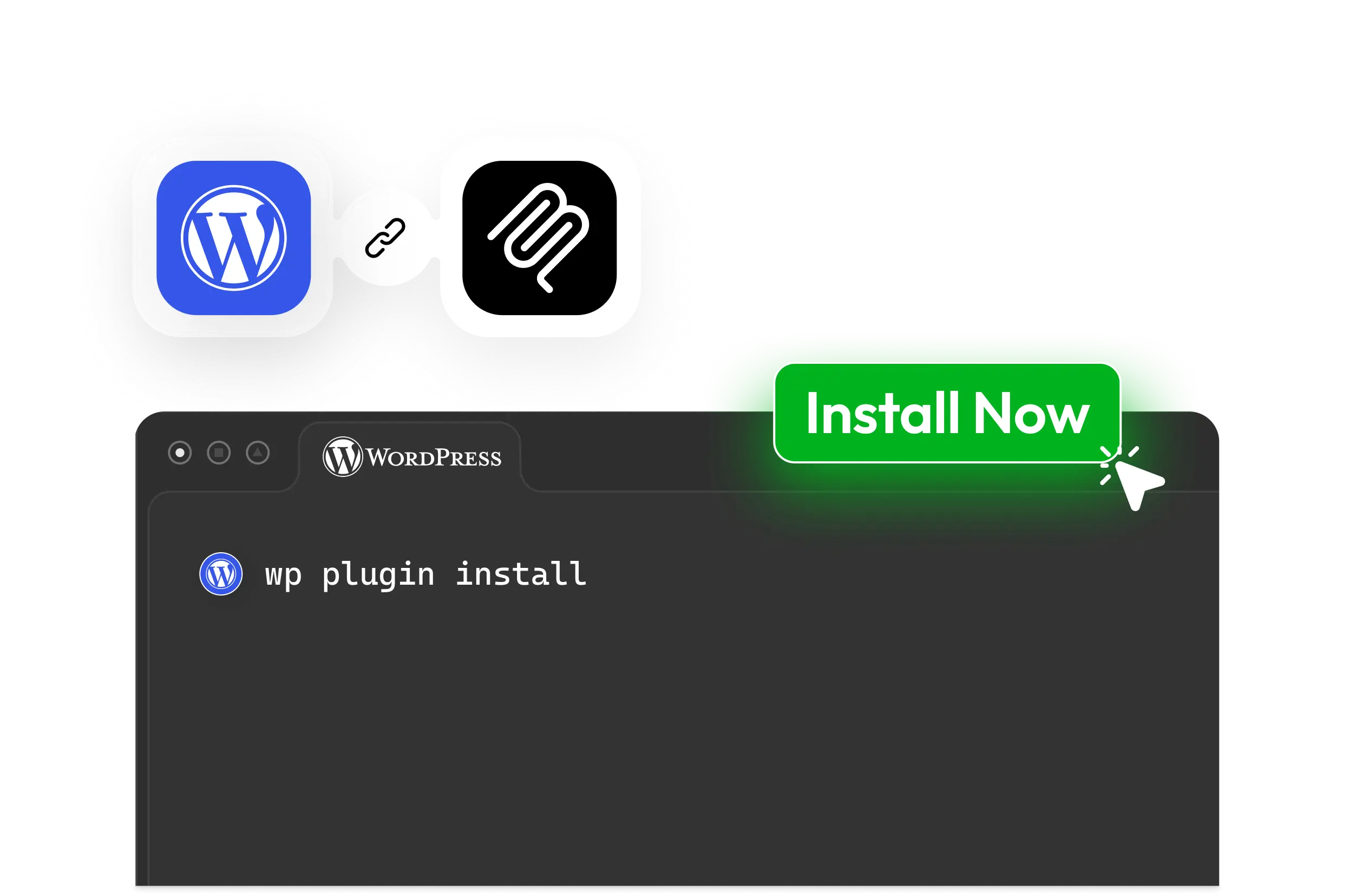
Connect your WordPress website with MCP to enable AI-powered widget creation and management.
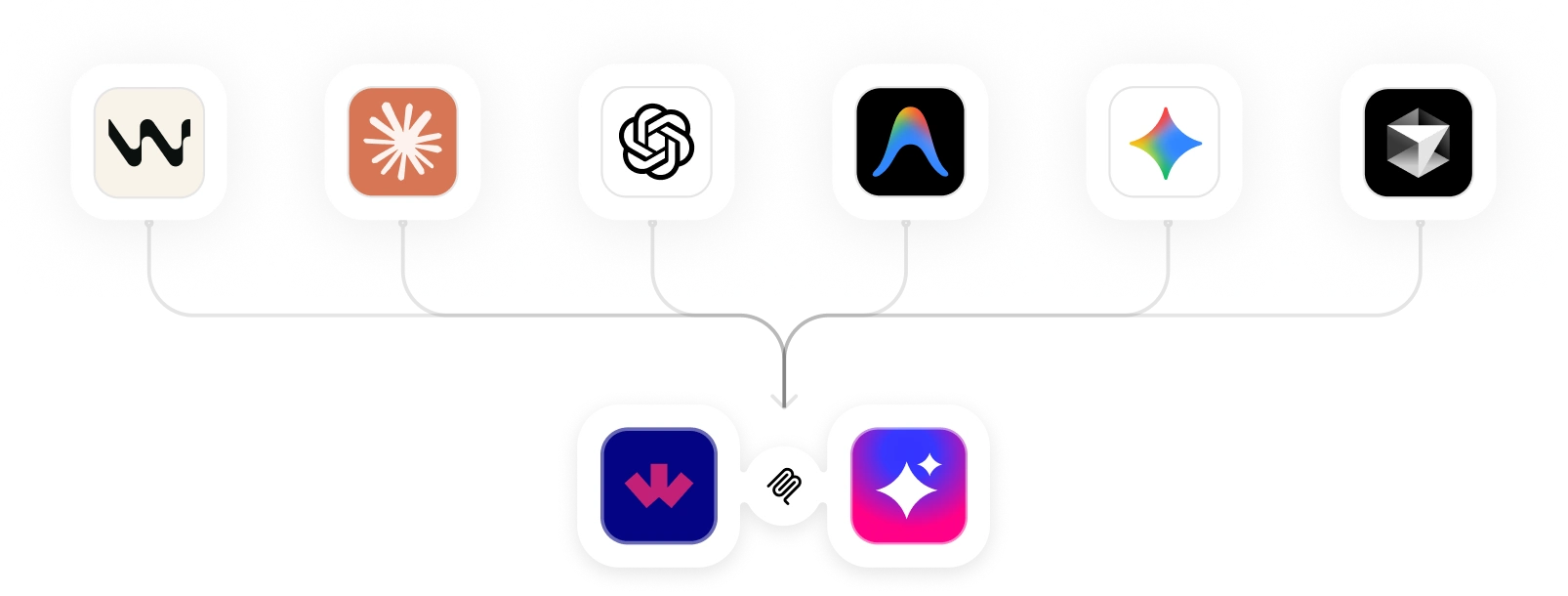
Connect with Your Favorite AI Tools
Use WDesignKit using MCP with compatible AI assistants and coding environments to build, manage, and
automate WordPress workflows from wherever you work.
Claude CodeBuild and manage WordPress widgets through natural language conversations and AI-assisted workflows.
ChatGPTCreate, customize, and automate WordPress tasks directly through MCP-connected AI interactions.
GeminiGenerate widgets, streamline workflows, and manage WordPress resources using AI-powered assistance.
CursorBuild and refine WordPress widgets directly from your AI-powered development environment.
WindsurfAccelerate WordPress development with MCP-connected AI workflows and automation.
Visual Studio CodeAccess WDesignKit capabilities inside your development workflow using MCP
Build Widgets for Every WordPress Builder
One MCP connection, three page builders. Generate, convert, and manage widgets
wherever you build.
 ElementorGenerate and convert full Elementor widgets with editable controls.
 GutenbergBuild native core blocks and Nexter blocks from a single prompt.
 BricksCreate custom Bricks elements without leaving your AI assistant.
Why Builders Are Moving to MCP
A faster, context-aware way to build WordPress widgets — without leaving the AI tools you already use.
Turn Ideas into WidgetsDescribe what you need and let AI generate the widget structure.
Stay in Your FlowBuild, test, and refine widgets without switching between tools.
Iterate in MinutesUpdate functionality and layouts with simple prompts.
Focus on CreativityLet AI handle repetitive coding and setup tasks.
Ready to build
Start building WordPress widgets with MCP
Connect your AI assistant to WDesignKit and ship production-ready widgets from wherever you work.
Explore MCP Workflows