
What Happens if I Don’t Renew My Subscriptions?
On this page
What It Does
This explains exactly what changes on your site if you let a WDesignKit subscription expire instead of renewing it.
Why It Matters
Deciding whether to renew is easier when you know exactly what you keep and what you lose, your site doesn’t break, but it does stop receiving new templates, widgets, features, bug fixes, and security patches.
What You Get
A plain answer: your existing pages and content keep working exactly as they are. What stops is future updates, nothing already built is removed or disabled.
Benefits
Because your site isn’t taken down or broken on expiry, you can let a subscription lapse on a finished project without any urgency, and renew later if you pick the project back up.
Capabilities
What continues to work after expiry: everything already published on your site, all templates and widgets already placed on pages, and the free-tier features. What stops: new WordPress/Elementor/Gutenberg/Bricks compatibility updates, new templates and widgets added to your account, bug fixes, and security patches.
How It Works
When a licence expires, WDesignKit’s licence check simply stops passing on future update calls, your currently-installed plugin version keeps running exactly as installed, but the plugin can no longer pull new versions, templates, or widgets from the cloud.
How to Use It
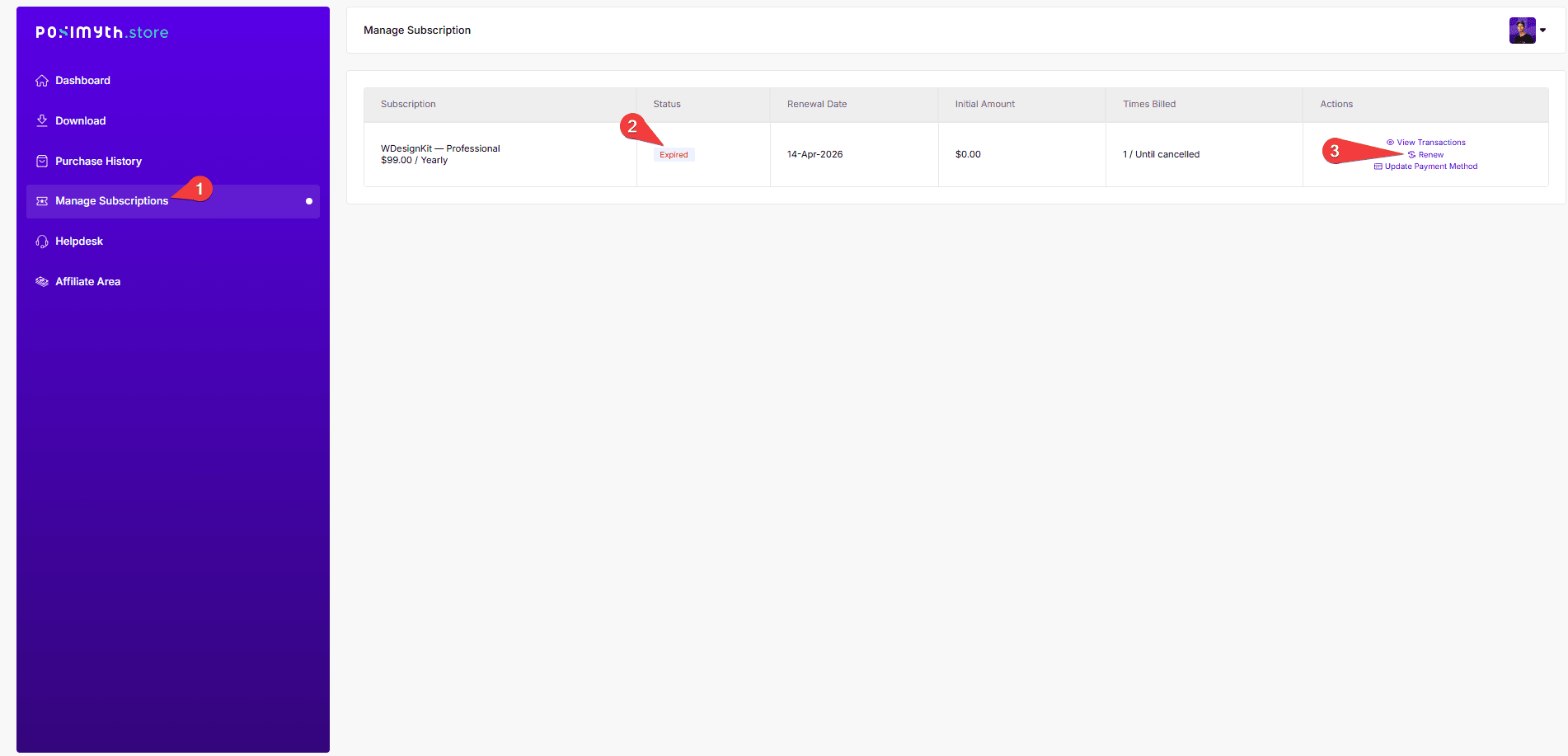
No action is required if you’re comfortable staying on your current version, nothing changes on your live site the moment a subscription lapses. If you later decide to keep receiving updates, activating an expired licence again reactivates update access immediately.
Use Cases
- A project has shipped and the site is now in maintenance mode with no active development
- Budget cycles mean renewing later rather than right at expiry
- Testing whether you’ll need WDesignKit again before committing to another year
Limitations
- A site left unpatched long-term on an active, public WordPress install carries real security risk even though nothing visibly breaks right away
- New WordPress core, Elementor, Gutenberg, or Bricks releases can eventually stop being fully compatible with an unpatched WDesignKit version
- You lose access to any new templates or widgets released after expiry until you renew or reactivate
Troubleshooting
- Not sure if your licence has actually expired: check WDesignKit > Settings > Manage Licence, the Existing Licence Keys section shows the current status of each key.
- Site still shows old templates/widgets fine but new ones from the marketplace won’t download: that’s the expected behaviour on an expired licence, renewing restores access to new downloads immediately.
- Concerned about compatibility after skipping updates for a while: reach out via the helpdesk before a major WordPress or Elementor upgrade if you’re unsure your current version will still work.