
 Trusted by 0+ Designers & Agencies Worldwide
Turn Prompts into Ready-to-Use
Code Snippets with MCP
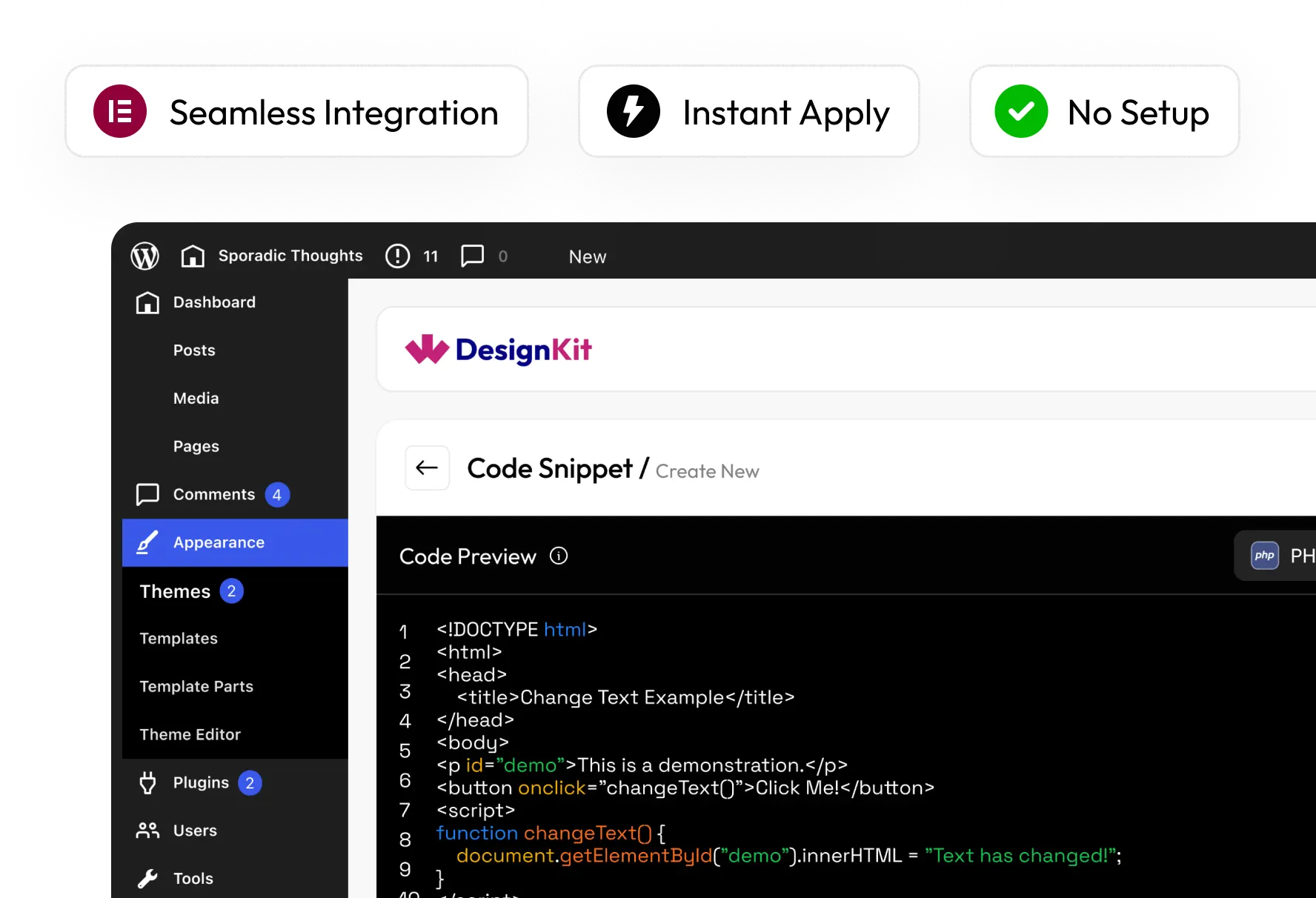
Connect WDesignKit through MCP and generate PHP, CSS, JS, and HTML
code snippets right inside your AI tool, using Claude, Cursor, and more.
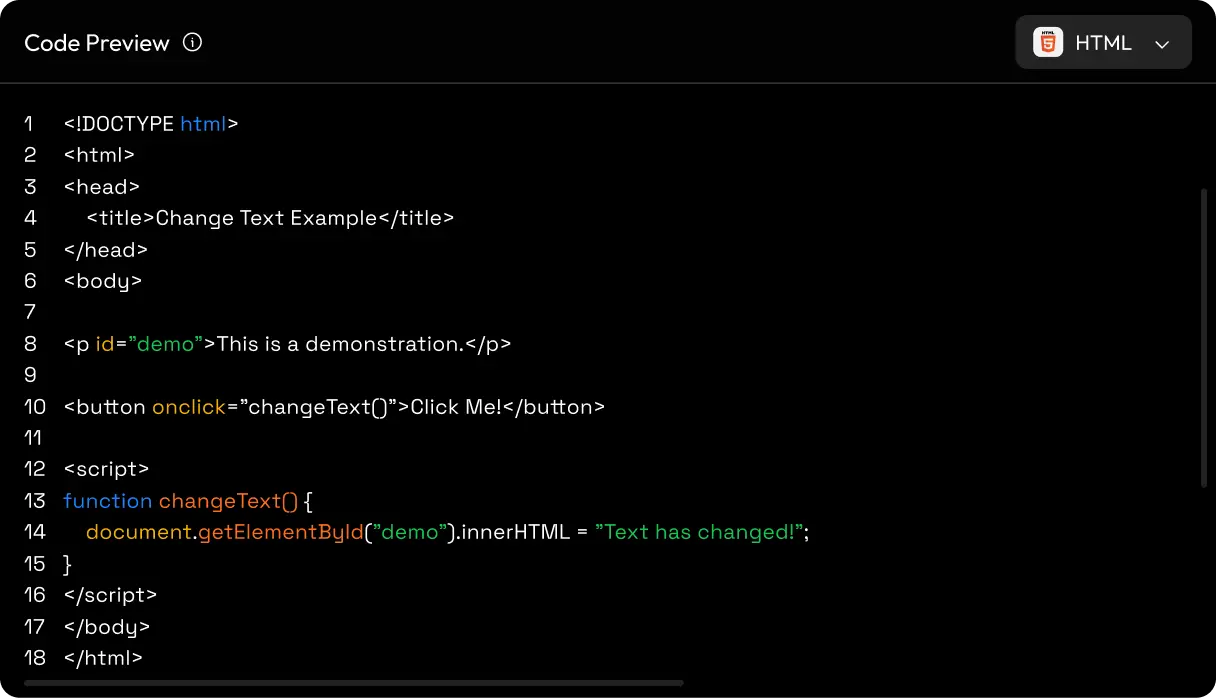
Some of our great features
MCP-Powered Code Generation
Prompt to Code
Real Use-Case Ready
Clean & Structured Output
Multi-Language Support
Instant Code Preview
Copy & Use Anywhere
Custom Logic Made Easy
Fast Setup
MCP-Powered Code Generation
Prompt to Code
Real Use-Case Ready
Clean & Structured Output
Multi-Language Support
Instant Code Preview
Copy & Use Anywhere
Custom Logic Made Easy
Fast Setup
MCP-Powered Code Generation
Prompt to Code
Real Use-Case Ready
Clean & Structured Output
Multi-Language Support
Instant Code Preview
Copy & Use Anywhere
Custom Logic Made Easy
Fast Setup
MCP-Powered Code Generation
Prompt to Code
Real Use-Case Ready
Clean & Structured Output
Multi-Language Support
Instant Code Preview
Copy & Use Anywhere
Custom Logic Made Easy
Fast Setup
Smart Suggestions
Scalable Solutions
Cross-Platform Ready
Built with Best Practices
Beginner Friendly
Developer Friendly
Flexible & Customizable
No Setup Required
Easy to Use
Works with Your Workflow
Smart Suggestions
Scalable Solutions
Cross-Platform Ready
Built with Best Practices
Beginner Friendly
Developer Friendly
Flexible & Customizable
No Setup Required
Easy to Use
Works with Your Workflow
Smart Suggestions
Scalable Solutions
Cross-Platform Ready
Built with Best Practices
Beginner Friendly
Developer Friendly
Flexible & Customizable
No Setup Required
Easy to Use
Works with Your Workflow
Smart Suggestions
Scalable Solutions
Cross-Platform Ready
Built with Best Practices
Beginner Friendly
Developer Friendly
Flexible & Customizable
No Setup Required
Easy to Use
Works with Your Workflow
How the MCP Way Works
Set up MCP integration and start generating PHP, CSS, JS, and HTML snippets directly through AI.
Step - 1
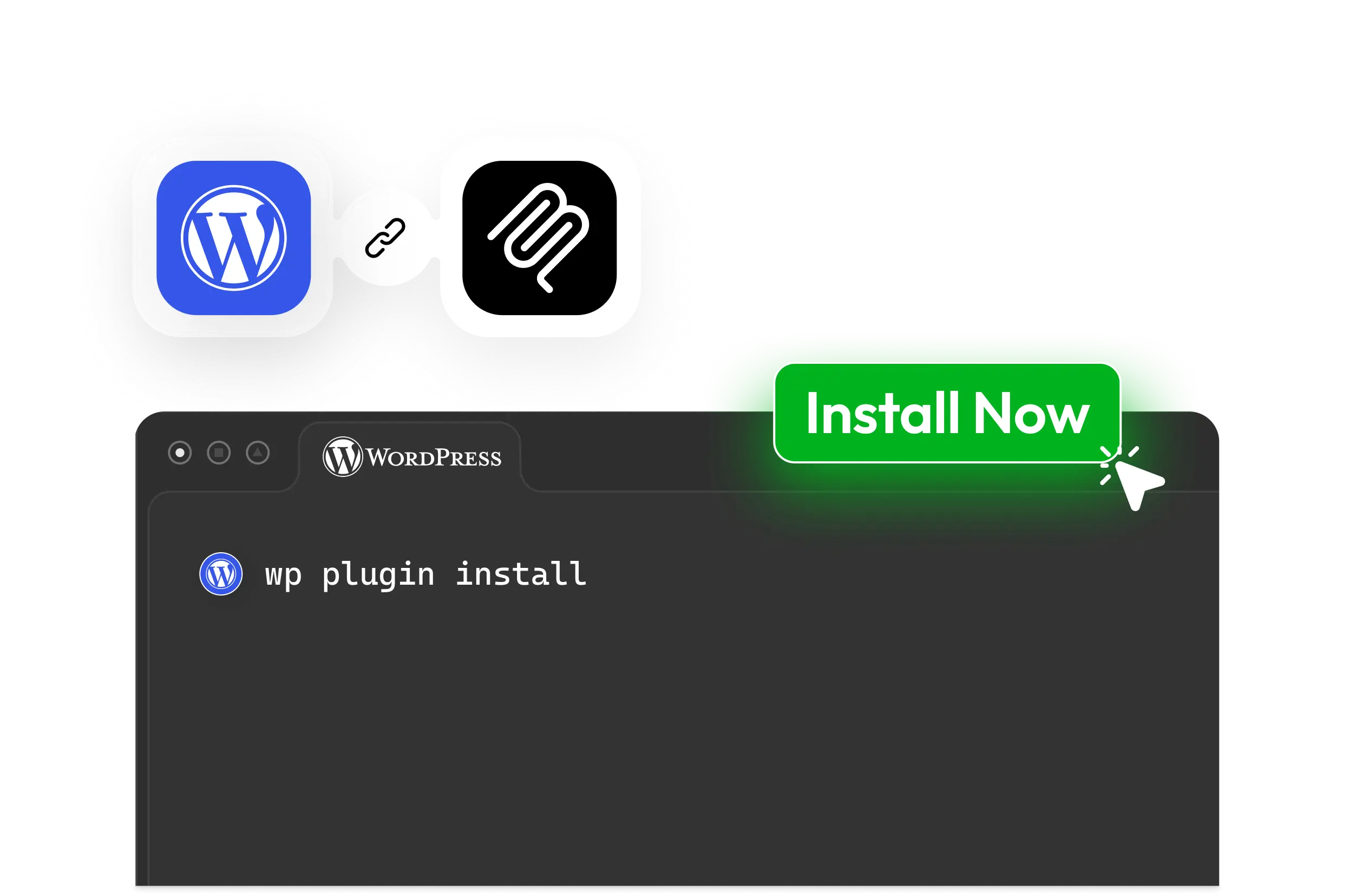
Connect your WordPress site with MCP to start generating and managing code snippets through AI.
Connect with Your Favorite AI Tools
Use WDesignKit using MCP with compatible AI assistants and coding environments to build, manage, and
automate WordPress workflows from wherever you work.
Claude CodeBuild and manage WordPress code snippets through natural language conversations and AI-assisted workflows.
ChatGPTCreate, customize, and automate code snippet generation directly through MCP-connected AI interactions.
GeminiGenerate snippets, streamline workflows, and manage WordPress resources using AI-powered assistance.
CursorBuild and refine code snippets directly from your AI-powered development environment.
WindsurfAccelerate code snippet generation with MCP-connected AI workflows and automation.
Visual Studio CodeAccess WDesignKit code snippet generation inside your development workflow using MCP.
Generate, Save, and Reuse with Ease.
Step - 1Generate & Use InstantlyCreate and apply code snippets directly within your workflow. No switching between tools.
Step - 2Always Saved, Never LostEvery snippet is stored in your cloud library for future use.
Step - 3Reuse Across ProjectsUse your snippets across multiple projects or share them with your team effortlessly.
What Can You Build with MCP Code Snippets?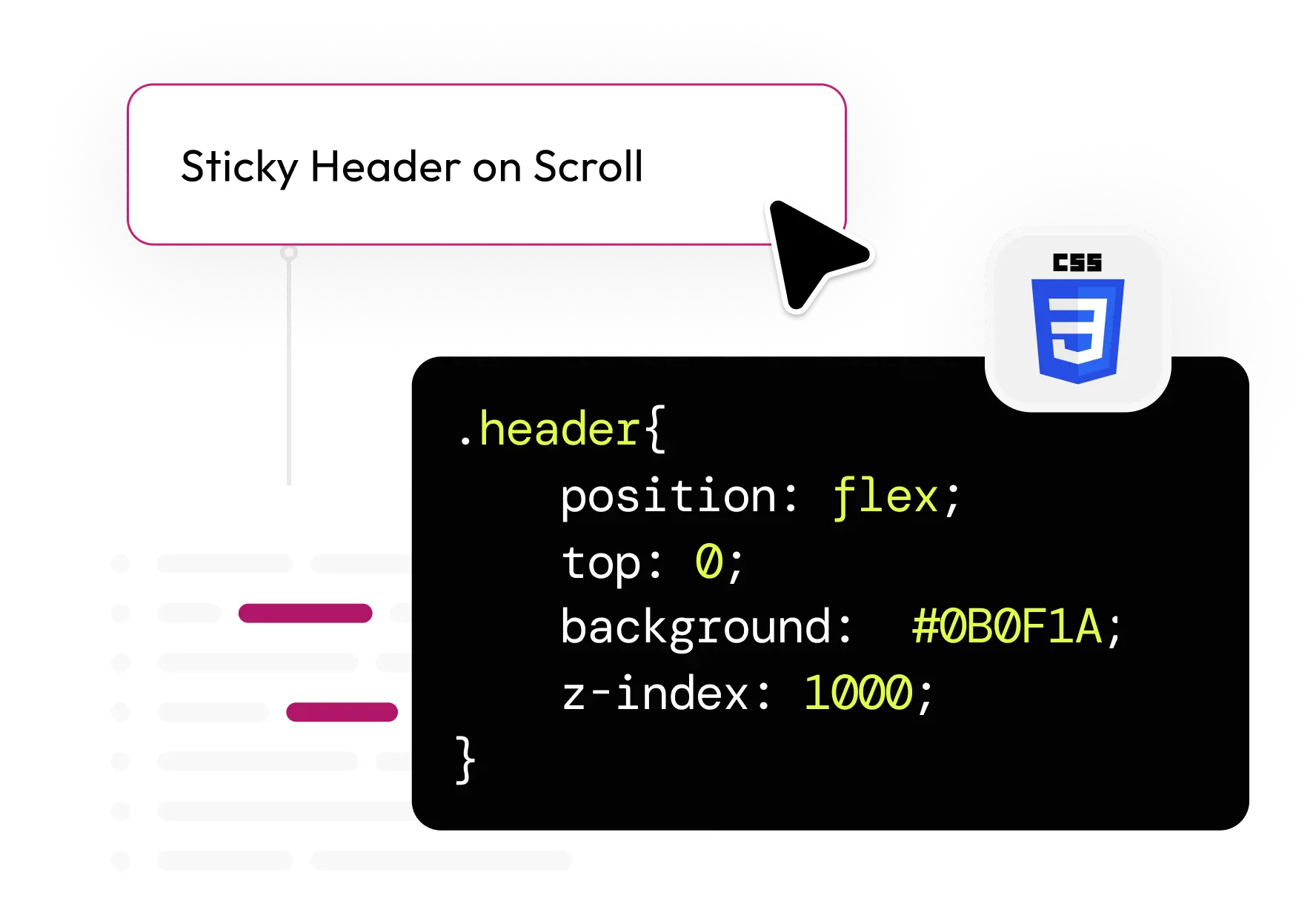
Custom CSS TweaksQuickly create styling changes like sticky headers, spacing fixes, or hover effects, without writing everything manually.
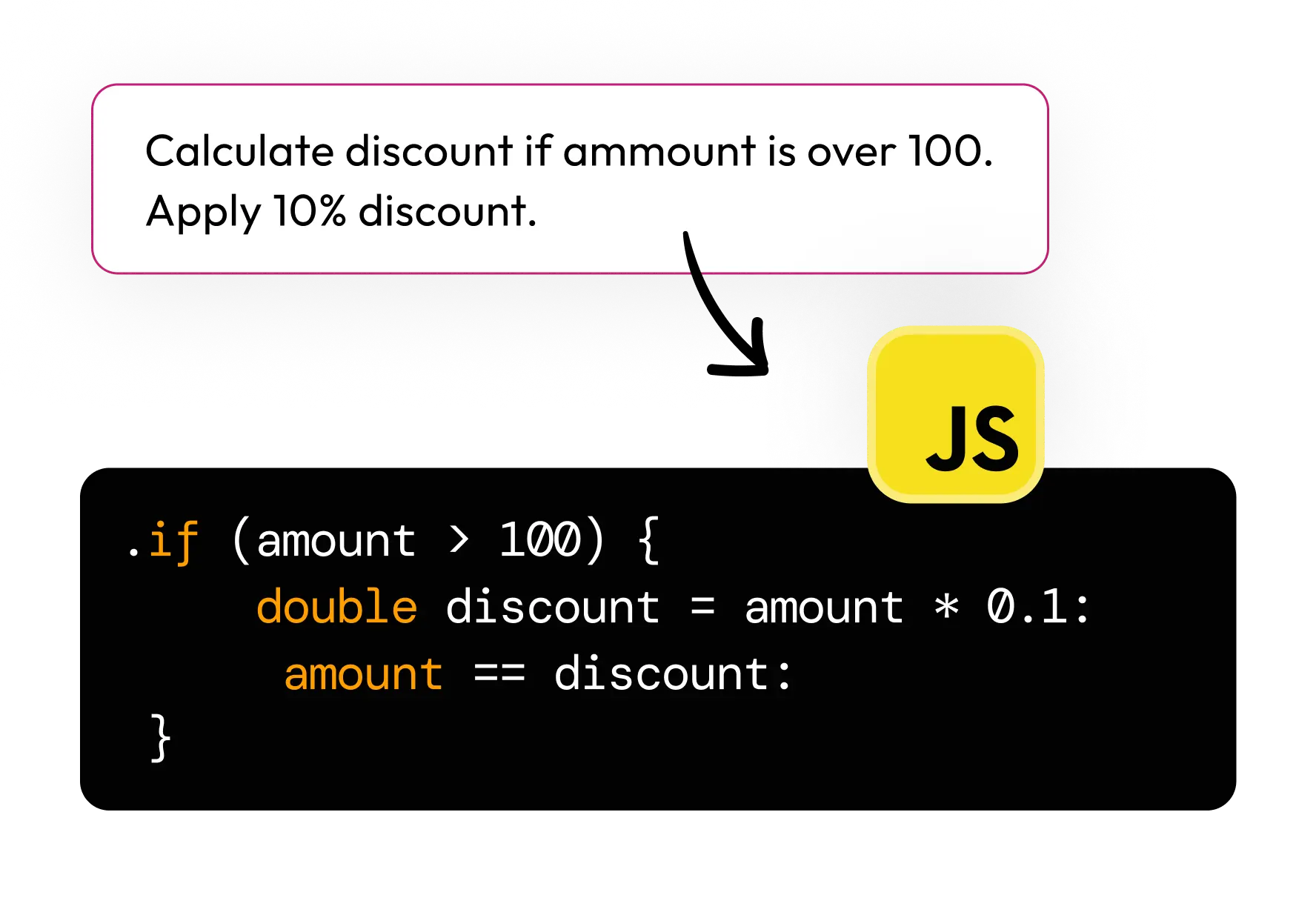
JavaScript InteractionsAdd dynamic behaviors like calculations, toggles, or user interactions with ready-to-use scripts.
Dynamic Elementor BehaviorCreate advanced behaviors inside Elementor workflows without complex setup or custom development.
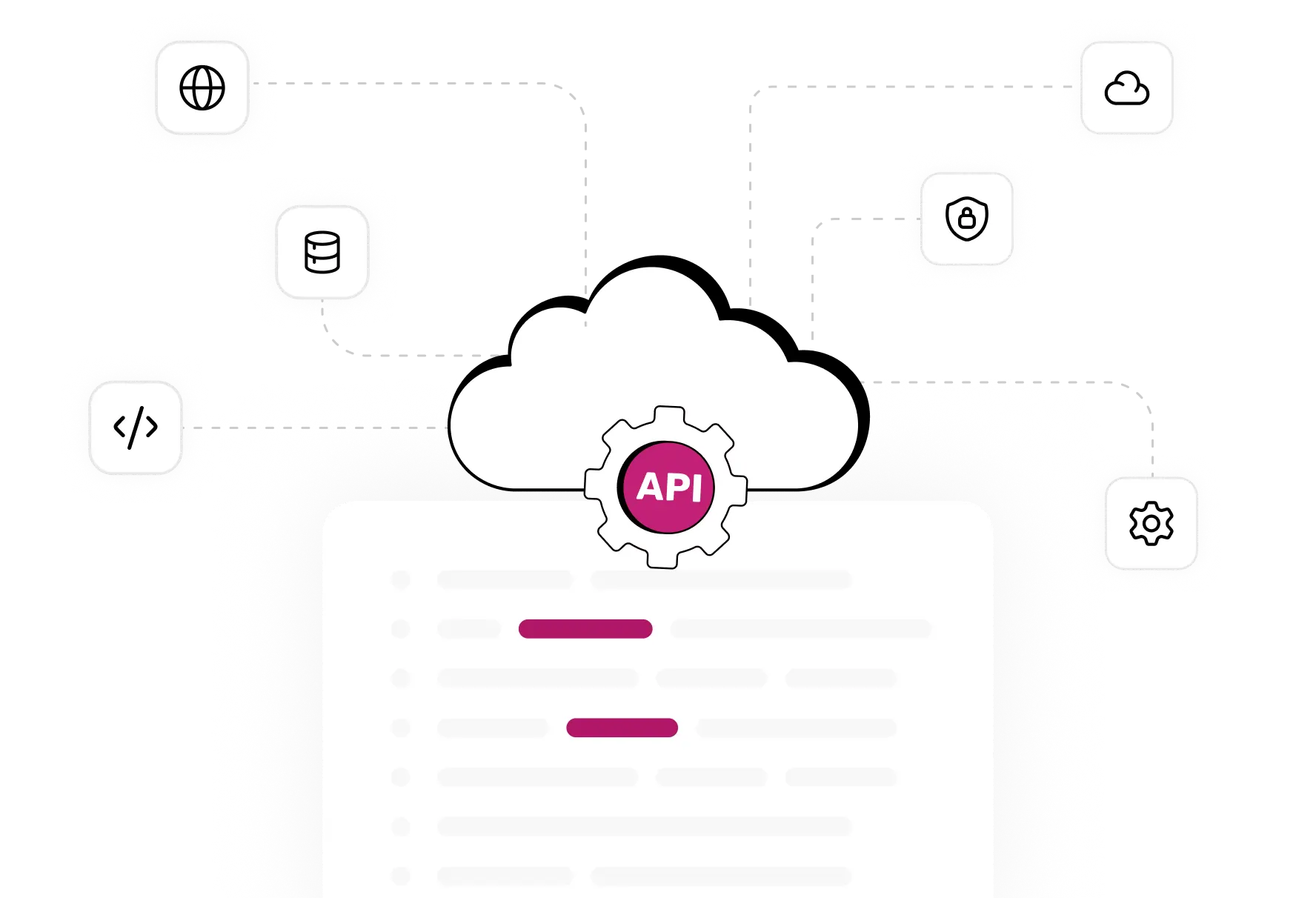
API IntegrationsConnect with external services and build custom functionality using structured, ready-to-use code snippets.
Use Your Snippets Anywhere You Build
Add HTML, CSS, JS, and PHP snippets to any WordPress site. No page builder
or extra setup required.
Any Page BuilderWorks with whichever builder you use, with no dependencies or conflicts.
Any WordPress SiteCompatible with any theme or plugin, right out of the box.
Any PluginExtend your existing plugins without extra configuration.
Copy & Use AnywherePaste snippets straight into your project and go live instantly.
Start building faster with MCP-generated
code you can use right away
code you can use right away
MCP-Powered Code GenerationTurn your requirements into ready-to-use code snippets, generated right inside your AI tool.
Smart Context AwarenessMCP understands your project so generated snippets fit your exact use case.
Works with Your WorkflowUse snippets easily across Elementor, Gutenberg, Bricks, or any custom setup.
Clean & Structured OutputGet readable, well-formatted code that’s easy to edit and maintain.
Editable & FlexibleModify and extend the generated code anytime as per your needs.
Multi-language SupportGenerate HTML, CSS, JavaScript, or PHP snippets with ease.
Ready to Generate
Start generating code snippets with MCP
Connect your AI assistant to WDesignKit and get clean, ready-to-use HTML, CSS, JS, and PHP snippets instantly.
Explore MCP Workflows