
Difference Between WDesignKit Account and POSIMYTH Store Account?
On this page
What It Does
WDesignKit Pro requires two separate accounts working together: a POSIMYTH Store account for the license purchase, and a WDesignKit account for using the plugin’s cloud features. This doc explains what each account is for and when you need which one.
Why It Matters
Mixing the two accounts up is the most common setup confusion new users hit: signing up for a WDesignKit account does not give you a Pro license, and buying a POSIMYTH Store license does not automatically log you into the plugin. Knowing the difference up front avoids a stuck activation.
What You Get
- A clear split of responsibilities: purchasing/licensing vs. day-to-day plugin usage.
- A path to reuse an existing pro license from another POSIMYTH product for WDesignKit credit.
Benefits
Skipped — this is an account/setup reference doc, not a feature with independent user-facing benefits; the benefit is entirely “correct setup avoids activation problems,” which is already covered under Why It Matters.
Capabilities
POSIMYTH Store Account — used for purchasing the WDesignKit pro license, managing your subscription and payment method, and getting the license key needed for activation.
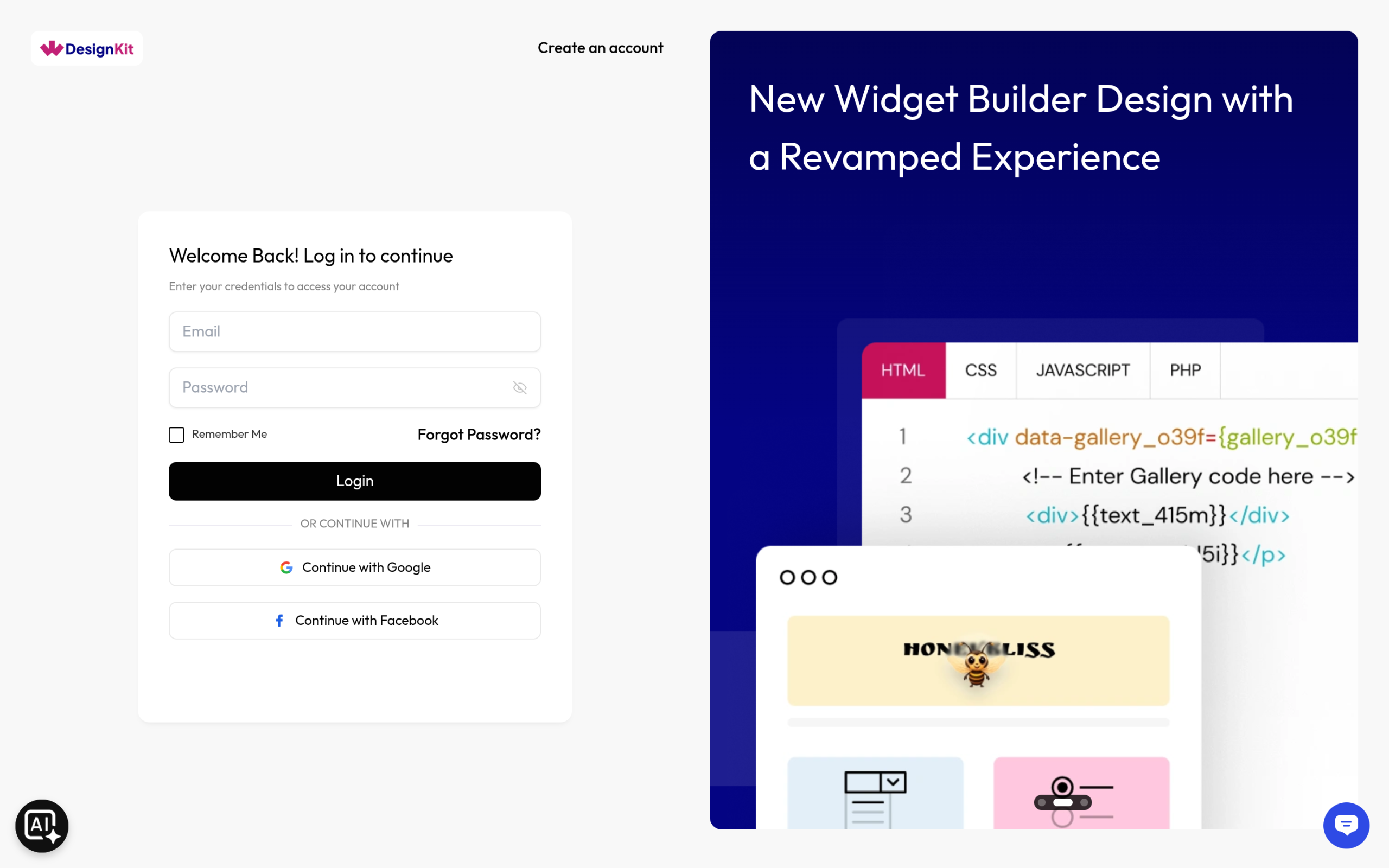
WDesignKit Account — used inside the plugin and on the WDesignKit website itself, to access, manage, and use features like cloud widgets, templates, and workspaces from both your WordPress site and learn.wdesignkit.com.
Note: If you are using the free version of WDesignKit, you only need a WDesignKit account — no POSIMYTH Store account is required.
How It Works
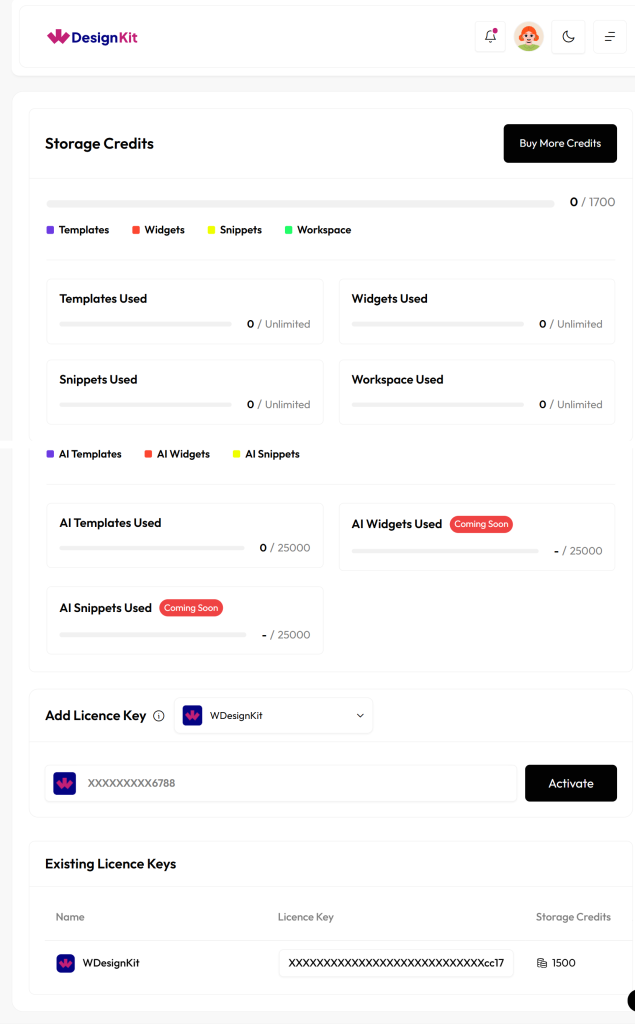
The POSIMYTH Store is the e-commerce and licensing layer shared across all POSIMYTH products, so it issues the license key you use to activate WDesignKit Pro inside WordPress. The WDesignKit account is a separate, product-specific login that the plugin and the learn.wdesignkit.com cloud services use to sync widgets, templates, and workspaces. The license key connects the two: it unlocks pro features once entered in the plugin, but you still sign into a WDesignKit account to use the cloud features day to day.
How to Use It
To set up WDesignKit Pro correctly:
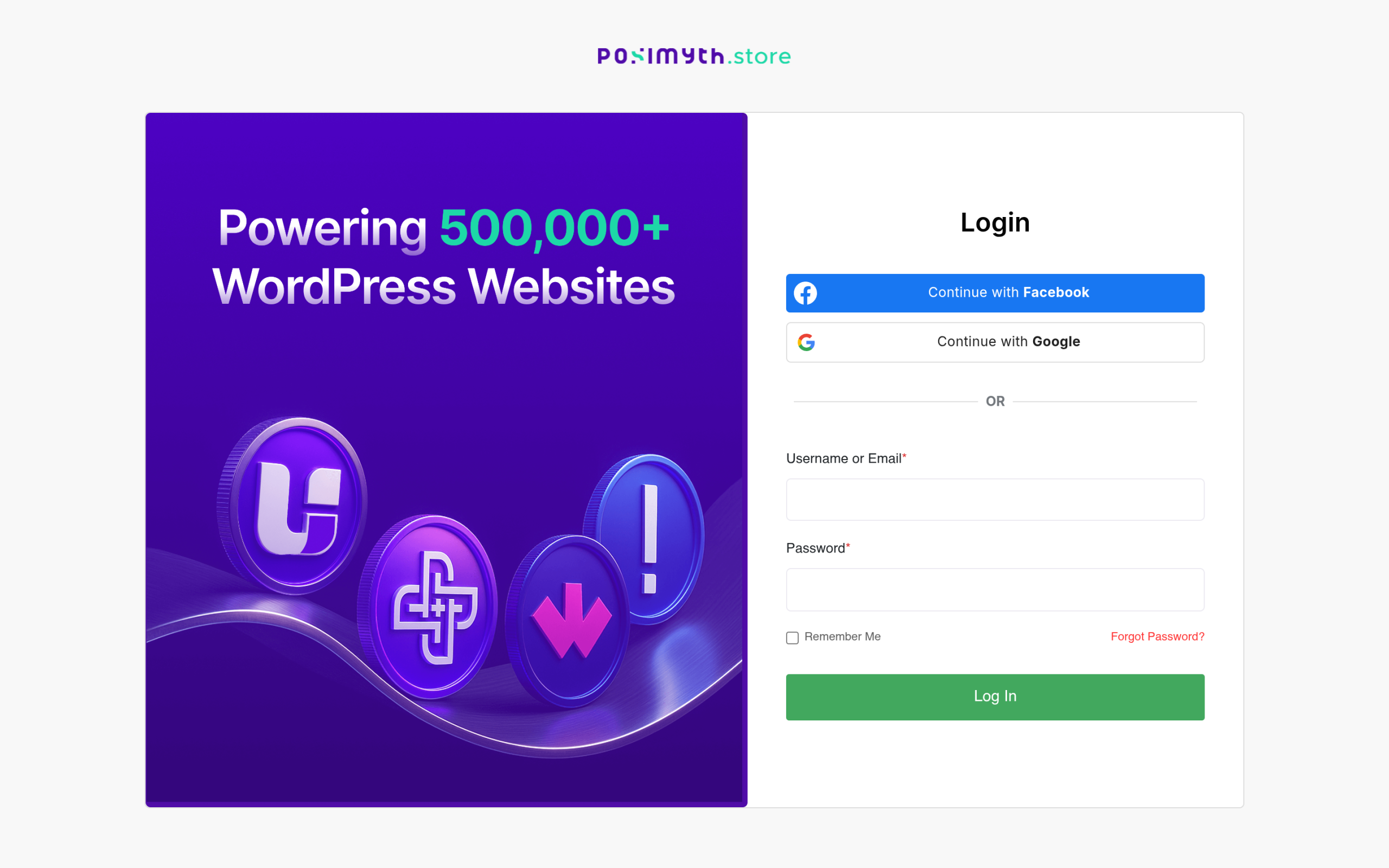
- Create an account on the POSIMYTH Store website and purchase the WDesignKit pro license.
- Register for a WDesignKit account to use the plugin’s cloud features from your WordPress site and from the WDesignKit website.
- If you already hold a pro license for another POSIMYTH product, check whether you qualify for extra credit in WDesignKit instead of buying a new license.
Use Cases
- You just purchased WDesignKit Pro and need to know where to get your license key.
- You already have a WDesignKit account from the free plugin and are upgrading to Pro.
- You own another POSIMYTH product license and want to check for WDesignKit credit before buying separately.
Limitations
- A WDesignKit account alone does not grant pro features — the license still has to be purchased and activated through the POSIMYTH Store.
- The two accounts use independent logins; there is no single sign-on between store.posimyth.com and the WDesignKit account system.
- Extra credit from another POSIMYTH product license is not automatic — it must be claimed through the linked process above.
Troubleshooting
- Entered a license key but the plugin still shows locked pro features — the license activates the plugin, but cloud features (widgets, templates, workspaces) also need you signed into a separate WDesignKit account inside the plugin.
- Signed up on learn.wdesignkit.com but can’t find a purchase/license — that account only covers plugin usage; the license itself is issued and managed on store.posimyth.com under Manage Subscriptions.
- Not sure which account owns an existing purchase — check the email used at checkout on store.posimyth.com; that POSIMYTH Store account is the one tied to the license, independent of whichever email was used to sign up for the WDesignKit account.
Sourcing note: the three Troubleshooting items above are derived from the documented account/license relationship (this page plus the linked activation and account-creation docs), not from a searched support-ticket sample this run — disclosed rather than presented as ticket-verified.