
AI-Powered Templates
Build Websites Faster with
AI Templates
Start with more than a layout. Get a website where content,
visuals, and styling are already aligned to your needs.
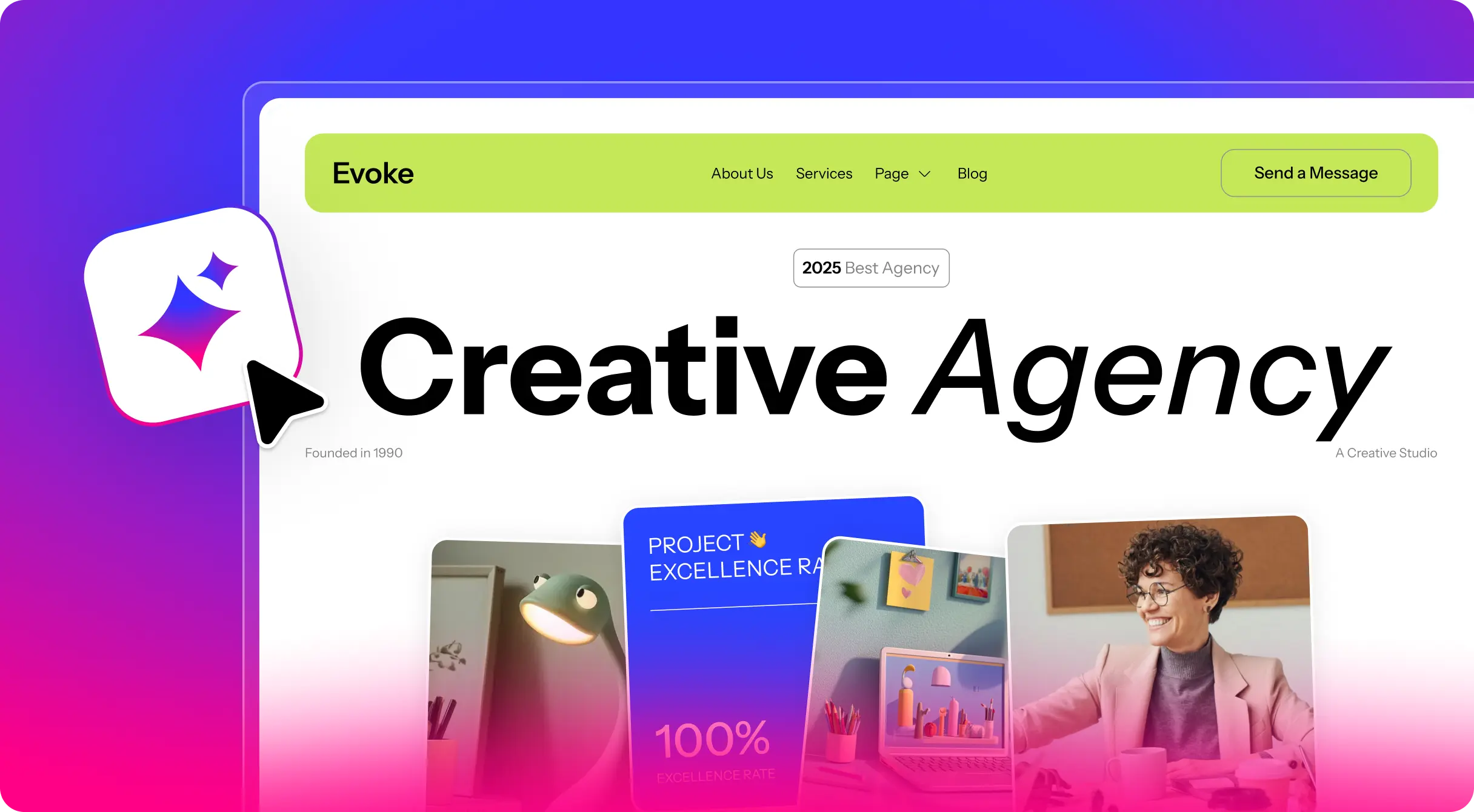
Browse AI Website Templates
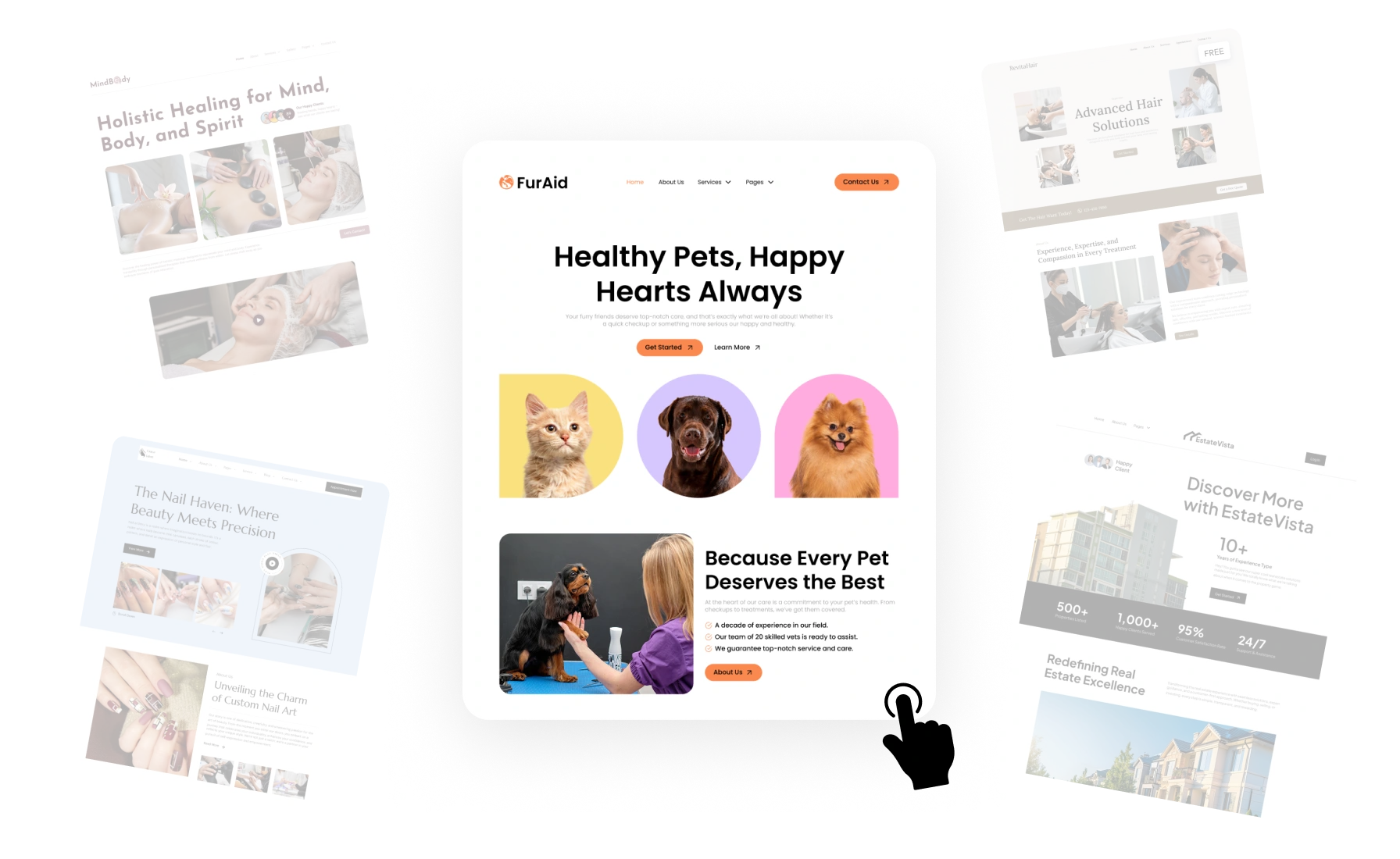
Select from professionally designed templates that adapt with AI to your website needs.



Start Building Websites Faster with AI Templates
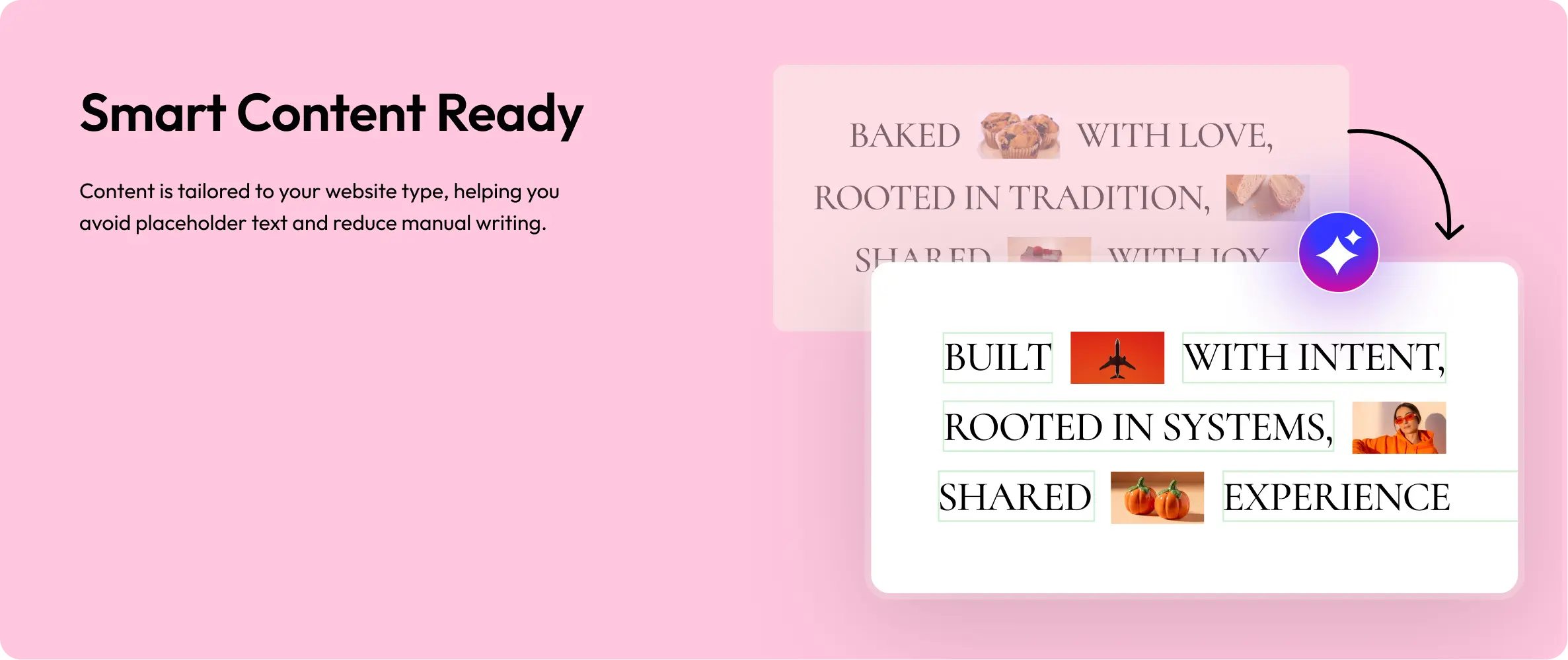
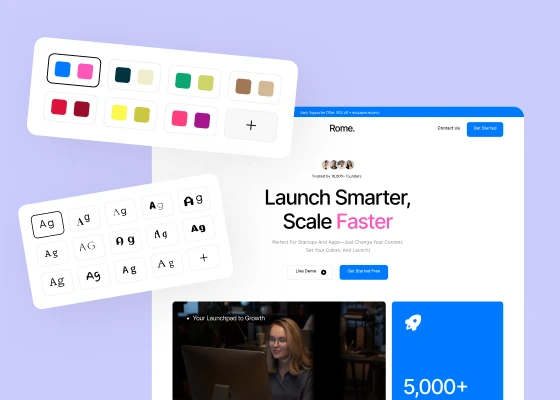
Instead of importing fixed layouts, templates are enhanced with relevant content, visuals,
and design choices, so your website feels complete from the start.


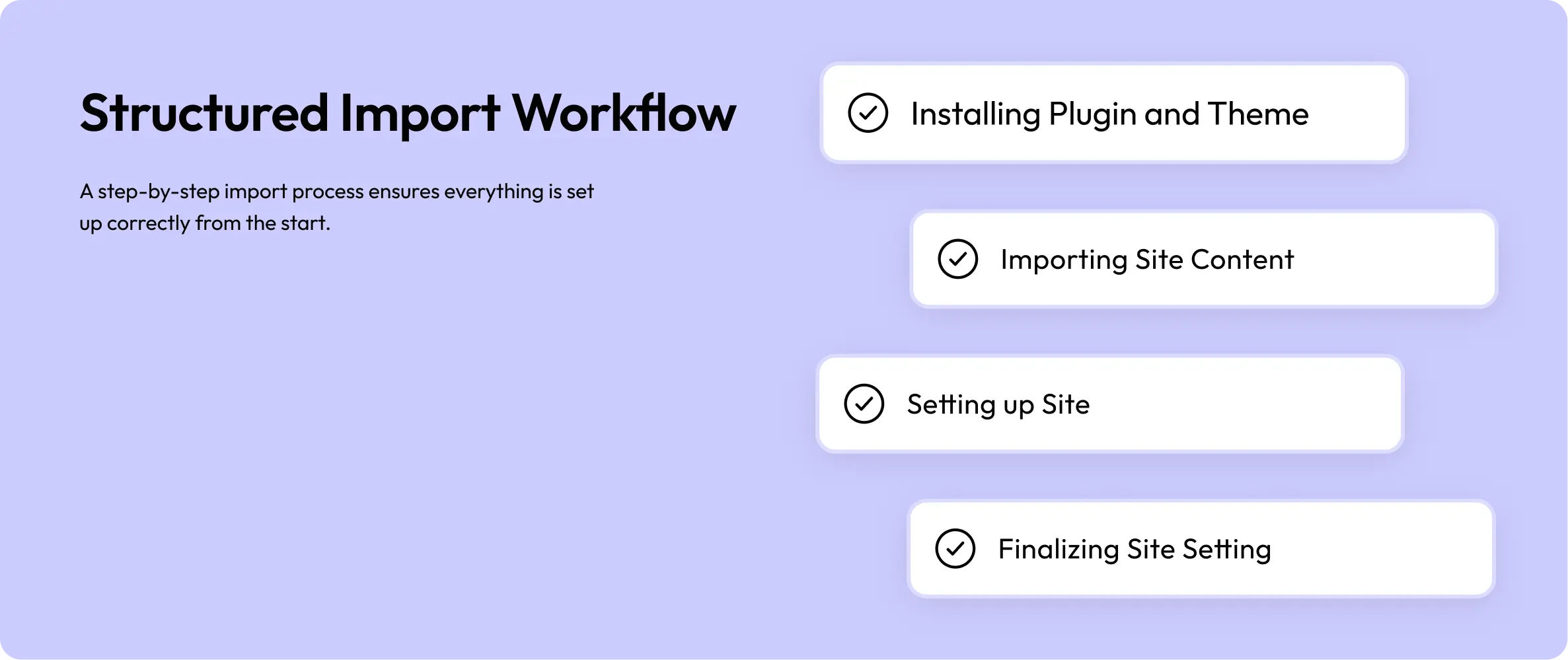
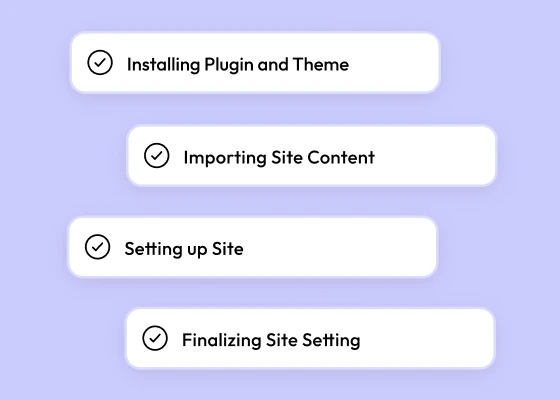

How AI Template Import Works
A simple workflow designed to help you go from template selection to a ready website faster.
Step - 1
Select a design that fits your website type
⚡ Built for SpeedMove Beyond Traditional Template Workflows Traditional templates require manual setup. AI Templates simplify the process with ready content and structure.
The Old Way
Start with empty or placeholder contentSpend time adjusting layouts and stylingRepeated manual setup for every project
The AI Template Way
Import templates with ready content and visualsUse consistent styling and structure from the startReduce setup time and focus on final delivery
Designed for Faster, Smarter Workflows
Everything is prepared so you can focus on refining and delivering, not rebuilding.
Faster WorkflowStart with a ready structure and reduce time spent on setup.
Smart Content GenerationGet relevant content aligned with your website type.
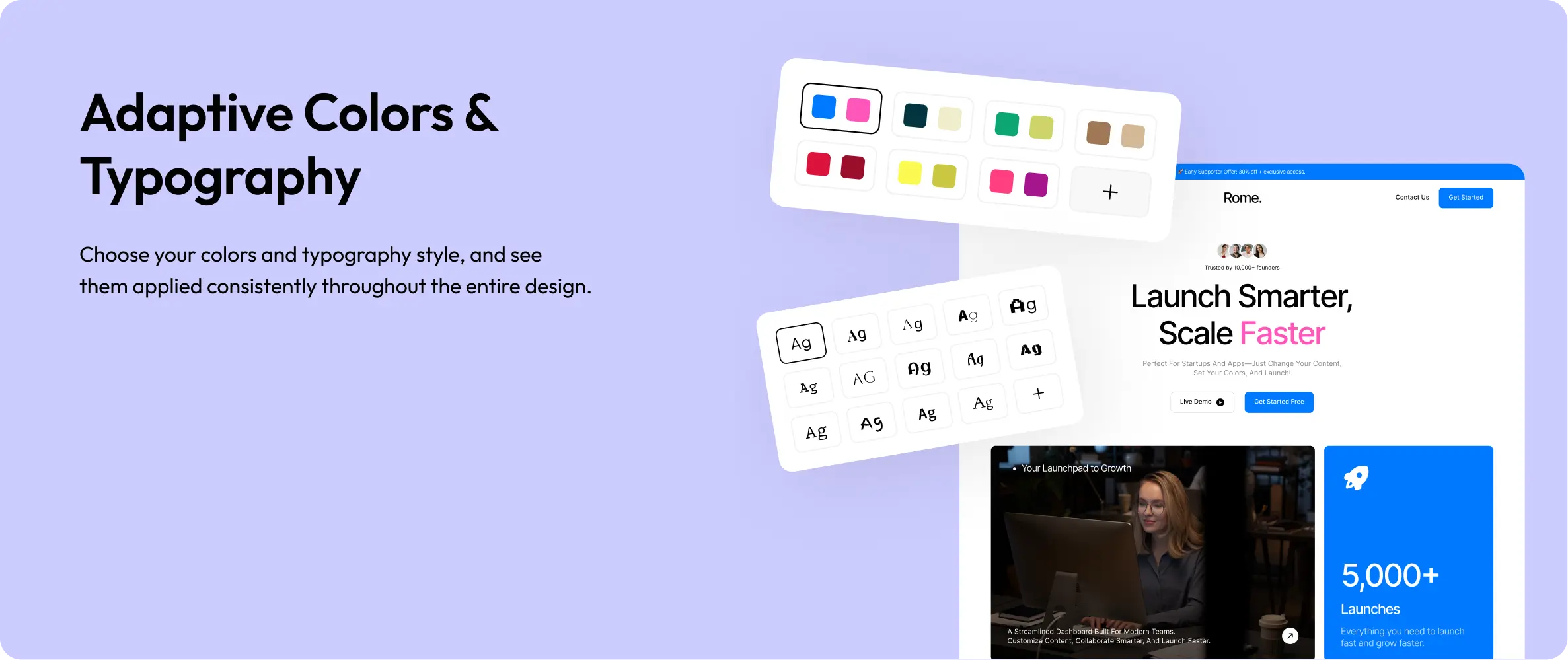
Consistent Design SystemMaintain colors and typography across all sections.
One-Click SetupImport templates without complex configuration.
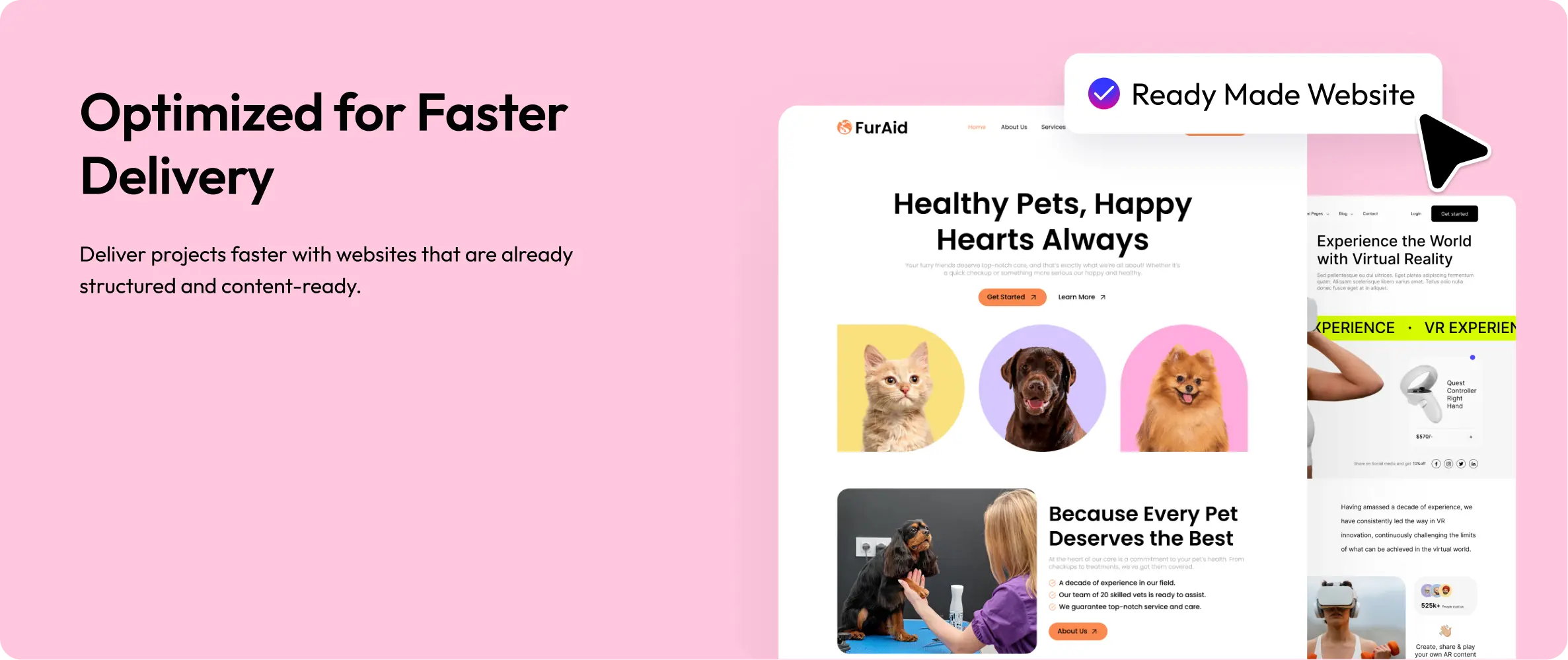
Cleaner Project HandoffDeliver websites that are structured and ready for clients.
AI-Enhanced LayoutsTemplates are adapted to feel complete, not just placeholders.
Works with Your Favorite Tools
Use AI Templates directly within your existing WordPress setup and preferred builders.
Elementor
WordPress
Gutenberg
Try It Now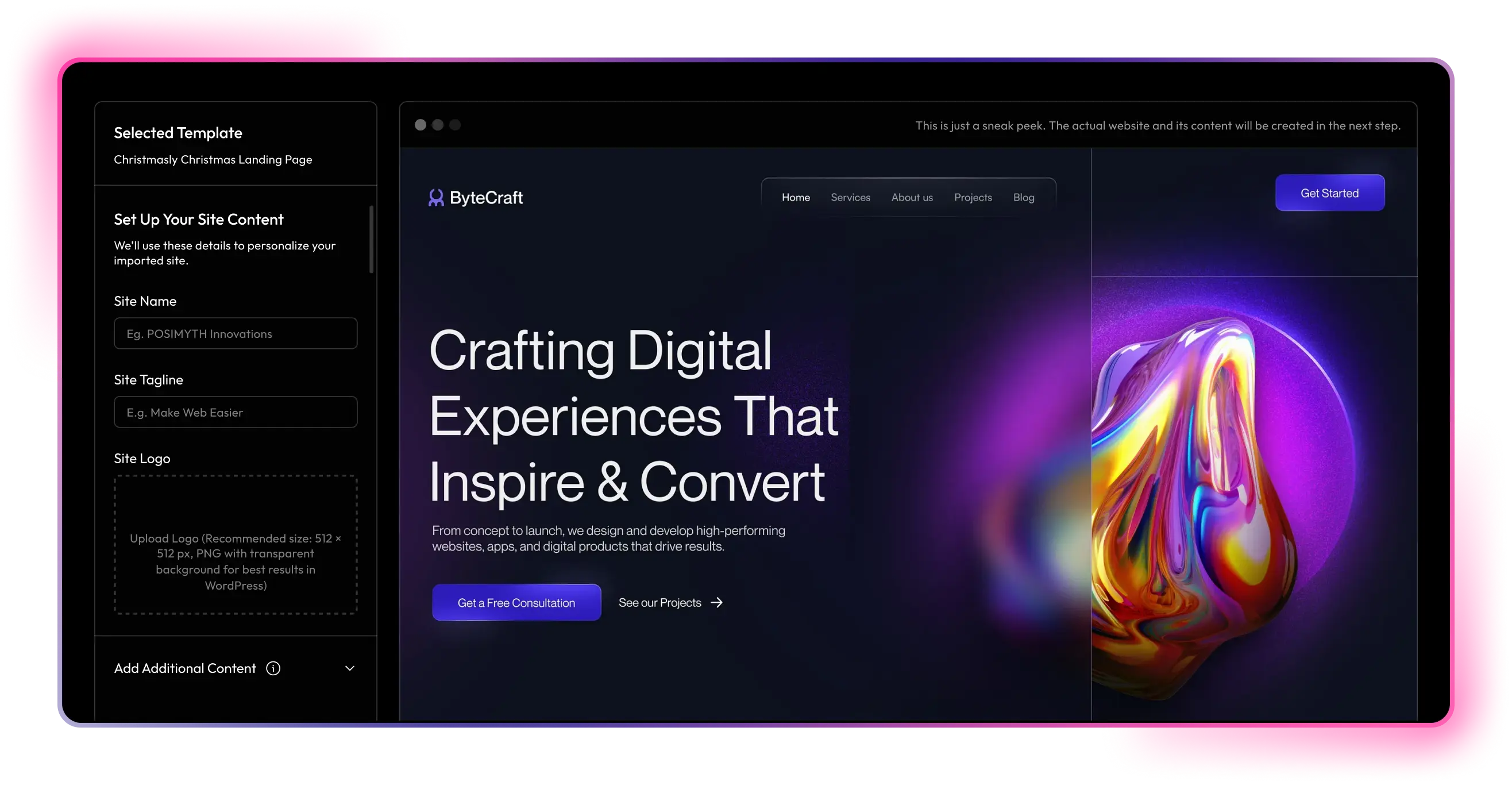
Start Building with AI Templates Today
Create your website faster with ready layouts, content, and styling, no extra setup needed.
Rated 5 of 5
Hear It From a Real User
See what creators are saying after trying WDesignKit's AI-powered templates.


andrea egli@andreaegli
I Tested WDesignKit's AI-Powered Templates
In this video, I tested WDesignKit's AI-powered template system for Elementor to see how practical it really is. I walked through the full process, showing exactly what it generates and how usable the output is.It gives a clear idea of whether this feature is worth adding to your workflow or not.