
Background Smoking Cursor Effect Widget for Elementor
On this page
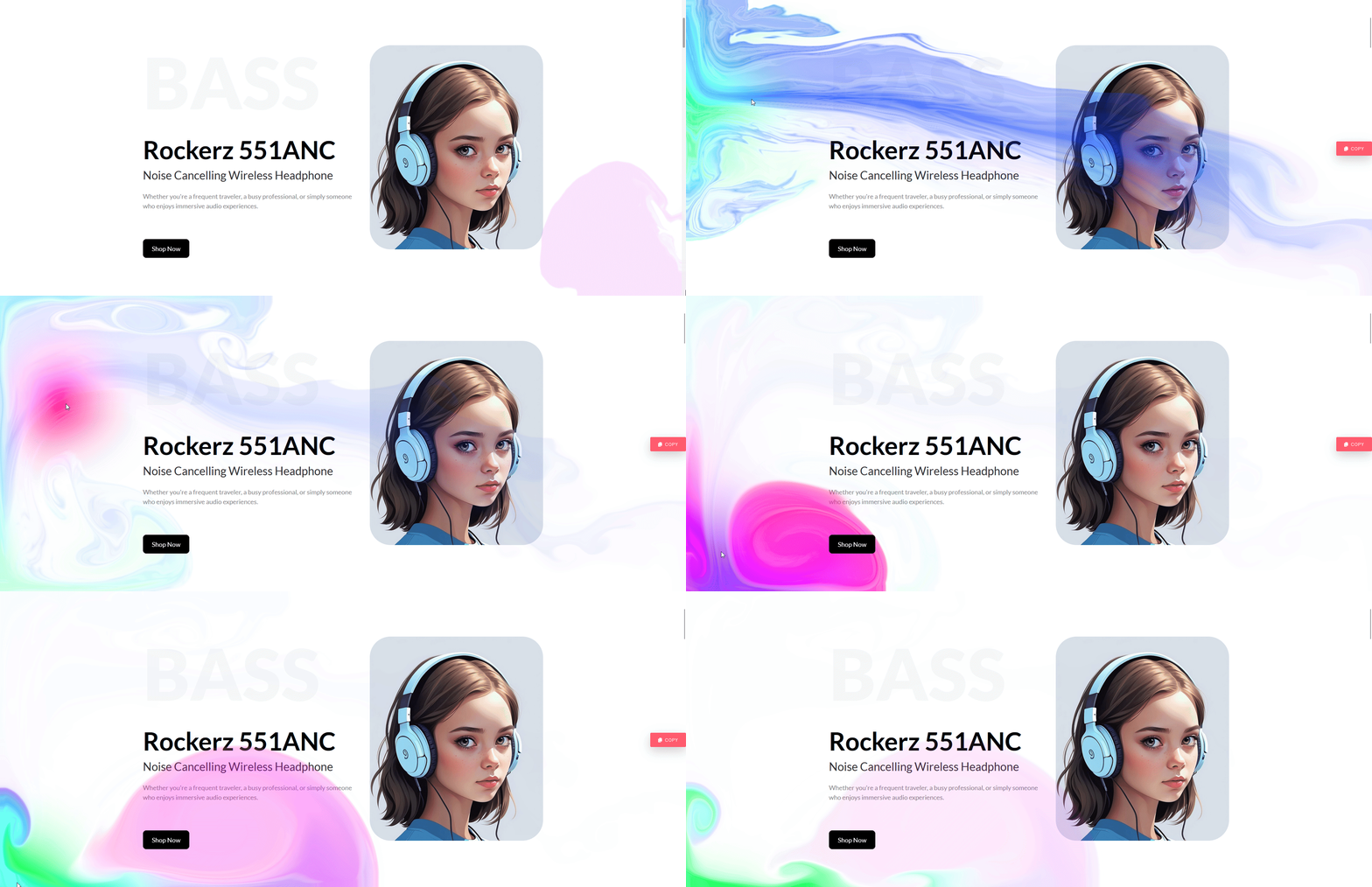
This widget adds a colorful smoke-trail effect that follows the mouse cursor across the whole page or one section or container.
1. What It Does
Background Smoking Cursor Effect renders a smoke-like particle trail that follows the visitor’s pointer, scoped to either the full page or a specific section or container.
2. Why It Matters
It gives a page a visually distinct hover-motion background without writing custom canvas or WebGL code.
3. What You Get
A cursor-following smoke trail with color and scope configuration.
4. Benefits
Skipped, already covered above: the value is the distinctive hover-motion background described in Why It Matters, restating it here would not add anything new.
5. Capabilities
- Apply to the whole page or a specific section or container
- Adjustable smoke color
- This is a Pro widget, confirmed live on the WDesignKit marketplace at version 1.0.2, a valid WDesignKit Pro licence is required to use it
6. How It Works
JS attaches a canvas overlay to the chosen scope, page or container, and renders a particle trail following the pointer’s coordinates in real time.
7. How to Use It
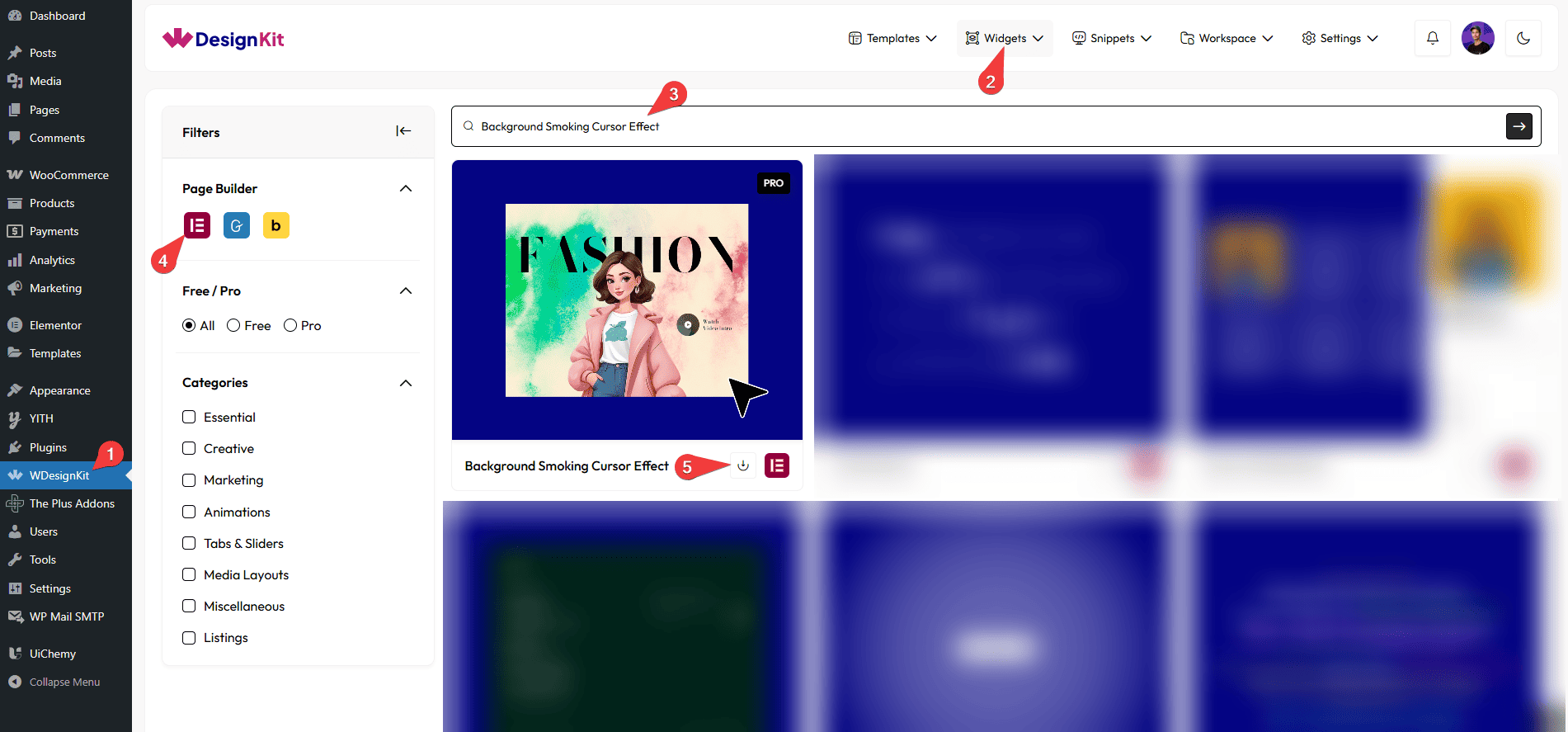
- Make sure an active WDesignKit Pro licence is applied, then activate the Background Smoking Cursor Effect widget from Ready Widgets.
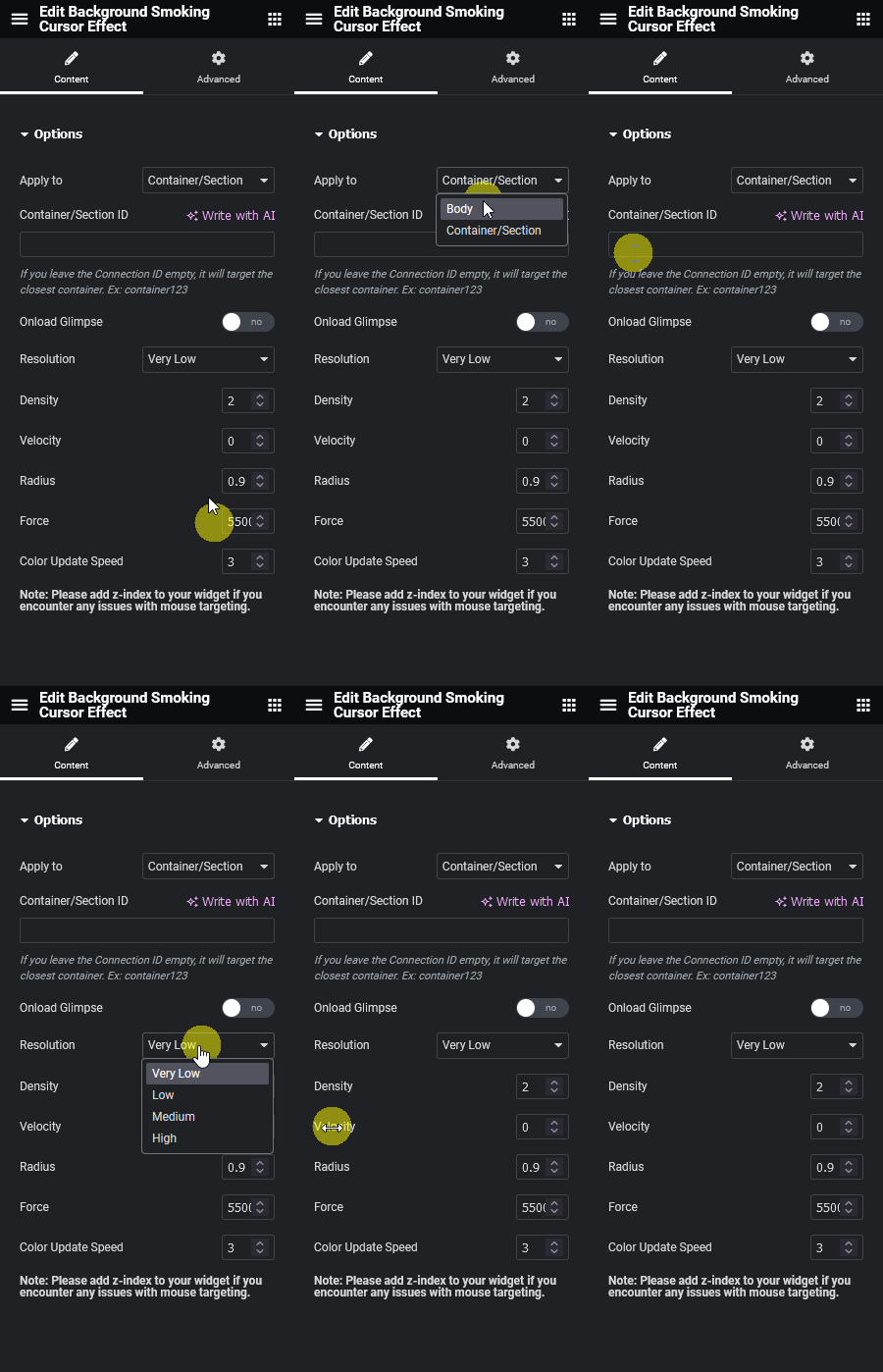
- Drag the widget onto the page or a specific section, then set the scope and colors.
- Preview on the published page.
8. Use Cases
- An agency portfolio hero section wanting a distinctive hover accent.
- A product launch page adding a playful motion background.
9. Limitations
- Pro-only, confirmed live on the marketplace, it will not render without an active WDesignKit Pro licence.
- A canvas-based cursor effect runs continuous JS while the pointer moves, so avoid stacking it with other heavy cursor-effect widgets on the same view.
10. Troubleshooting
- Effect not visible at all: confirm an active WDesignKit Pro licence, this widget will not render without one.
- Smoke lags or stutters: reduce the scope from full page to a single section to lower the render area.
- Wrong colors showing: check the widget’s color controls, some themes’ global color variables can override the default.