
Tabbed Images Carousel Widget for Elementor
On this page
The Tabbed Images Carousel widget pairs a list of text tabs with a matching image that changes as each tab is selected.
1. What It Does
Displays a list of tabs, each with a title, description, and image, switching the visible image and text as the visitor selects a different tab.
2. Why It Matters
Pairing tabs with a matching image lets visitors browse several features or steps, each with its own visual, without scrolling through a long stacked list.
3. What You Get
A Tabs repeater with title, description, and image per item, plus autoplay, timing, and layout-reverse controls.
4. Benefits
Skipped, already covered above: the value is the tab-to-image pairing described in Why It Matters and What You Get, restating it here would not add anything new.
5. Capabilities
- Tabs repeater, each item with Title, Description, and Select Image
- Auto Play toggle with a Duration field for automatic tab switching
- Reverse toggle to flip the tabs-and-image layout
6. How It Works
Selecting a Tabs item shows that item’s Select Image alongside its Description. With Auto Play enabled, the widget advances through the tabs on its own at the interval set by Duration instead of waiting for a click.
7. How to Use It
- Activate the Tabbed Images Carousel widget from WDesignKit’s Ready Widgets.
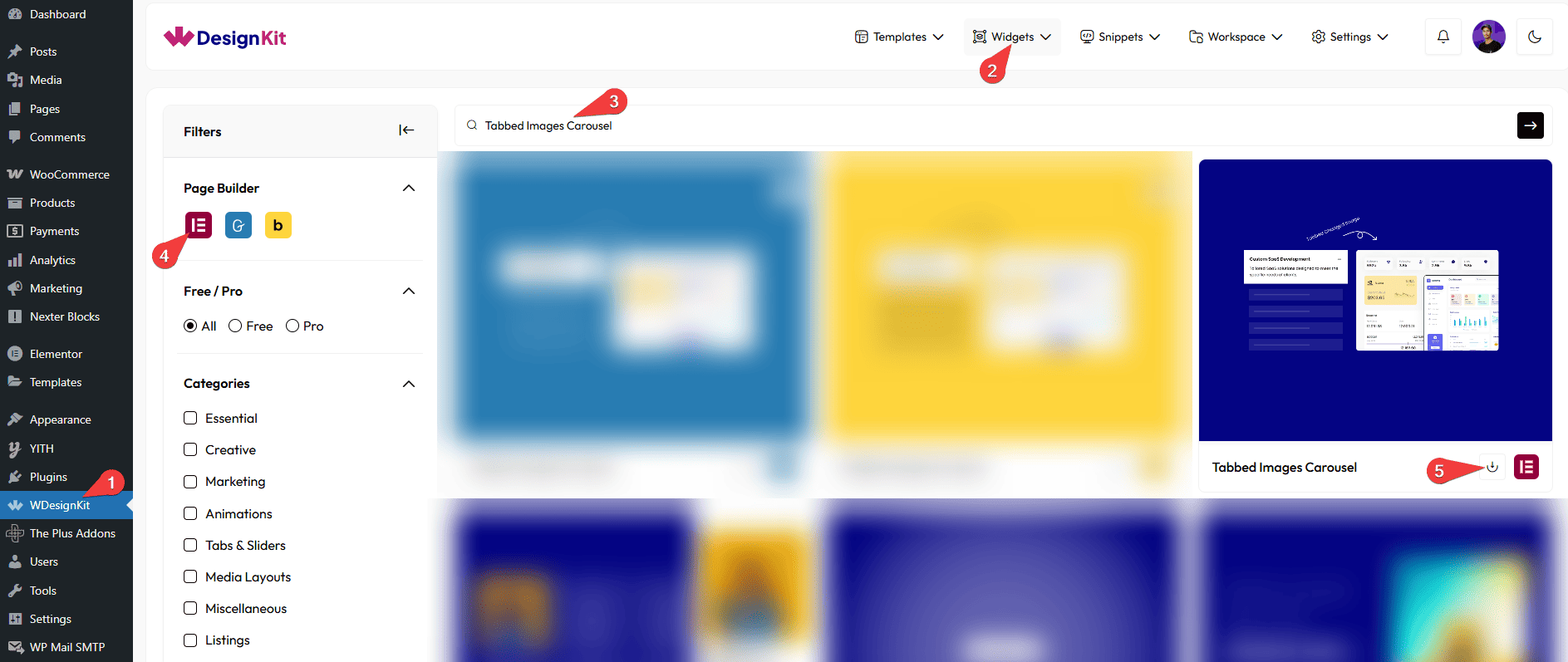
- Drag the widget onto the page and add items under Tabs, each with a Title, Description, and Select Image.
- Optionally enable Auto Play and set the Duration, or enable Reverse to flip the layout, then customize further on the Style tab.
8. Use Cases
- A feature walkthrough where each tab shows a matching screenshot
- A step-by-step process section with a text tab and image per step
9. Limitations
- Duration only takes effect once Auto Play is enabled, it has no effect otherwise.
- Reverse flips the whole layout for every tab, individual tabs cannot use a different orientation.
10. Troubleshooting
- Tabs never advance automatically: confirm Auto Play is enabled, it is off by default.
- Image does not switch with the tab: check Select Image is actually set for that specific Tabs item.
- Layout looks mirrored unexpectedly: check whether Reverse was left enabled from a previous edit.