
Interior Design Website Templates: 5 WordPress Kits Compared
Contents
- Table of Contents
- What Clients Check on an Interior Designer’s Website
- 5 WDesignKit Interior Design Kits Compared
- PlanPro Interior: The Free Kit Most Designers Start With
- PlanPro Architecture: Team Pages for Studios
- Space-Creators Roots, Nest and Forge: Three Pro Homepages
- Roots: For Designers Who Sell Their Process
- Nest: A Virtual Tour When You Have No Showroom
- Forge: For Growing Studios
- Pages That Turn Browsers Into Design Clients
- Free or Pro: Picking Your Starting Point
- How to Import an Interior Design Kit
- Frequently Asked Questions
- Is PlanPro Interior Really Free?
- Which Interior Design Kit Has a Virtual Tour Page?
- Can an Architecture Firm Use These Templates?
- How Many Pages Does an Interior Design Website Need?
- Can I Change the Colors and Fonts to Match My Brand?
- Suggested Reading
- Author
Key Takeaways
- PlanPro Interior ships 18 Elementor templates, and its Services, Service Detail, Pricing and FAQ pages answer what a solo designer offers before a client asks.
- PlanPro Architecture swaps PlanPro Interior’s Services, Service Detail and FAQ pages for Team and Team Details pages, making it a better fit for studios with several designers or architects.
- Space-Creators Roots includes 17 templates and a dedicated Work Process page, so it gives the project flow from consultation to install its own page.
- Space-Creators Nest includes a Virtual Tour page plus Image Gallery Masonry, Portfolio and FAQ pages, which suits designers who work without a showroom.
- Space-Creators Forge has 18 templates with Careers, Video Gallery, Pricing Plan and Testimonial pages, so it fits a studio that is hiring and wants the site to recruit as well as sell.
Table of Contents
At the end of September, a designer posted in r/smallbusiness about starting their own interior design business at 25. Five years at multiple firms, a handful of projects for family and friends to use as a first portfolio, and one nagging worry: that clients would think they were too young to hire. One of the replies reframed the problem in a single line:
“25 isn’t the problem, looking unprepared is, so make your process and portfolio look polished”
u/Humble-Fall9660 on r/smallbusiness
Polished process and portfolio pages are exactly what an interior design website template should give you on day one, so your time goes into photos and copy instead of layout. This guide compares the five interior and architecture kits in the WDesignKit library, using the page lists and download counts shown there on September 29, 2026, and explains which pages actually win design clients.
What Clients Check on an Interior Designer’s Website
Most people who land on a designer’s site already have a reason to be there. A friend recommended you, they saw a project on social media, or they searched for designers nearby. What they want from the site is proof, and in design, proof means rooms. Another reply in the same thread said it plainly:
“nobody’s asking your age once they see finished rooms.”
u/HoneyedVices on r/smallbusiness
After the portfolio, clients want to know what exactly you offer and how you work. Interior design services vary a lot from studio to studio, and visitors notice when a site is vague about it. In an earlier r/smallbusiness thread about starting a virtual design practice, a reply listed the questions a prospective client is effectively asking:
“Are you offering consultations, 3D services, mood boards, layout plans, shopping lists, samples, project documentation or all of the above?”
u/snapparillo on r/smallbusiness
So the short list for any interior design site is a strong project gallery, a services page that spells out what is included, a clear description of your process, and an easy way to book a consultation. That is the checklist used for the kits below.
5 WDesignKit Interior Design Kits Compared
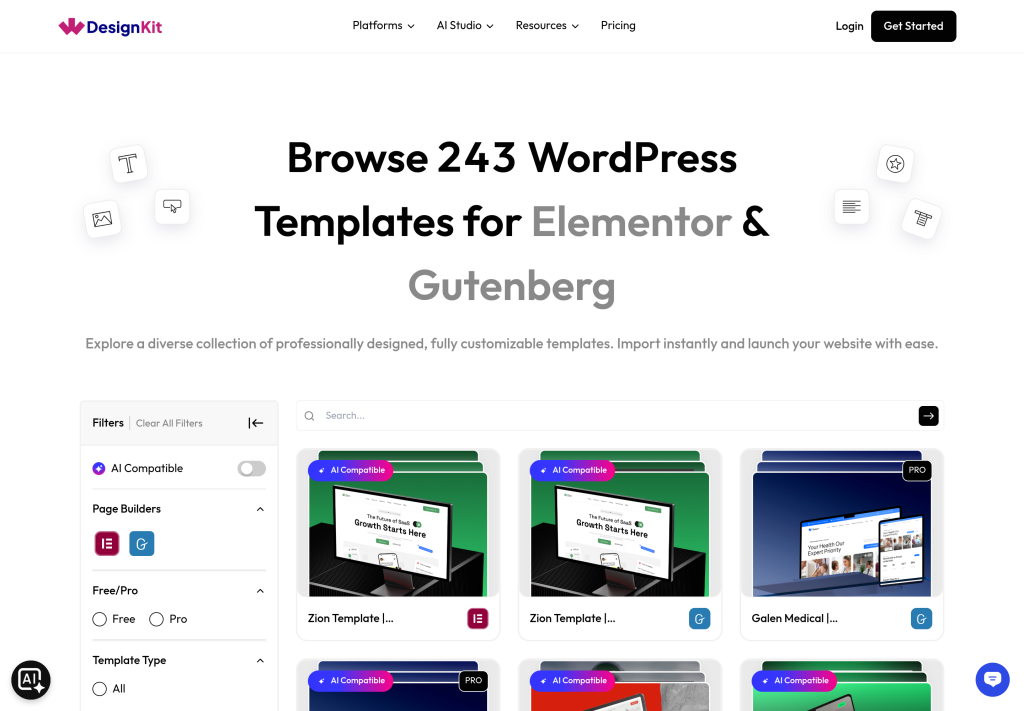
The WDesignKit library has two free PlanPro kits and three Pro Space-Creators kits aimed at interior designers and architects. Each has an Elementor version and a Gutenberg version. Template counts below are for the Elementor versions.
| Kit | Templates | Standout pages | Plan | Downloads (Elementor / Gutenberg) |
|---|---|---|---|---|
| PlanPro Interior | 18 | Services, Service Detail, Pricing, FAQ | Free | 8,527 / 4,673 |
| PlanPro Architecture | 17 | Team, Team Details, Pricing | Free | 1,280 / 827 |
| Space-Creators Roots | 17 | Work Process, Team, Agency, About-Me | Pro | 401 / 394 |
| Space-Creators Nest | 17 | Virtual Tour, Image Gallery Masonry, FAQ | Pro | 108 / 208 |
| Space-Creators Forge | 18 | Careers, Video Gallery, Pricing Plan, Testimonial | Pro | 86 / 136 |
PlanPro Interior stands out immediately. Its Elementor version alone has been downloaded 8,527 times, more than the other four kits combined across both builders. Part of that is price, since it is free, and part is that it covers nearly everything a small studio needs without extra work.
PlanPro Interior: The Free Kit Most Designers Start With
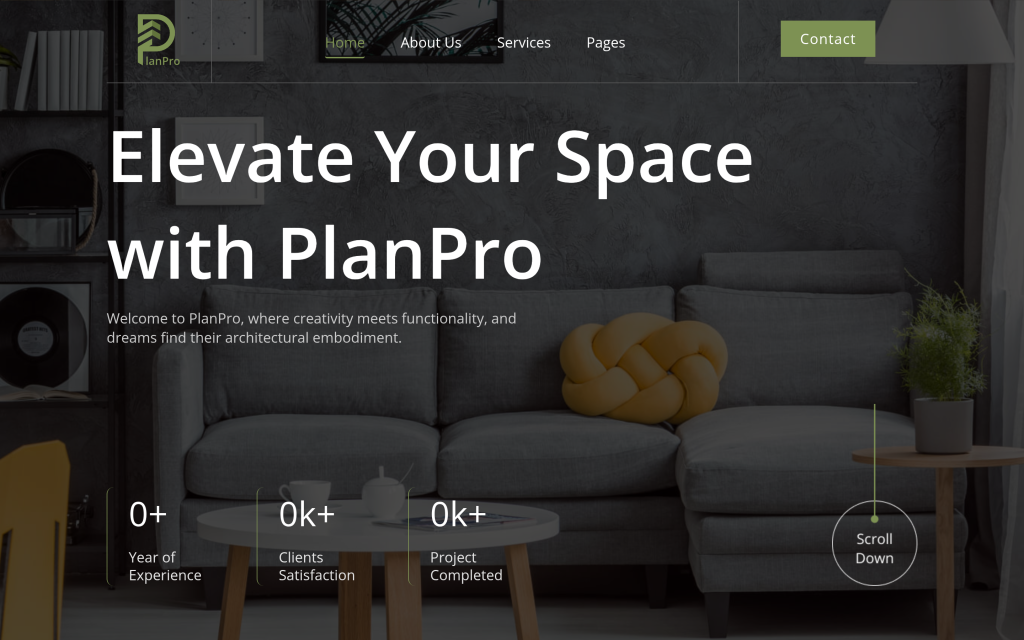
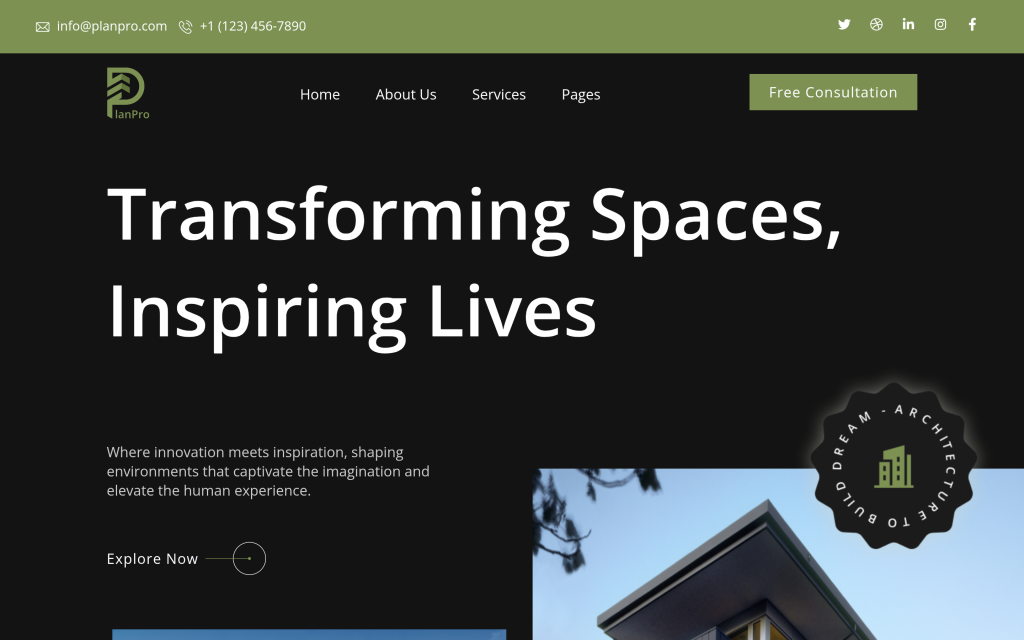
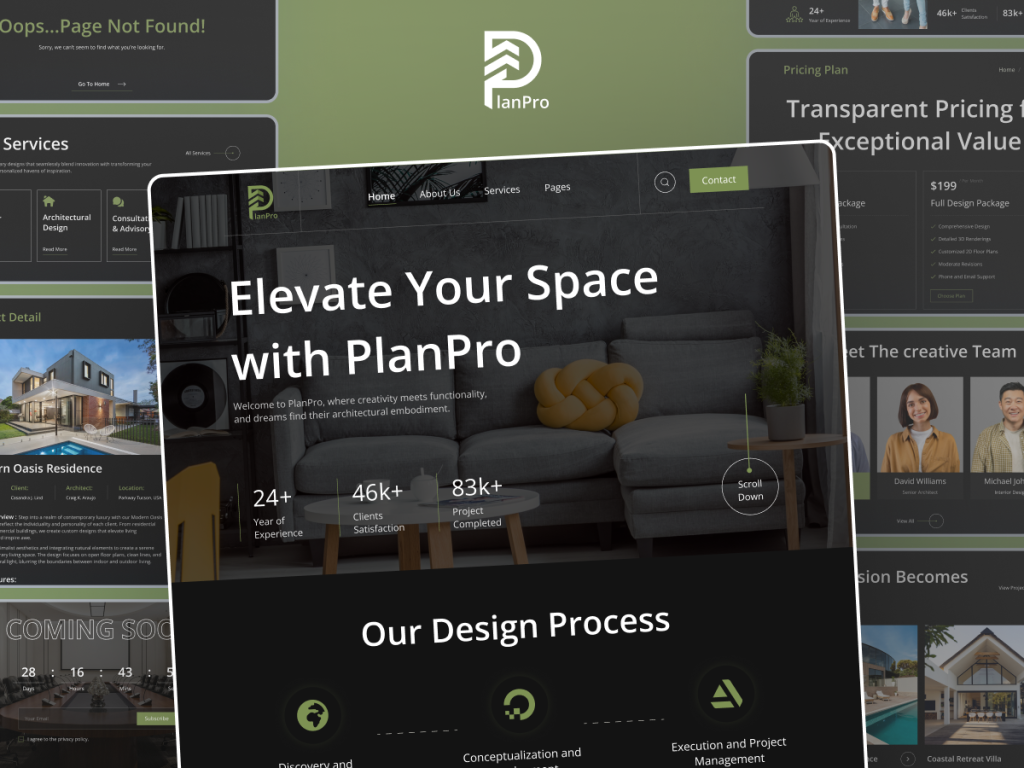
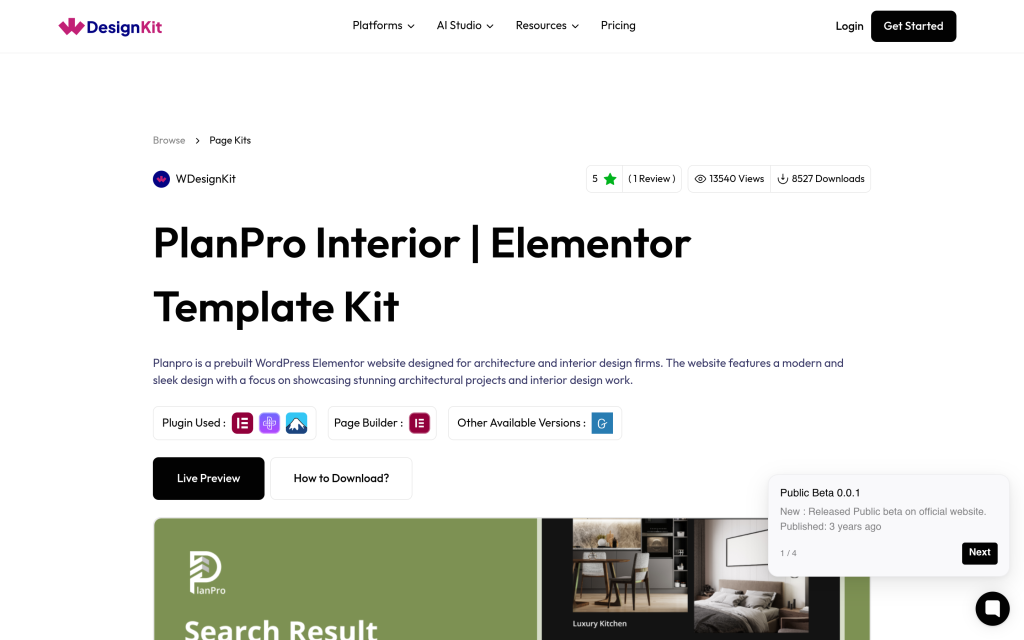
PlanPro Interior ships 18 templates in its Elementor version: Home, About Us, Services, Service Detail, Project, Project Detail, Pricing, FAQ, Blog, Blog Detail, Blog Categories, Blog Author, Search, Contact Us, Coming Soon and 404 pages, plus a header and footer. The WDesignKit listing describes it as a prebuilt site for architecture and interior design firms with a focus on showcasing projects.
The Services and Service Detail pair is the practical win. You can use the Services page as an overview and give each offer its own detail page: an hourly consultation, an e-design package with mood boards and a shopping list, or a full-service room. That structure answers the “what exactly do you offer” question before a client has to ask it.
The Pricing page is worth using even if you do not publish exact fees. Many designers list starting prices or package names so visitors can qualify themselves, and the FAQ page is a good place for questions about timelines, travel and how revisions work. Project and Project Detail cover the portfolio, with room for a write-up of the brief, the constraints and the result, not only the photos.
The blog set is more complete than most free kits: Blog, Blog Detail, Blog Categories, Blog Author and Search pages. For a designer, that is a good place for longer project stories, sourcing notes or seasonal styling posts, which give past clients something to share and give search engines more pages about the work you do.
You can open the demo from the PlanPro Interior template kit page, which also links to the Gutenberg version if you do not use Elementor.
PlanPro Architecture: Team Pages for Studios
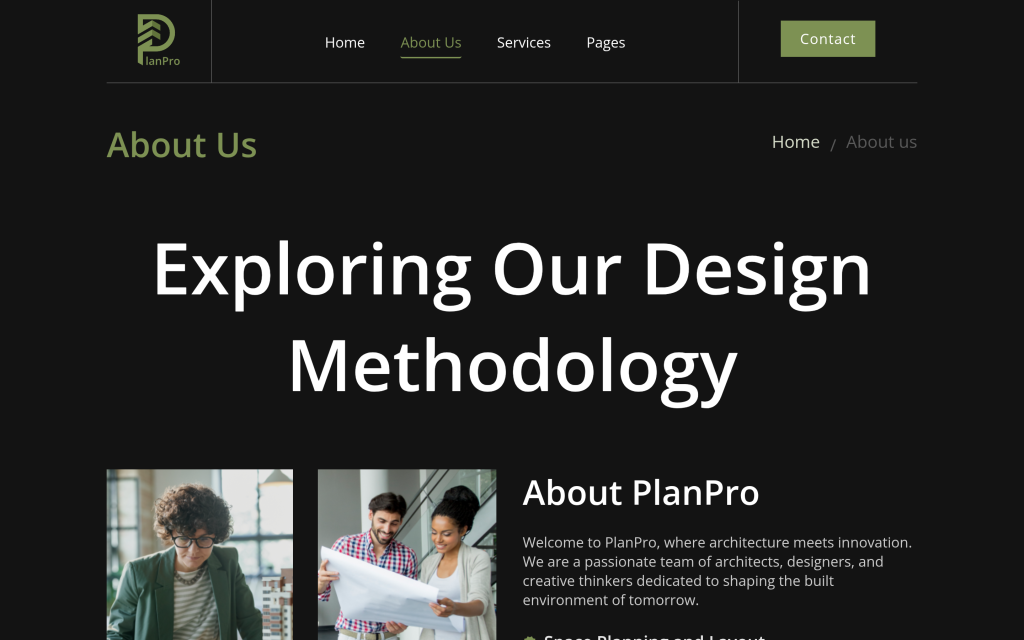
PlanPro Architecture is the free sibling of PlanPro Interior. Its Elementor version has 17 templates and shares eight of them with Interior: the header, footer, Contact Us, Blog Detail, Project Detail, Blog Categories, Blog Author and Search pages. The difference is in the pages around them.
Architecture adds a Team page and a Team Details page, and it drops the Services, Service Detail and FAQ pages that Interior has. That makes it a better fit for a studio with several designers or architects, where clients want to see who they will work with, and a weaker fit for a solo designer who sells clearly defined packages. If you need both, you can import the Team pages from Architecture into a site built on Interior, because WDesignKit lists each kit page as its own template.
Space-Creators Roots, Nest and Forge: Three Pro Homepages
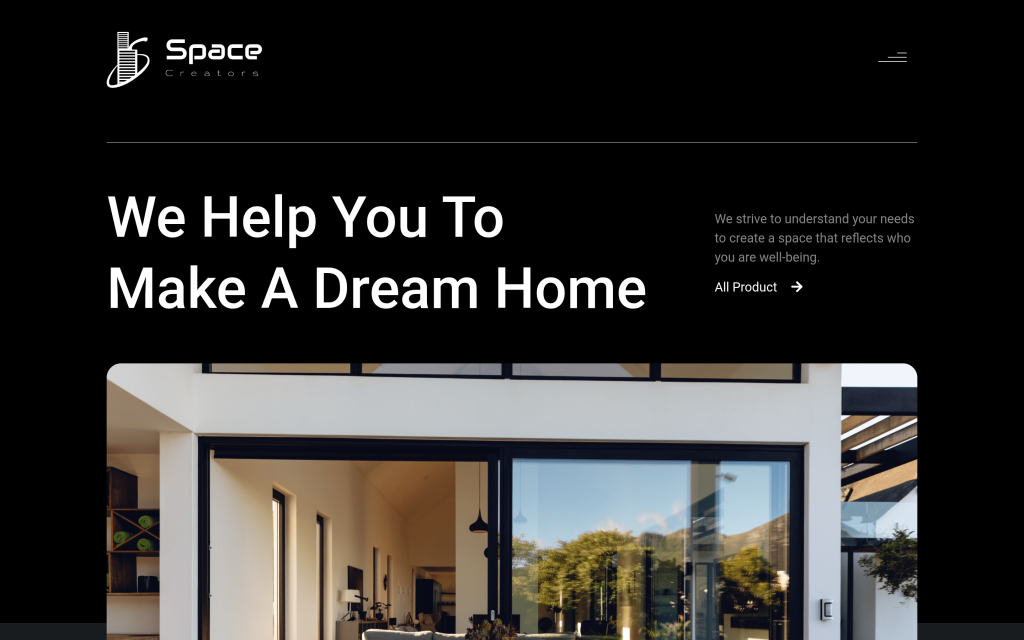
The three Space-Creators kits are Pro and share a common base. The WDesignKit listing describes them as built for interior designers, architects and home renovation professionals. All three include the same header and footer, About-Us and About-Me pages, a Blog Listing and Blog Single page, and a Popup Builder template. Each then has its own homepage, project pages, contact, 404 and Coming Soon pages, plus a few pages you will not find elsewhere.
Roots: For Designers Who Sell Their Process
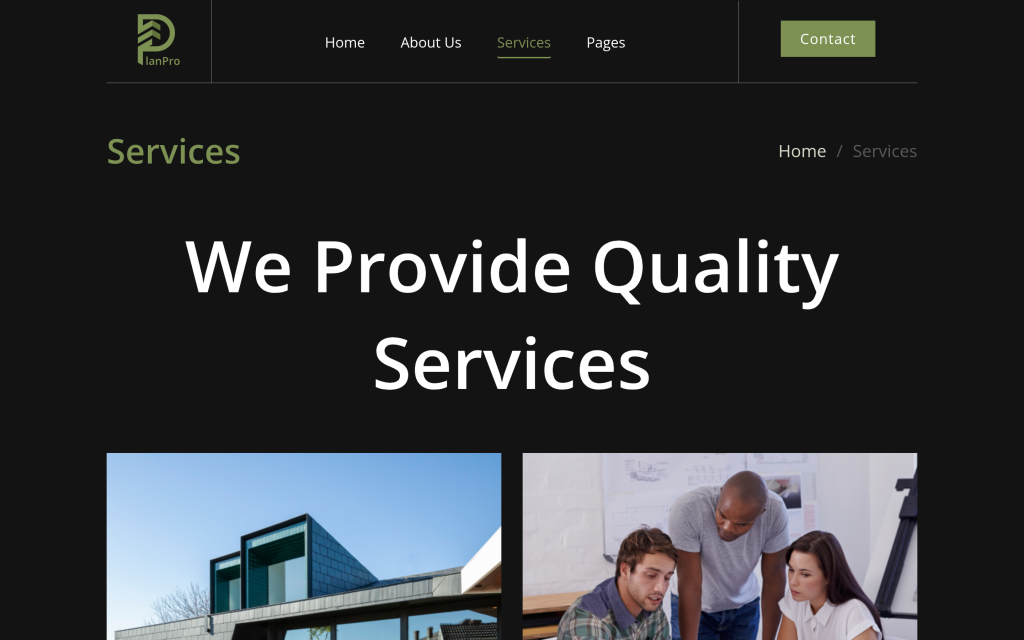
Space-Creators Roots has 17 templates and is the only kit in this group with a dedicated Work Process page. It also includes Team, Agency and Service pages. If your pitch is the way you run a project, from first walkthrough to final styling, Roots gives that story its own page instead of a paragraph buried on About.
Nest: A Virtual Tour When You Have No Showroom
Plenty of independent designers work without a showroom, and it worries some of them. In an r/interiordesigner thread about going out on your own, one kitchen designer wrote:
“I also really don’t love the fact I won’t have a showroom.”
u/SSSGC on r/interiordesigner
Another designer in the same thread, who had worked in a kitchen showroom for 12 years before going independent, wrote:
“Don’t fear not having a showroom.”
u/PM_MeYawningBunnies on r/interiordesigner
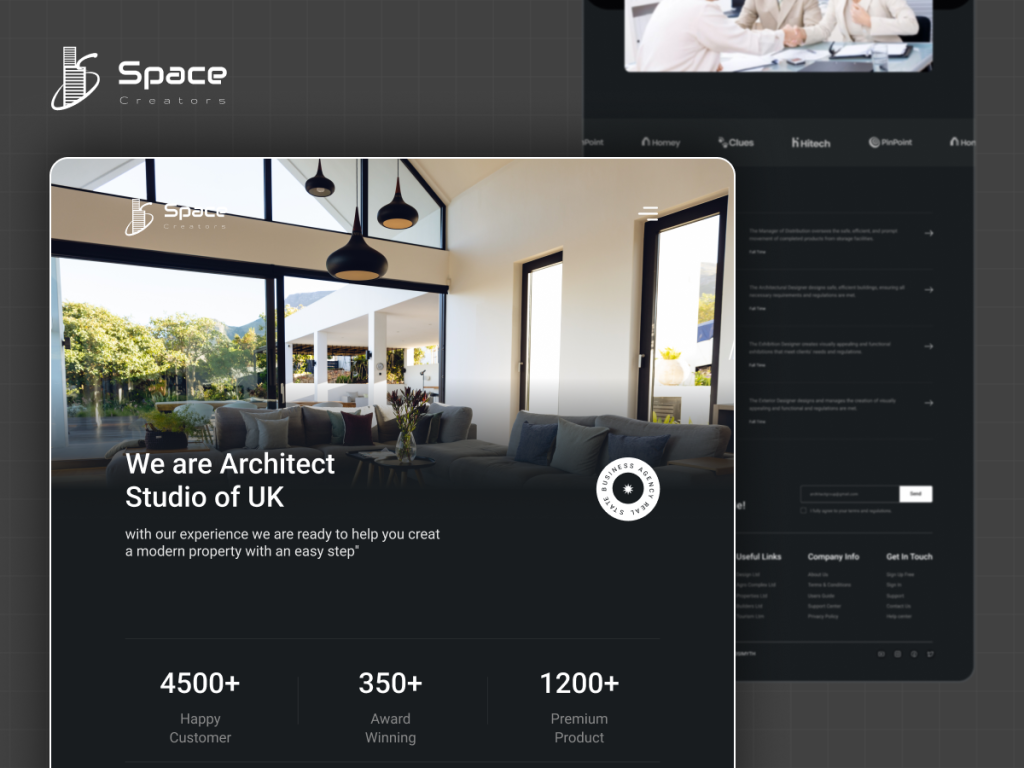
Space-Creators Nest is the kit that leans into that. Its 17 templates include a Virtual Tour page, an Image Gallery Masonry page, a Portfolio page and an FAQ page. A walkthrough video or 360 tour of a finished project on the Virtual Tour page does part of what a showroom visit used to do.
Forge: For Growing Studios
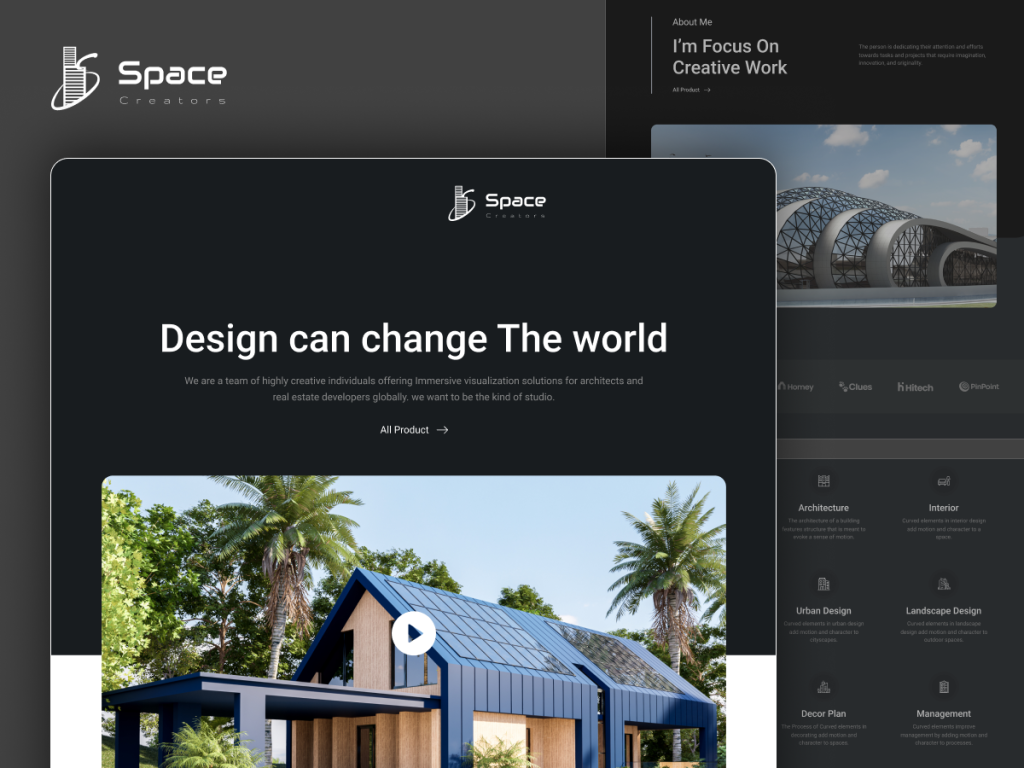
Space-Creators Forge has the most templates of the three at 18, including Careers, Video Gallery, Pricing Plan, Testimonial and Portfolio pages. The Careers page is the tell: Forge suits a studio that is hiring and wants its site to recruit as well as sell.
Pages That Turn Browsers Into Design Clients
Across all five kits, a few pages carry most of the weight. Here is what to put on them.
- Project Detail pages: one page per project with the brief, the budget range if you are comfortable sharing it, before and after photos, and a sentence or two from the client.
- A process page: Roots has one built in, and on the other kits the About page works. Walk through your steps from consultation to install so a first-time client knows what they are signing up for.
- Services or pricing: PlanPro Interior’s Services, Service Detail and Pricing pages, or Forge’s Pricing Plan page, let you list packages so visitors can qualify themselves.
- A clear consultation path: keep the contact or booking link in the main navigation so it is one click from every page.
Location matters more than most designers expect. A reply in the virtual design thread made the point that competing purely online is hard:
“you could have the best website in the world but would have to pay for traffic since you’d be competing globally instead of locally.”
u/Moon_Shakerz on r/smallbusiness
The fix is to be specific about where you work. Name your city and the neighborhoods you serve on the homepage and the contact page, and tag each project with its location, so the site reads as local to both visitors and search engines.
Also Read: Construction Website Templates if the studio also handles builds and needs a contractor-style site.
Free or Pro: Picking Your Starting Point
Both PlanPro kits are free, which makes them the obvious starting point if you are launching a new practice. The Space-Creators kits are Pro and need a paid WDesignKit plan. On September 29, 2026, the pricing page listed paid Starter, Professional and Studio plans billed annually at $99, $149 and $249, shown as flash-sale prices at the time, so confirm the current numbers before you buy. Our WDesignKit free vs Pro comparison goes through what each tier includes.
Starting free also does not lock you into one kit. Because WDesignKit lists every kit page as its own template, you can launch on PlanPro Interior now and later import a single Pro page, such as the Virtual Tour page from Nest, once you move to a paid plan. Expect to adjust colors and fonts on that page so it matches the rest of the site, since each kit ships its own styling.
A simple way to decide: if you are a solo designer selling packages, start with PlanPro Interior. If you run a small studio, look at PlanPro Architecture for the team pages or Roots for the process page. If you work without a showroom and have good video, Nest is the one to preview first. If you are hiring, Forge.
If your portfolio is the main thing you want to show, our guide to portfolio website templates for WordPress compares kits built around galleries. Designers who work closely with agents on staging may also find the real estate website templates for WordPress comparison useful.
How to Import an Interior Design Kit
You import kits from inside WordPress with the WDesignKit plugin. These steps follow WDesignKit’s documentation for importing kits from its public library:
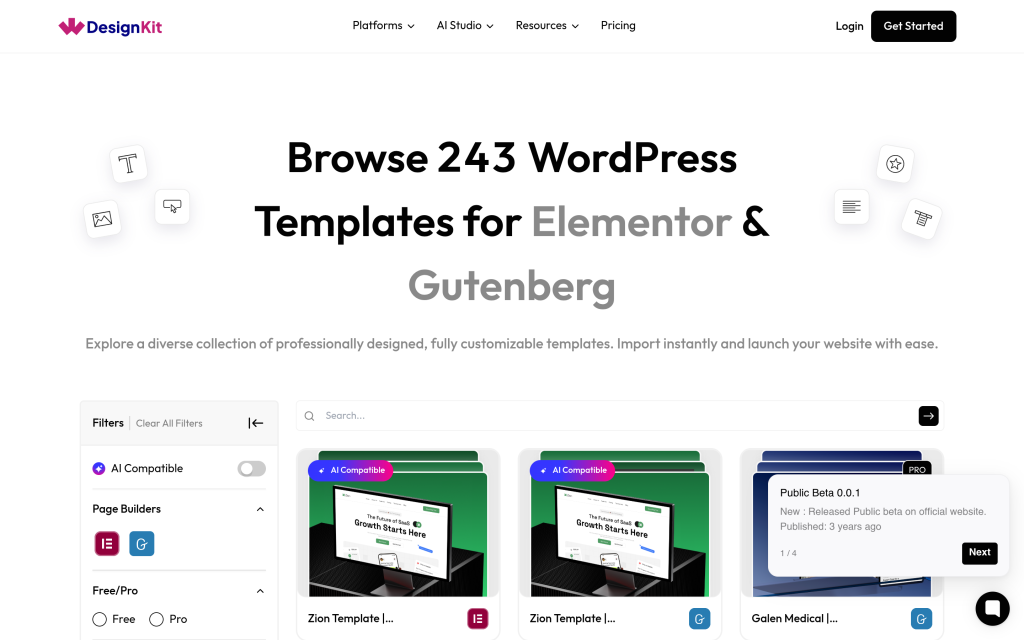
- Install and activate the WDesignKit plugin, then go to WDesignKit, Templates, Browse Templates in your dashboard.
- Select Elementor or Gutenberg in the filter panel and choose Page Kits as the template type.
- Search for PlanPro or Space-Creators, hover over the kit and click the download icon to open the Website Kit Setup Wizard.
- Add your business name, tagline and logo, then pick a font pair and a color palette that match your brand.
- Choose your site features and confirm the backup notice.
- Pick the content option: Import Dummy Content, Import as Wireframe, or Smart AI Content (beta).
- Let the wizard install the required plugins and import the pages, then preview the site and replace the demo photos with your own projects.
WDesignKit’s documentation notes that premium plugins are not installed automatically, so install any paid plugin a kit requires before importing, and back up the site first because the wizard also applies theme and global settings.
Frequently Asked Questions
Is PlanPro Interior Really Free?
Yes. PlanPro Interior is marked as a free kit in the WDesignKit library, and it has both an Elementor version and a Gutenberg version. PlanPro Architecture is free as well.
Which Interior Design Kit Has a Virtual Tour Page?
Space-Creators Nest. Its 17 templates include a Virtual Tour page alongside an Image Gallery Masonry page, a Portfolio page and an FAQ page.
Can an Architecture Firm Use These Templates?
Yes. The WDesignKit listings describe the PlanPro kits as built for architecture and interior design firms and the Space-Creators kits as built for interior designers, architects and home renovation professionals. PlanPro Architecture is the closest fit for a multi-person firm because of its team pages.
How Many Pages Does an Interior Design Website Need?
At minimum, a homepage, an about or process page, a services page, a portfolio with individual project pages, and a contact page. PlanPro Interior covers all of those in its 18 templates and adds pricing, FAQ and blog pages.
Can I Change the Colors and Fonts to Match My Brand?
Yes. The WDesignKit setup wizard asks you to choose a font pair and a color palette during the import, and you can add custom fonts and colors at that step too.
Suggested Reading
- Template kits, sections and full pages in the WDesignKit library explained
- What the WDesignKit template library actually covers
- Business website templates compared by page count
Author

Sagar is the Founder & CEO of POSIMYTH Innovations, with 10+ years building WordPress products trusted by 100,000+ websites globally. He has led the development of The Plus Addons for Elementor, Nexter, WDesignKit, and UiChemy, all built hands-on from concept to launch. His work focuses on making website building faster, more flexible, and accessible for creators and businesses worldwide.
Keep reading
Widget Builder vs Hand-Coding a Custom Elementor Widget: Time Comparison
Key Takeaways Elementor developer docs list 14 methods for a custom widget class, including register_controls(), render() and content_template(). WDesignKit Widget Builder opens with three panels, a Code Editor with HTML, CSS and JavaScript tabs, a Layout panel and a Controller panel. WDesignKit docs say the Create Widget popup asks for four items: builder, widget name, …
12 min read
Construction Website Templates: 3 WordPress Kits Compared
Construction website template options from WDesignKit: BuildIQ Elevate, BuildIQ Nexus and Skyframe, compared by real page counts and the contractors each suits.
12 min read
Free vs Pro in WDesignKit: What You Get at Each Tier
Real numbers on WDesignKit’s free and Pro plans: exact template, widget, and active-website counts, so you know what upgrading actually unlocks today.
12 min read