On this page
- Table of Contents
- How Big Is the WDesignKit Template Library, Really
- What You Get Free vs What You Pay For
- Elementor, Gutenberg, and Bricks: Builder Coverage Compared
- Beyond Templates: Widget Builder and Code Snippets
- How to Actually Find the Right Kit Without Browsing All 243
- Who Actually Needs This Much Library
- What’s Not in the Library Yet
- Frequently Asked Questions
- Is the WDesignKit template library free to use?
- Does the kit count include widgets, or just full page designs?
- Can I use WDesignKit templates with Bricks Builder?
- How often is the template library updated?
- Do I need to know Elementor or Gutenberg well before importing a kit?
- Suggested Reading
Key Takeaways
- WDesignKit template library holds 243 separate page kits, built for Elementor and Gutenberg, and the count is a snapshot from the library page itself.
- WDesignKit organizes kits by industry vertical, builder, and tier, so a free Gutenberg restaurant kit is a real filter combination.
- Free plan costs $0 forever and includes 2 active websites, 2 workspaces, 1,000 one-time AI credits, and 2 AI-generated sites per month.
- WDesignKit widget library contains 239 ready-made widgets across Elementor, Gutenberg, Gutenberg Core, and Bricks, while Bricks has no dedicated page kits yet.
- Code snippet library includes 8 snippets at the time of writing, covering common WordPress admin tweaks like disabling automatic updates.
Every week someone asks me the same question in a WDesignKit support thread or a Facebook group: “how big is the library, actually?” It’s a fair question. Most template plugins either overstate their numbers or bury the real count behind marketing copy like “hundreds of designs.” So instead of another vague answer, here’s the actual, counted breakdown of what’s in the WDesignKit library right now: how many kits, how many widgets, what’s free, what’s Pro, and which builders each one supports.
Table of Contents
How Big Is the WDesignKit Template Library, Really
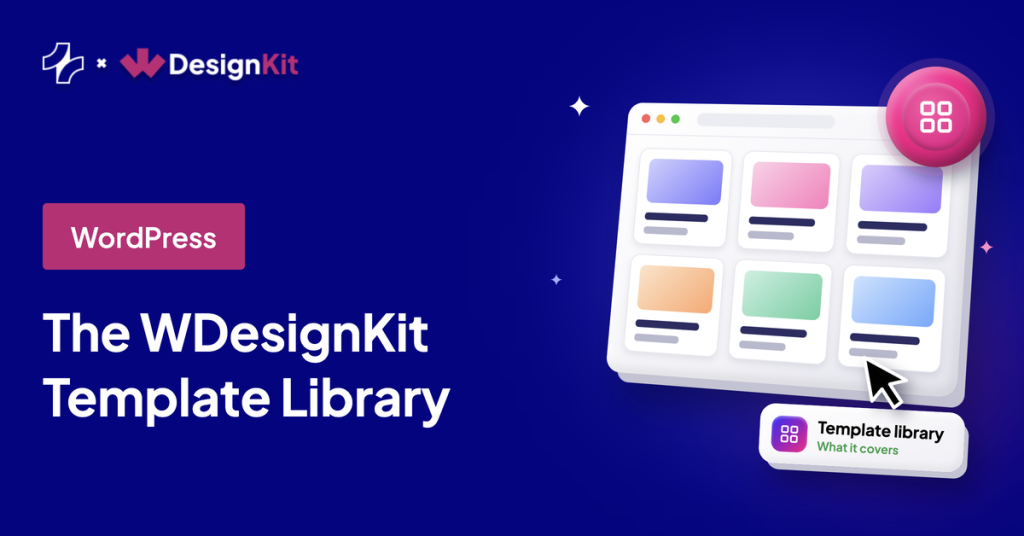
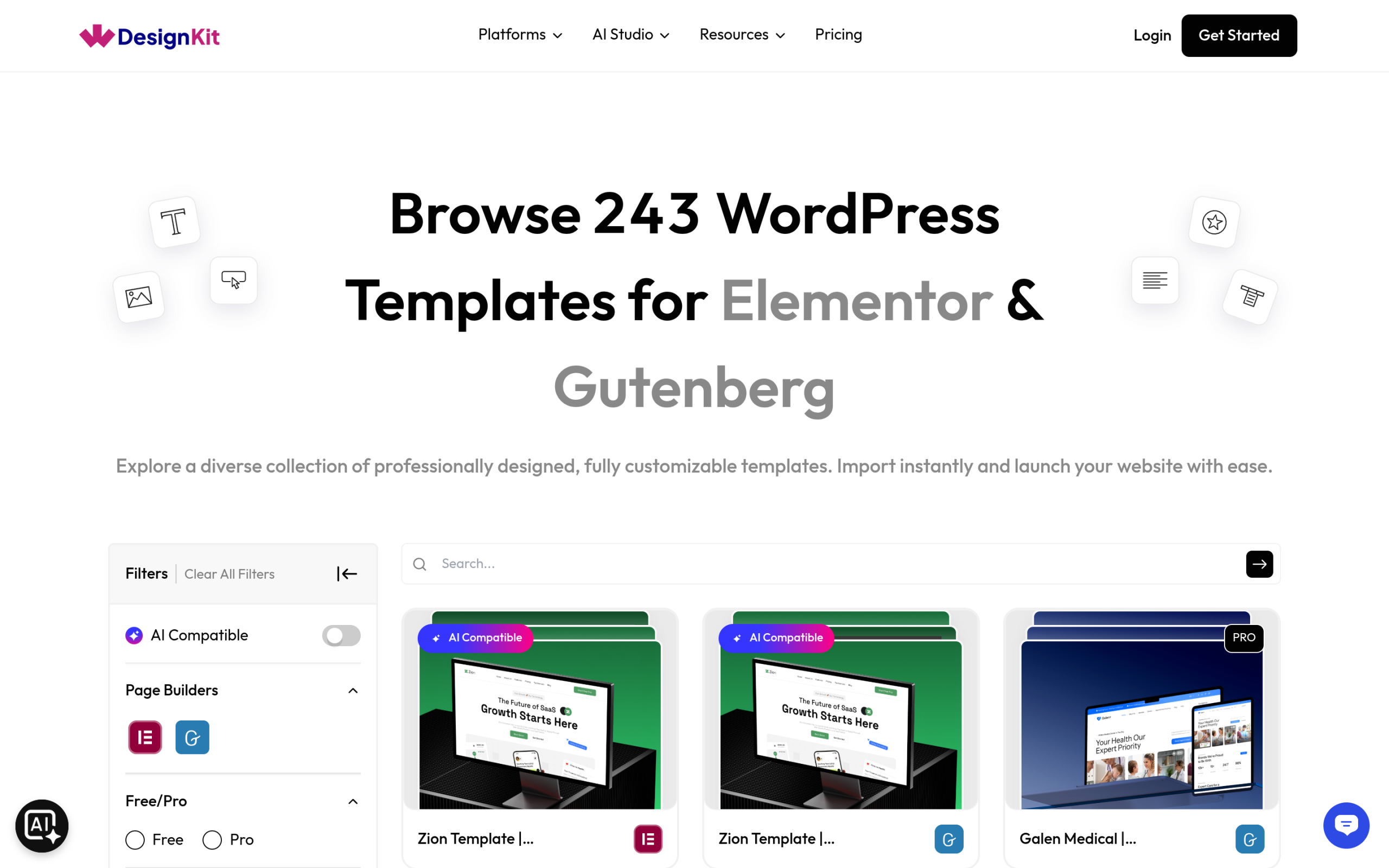
As of this week, the WDesignKit library holds 243 separate page kits built for Elementor and Gutenberg, split across full pages, sections, and complete website kits. That number moves as new kits ship, so treat it as a snapshot rather than a permanent figure, but it’s a real count taken from the library page itself, not a rounded marketing claim. Every kit is a full design (a homepage, an about page, a pricing section, whatever the kit covers) that imports directly into your site through the plugin, rather than a raw Figma file or a static screenshot you’d have to rebuild by hand.
Kits are organized three ways in the library: by industry vertical (fitness, real estate, restaurants, portfolios, and dozens more), by builder (Elementor or Gutenberg), and by tier (Free or Pro). You can filter by any combination of the three, so if you specifically need a free Gutenberg restaurant kit, that’s a real filter, not a search you have to do manually across a catalog page.
Also Read: Best Free Elementor Templates for a curated shortlist if 243 kits feels like too many to browse on your own.
What You Get Free vs What You Pay For
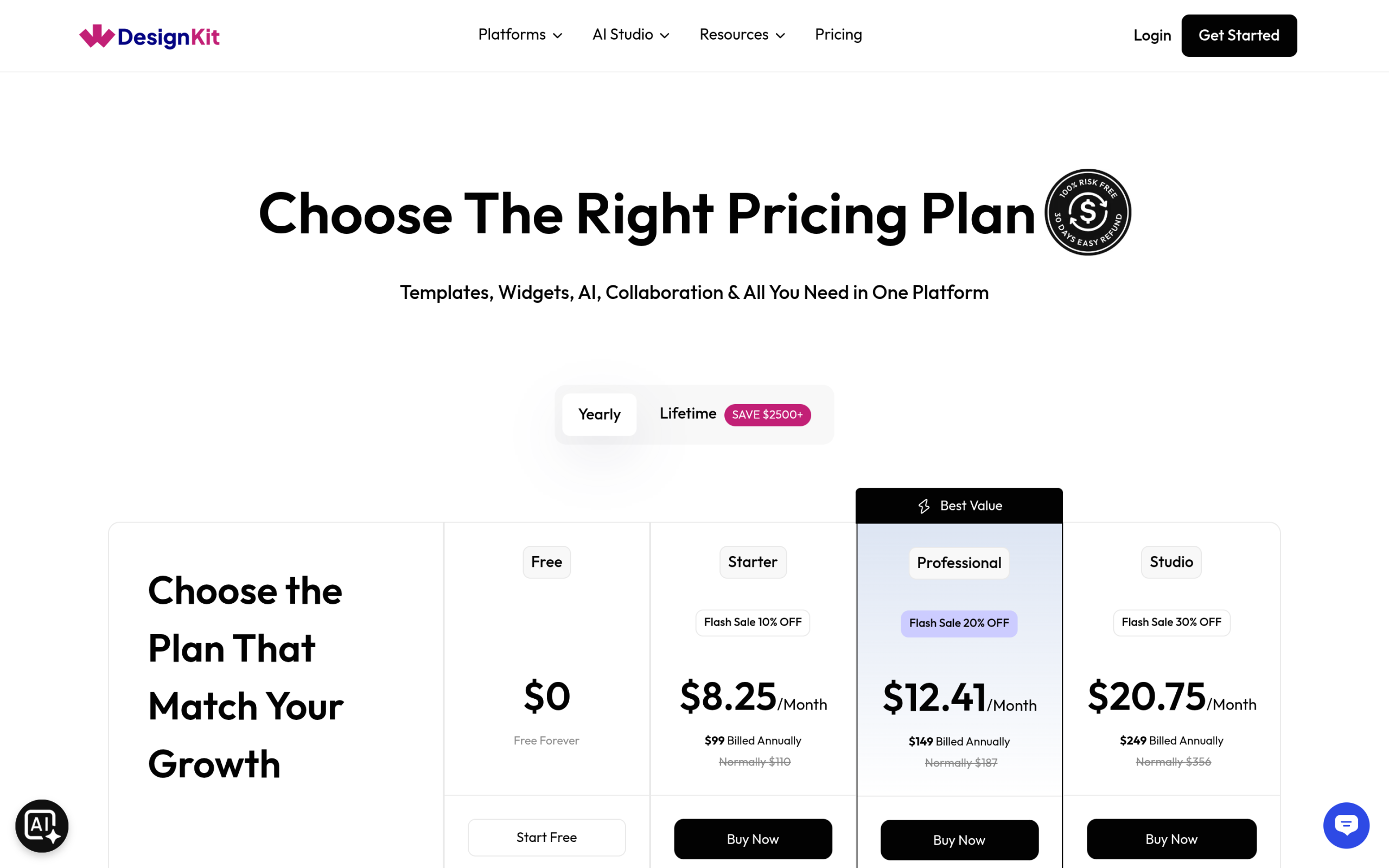
The Free plan costs nothing and doesn’t expire: 2 active websites, 2 workspaces, 1,000 one-time AI credits, and 2 AI-generated sites per month. That’s enough to build and launch a real site without ever entering a card number. Once you outgrow that, the paid tiers scale mostly on how many active websites you manage and how much AI generation you need, not on locking basic template access behind a paywall:
| Plan | Price (billed annually) | Active Websites | AI Credits | Workspaces |
|---|---|---|---|---|
| Free | $0 forever | 2 | 1,000 one-time | 2 |
| Starter | $8.25/mo ($99/yr) | 3 | 2,000/mo | 2 |
| Professional | $12.41/mo ($149/yr) | 10 | 3,000/mo | Unlimited |
| Studio | $20.75/mo ($249/yr) | Unlimited | 5,000/mo | Unlimited |
| Agency Bundle | $33.25/mo ($399/yr) | Unlimited (incl. local) | Bundled products worth $2,500+ | Unlimited |
Prices above reflect the current promotional rate shown on the pricing page at the time of writing; check the live page for today’s exact figure since WDesignKit runs rotating discounts. The practical read: a freelancer building one or two client sites a year genuinely doesn’t need to pay anything. The paid tiers exist for people managing a growing number of active sites or leaning heavily on the AI credit system, not for people who just want access to more templates.
AI credits are the part people misunderstand most. They’re not a fee for browsing or importing template kits, kit access itself is governed by the Free/Pro split described above, not by credits. Credits get consumed when you use the AI-assisted features: generating a full AI site from a prompt, running the AI import that rewrites a template’s placeholder copy for your business, or pulling AI-suggested images into a section. A single AI site generation can use a meaningful chunk of the Free plan’s 1,000 one-time credits, which is why the free tier caps you at 2 AI-generated sites a month rather than an unlimited number. If you plan to import kits manually and write your own copy, you’ll rarely touch your credit balance at all, and the free tier’s website and workspace limits become the more relevant ceiling.
Also Read: AI Website Builder for WordPress for where AI Kit Import and those credits fit next to the other AI site-building options.
Elementor, Gutenberg, and Bricks: Builder Coverage Compared
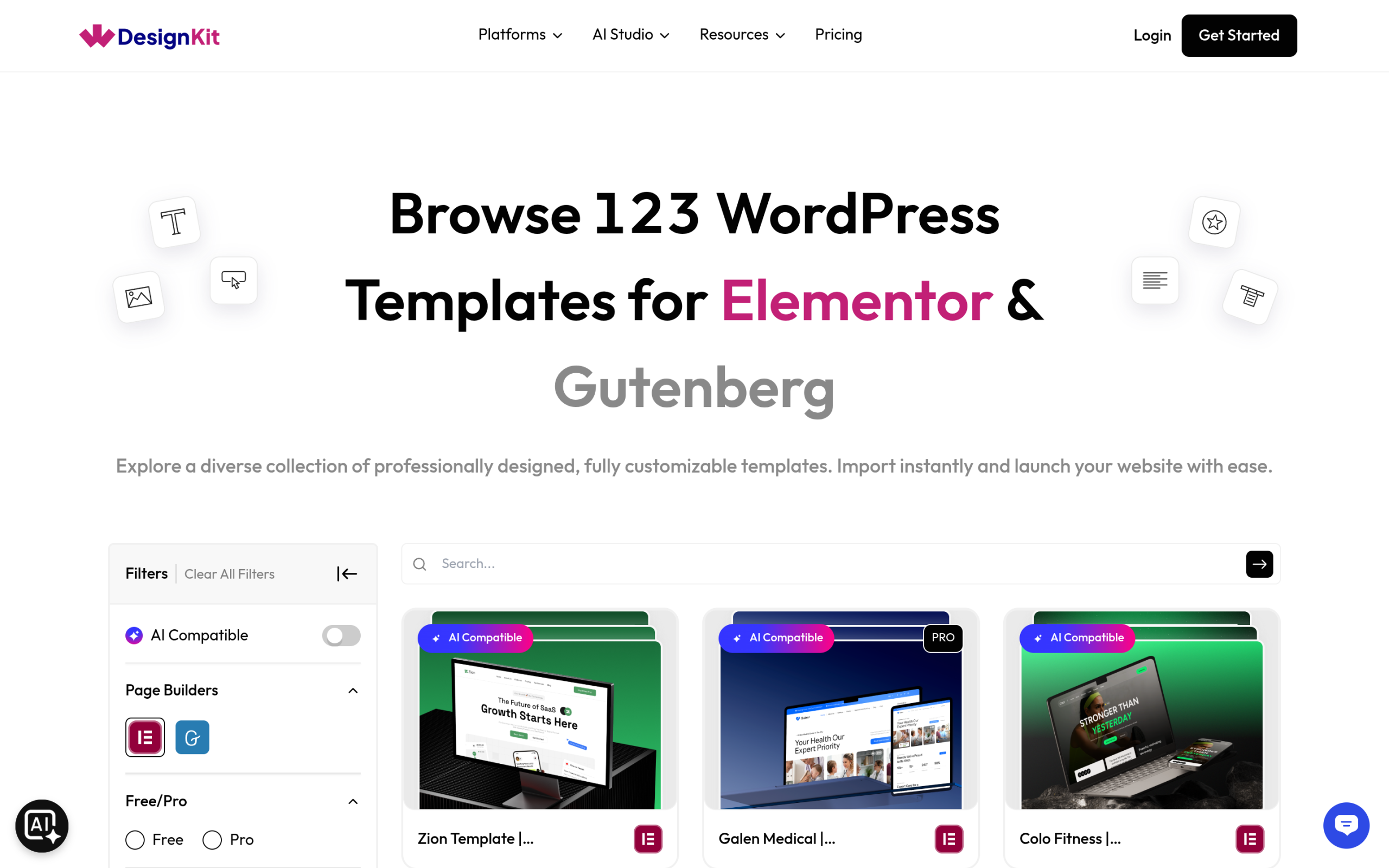
Template kits (the 243 counted above) are built for Elementor and Gutenberg specifically. Widgets are a separate story: the widget library covers four builders total, Elementor, Gutenberg, Gutenberg Core (native WordPress blocks, no page builder plugin required), and Bricks. That distinction matters if you’re a Bricks user: you won’t find pre-built page kits for Bricks yet, but you can still pull individual WDesignKit widgets into a Bricks project.
For most people the practical question is simpler: which builder do you already use? If it’s Elementor or Gutenberg, the full kit library and widget library are both available. If it’s Bricks, you’re working from the widget library only, at least until kit coverage expands.
| Builder | Page Kits | Widgets | Notes |
|---|---|---|---|
| Elementor | Yes (243 shared with Gutenberg) | Yes | Most complete coverage, including Pro kits |
| Gutenberg | Yes (243 shared with Elementor) | Yes | Same kit catalog as Elementor |
| Gutenberg Core (native blocks) | No dedicated kits | Yes | Widgets work without any page builder plugin installed |
| Bricks | No | Yes | Widget library only, no page kits yet |
Worth flagging directly: the 243 kits aren’t 243 unique designs times two builders. It’s the same catalog rendered for whichever of the two you’re using, so switching from Elementor to Gutenberg on a future project doesn’t hand you a second, separate 243-kit library. It’s one library, two ways to build it.
Also Read: How to Switch Page Builders in WordPress if you’re deciding between Elementor, Gutenberg, and Bricks before committing to a kit.
Beyond Templates: Widget Builder and Code Snippets
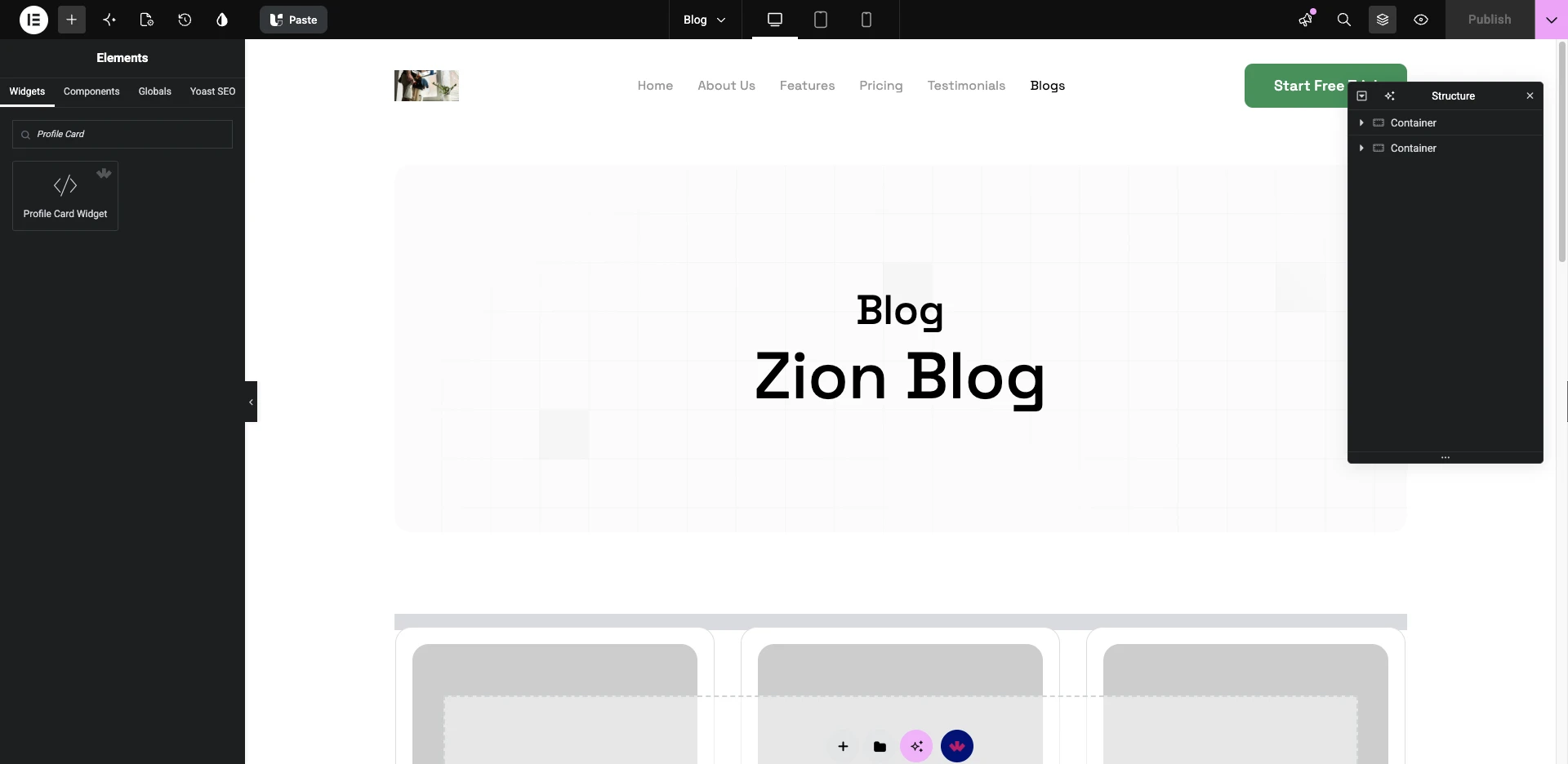
The widget library itself currently holds 239 ready-made widgets across all four supported builders, confirmed directly from the widget browser rather than pulled from an old blog post. Beyond the pre-built widgets, the Widget Builder lets you turn any section you design into a reusable custom widget, generating the PHP, CSS, and JS scaffolding for you. It’s aimed at people who keep rebuilding the same custom element (a pricing card, a testimonial slider, whatever’s specific to your niche) across multiple projects and want it to behave like a native widget instead of a copy-pasted section.
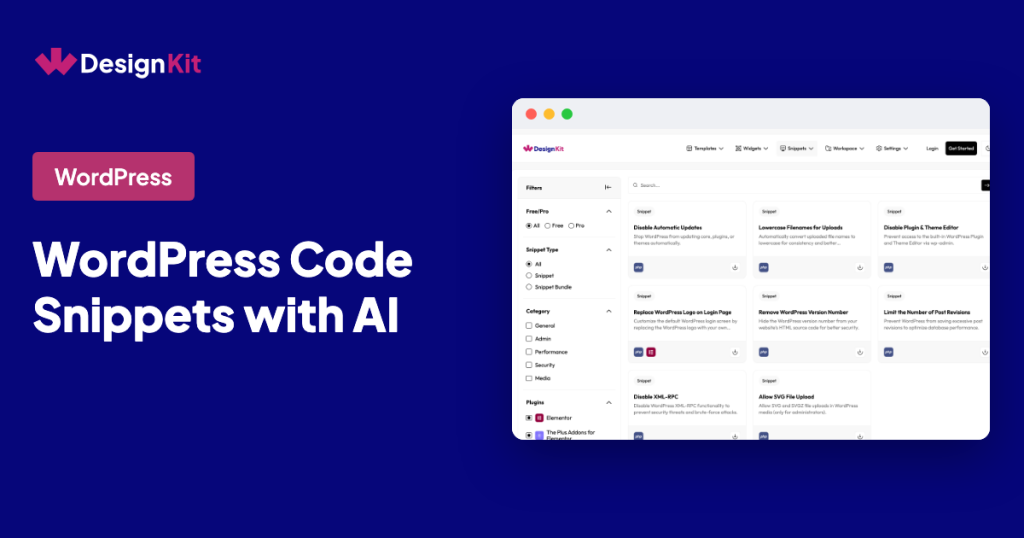
There’s also a smaller code snippet library, 8 snippets at the time of writing, covering common WordPress admin tweaks like disabling automatic updates. It’s not the main draw of the plugin, but it’s there if you want a one-click fix instead of hand-editing functions.php.
Also Read: WDesignKit Figma Templates if you plan the layout in Figma before building anything in WordPress.
How to Actually Find the Right Kit Without Browsing All 243
A library this size is only useful if you can narrow it down fast. Here’s the actual workflow I’d use rather than scrolling page by page:
- Open the template library from your WordPress dashboard (WDesignKit needs to be installed and activated first).
- Set the builder filter to whichever you’re already using, Elementor or Gutenberg, before you do anything else. This alone cuts the noise from widgets and kits built for the other builder.
- Search by industry keyword (“dental,” “restaurant,” “portfolio”) rather than browsing categories top to bottom. The search covers kit titles and tags, so a specific term usually beats a broad category click.
- Set the Free/Pro filter based on your plan before you fall in love with a kit you can’t import yet.
- Preview at least two or three candidates before importing. The thumbnail rarely tells you whether the page structure (number of sections, where the pricing table sits, whether there’s a dedicated team page) actually matches what your client’s business needs.
- Import the full kit only if you need most of its pages; import a single section if you just need one piece added to an existing site.
That’s usually a five-minute process once you know the filters exist, not an afternoon of scrolling through 243 thumbnails hoping one jumps out.
Who Actually Needs This Much Library
A one-off freelancer building a single client site rarely needs to browse all 243 kits. You need one good kit in your niche, filtered to your builder and your budget, and you’re done. The size of the library matters more to two specific groups: agencies juggling many clients across different industries, who benefit from having a matching kit on hand no matter what comes in next, and people who genuinely can’t find a good starting point elsewhere and are willing to search a large catalog to find the right fit.
If you already know exactly what you want and a competitor’s smaller, more curated library has it, library size alone isn’t a reason to switch. If you’ve spent an afternoon failing to find the right starting point somewhere else, a 243-kit library filtered by industry and builder is exactly the kind of size that starts paying off.
Two concrete cases where the size actually shows up in practice: a small agency I’ve seen mentioned in the WDesignKit community picks up unpredictable client work across gyms, clinics, and restaurants in the same month, and having a matching starting kit on hand for whatever comes in next saves a genuine day or two of build time per project compared to starting from a blank canvas each time. On the other end, a solo freelancer who only ever builds real estate sites gets almost no benefit from the other 200-plus kits outside that niche; for them, the real question isn’t library size, it’s whether the four or five real-estate-specific kits actually fit their client’s brand.
Also Read: Business Website Templates for a category-specific look at how the library’s filtering works in practice.
What’s Not in the Library Yet
Worth being upfront about the gaps rather than only selling the size. There are no dedicated page kits for Bricks Builder yet, only widgets, so if Bricks is your primary builder, treat WDesignKit as a widget source rather than a full template solution for now. The code snippet library, at 8 items, is genuinely small compared to a dedicated snippet plugin; it covers a handful of common admin tweaks and isn’t meant to replace a full snippet manager. And because the library is organized by industry vertical, a genuinely unusual business (something outside the roughly 30-plus verticals currently covered) may not have a purpose-built kit yet, even with 243 total kits to search through. In that case, the closest general-purpose kit plus your own content edits is still faster than a from-scratch build, but it won’t be an exact fit out of the box.
Frequently Asked Questions
Is the WDesignKit template library free to use?
Yes, a meaningful portion of the library is free with no time limit. The Free plan gives you 2 active websites and access to the free-tier kits and widgets. Pro kits and higher AI credit limits require a paid plan, but nothing about the free tier expires or downgrades after a trial period.
Does the kit count include widgets, or just full page designs?
They’re counted separately. The 243 figure covers page kits (full pages, sections, and complete site kits). Widgets are a separate library of 239 items, and code snippets are a third, much smaller library of 8 items.
Can I use WDesignKit templates with Bricks Builder?
Widgets, yes. Page kits, not yet: the 243-kit template library is built for Elementor and Gutenberg only. Bricks users currently have access to the widget library and Gutenberg Core native blocks, but not the full page-kit catalog.
How often is the template library updated?
New kits and widgets ship regularly enough that any exact count is a snapshot rather than a fixed number. The safest way to check the current total is the library page itself inside the plugin, filtered to your builder of choice.
Do I need to know Elementor or Gutenberg well before importing a kit?
No. Importing a kit doesn’t require any prior page-builder experience since the kit arrives already built. What helps is knowing the basics of whichever builder you’re using well enough to swap out a photo, edit a headline, or move a section, which is a much smaller skill than building a page from an empty canvas. If you’ve never opened Elementor or the block editor at all, expect a short learning curve just for those basic edits, not for the design itself.
Suggested Reading
- Best Free Elementor Templates in 2026 (Tested)
- How to Switch Page Builders in WordPress
- Business Website Templates: 3 WordPress Kits Compared
- Portfolio Website Templates for WordPress
Author

Sagar is the Founder & CEO of POSIMYTH Innovations, with 10+ years building WordPress products trusted by 100,000+ websites globally. He has led the development of The Plus Addons for Elementor, Nexter, WDesignKit, and UiChemy, all built hands-on from concept to launch. His work focuses on making website building faster, more flexible, and accessible for creators and businesses worldwide.
Share this article