
What are Template Kits, Sections, and Full Pages in the WDesignKit Templates Library?
Table of Contents
When you’re building a WordPress site, you shouldn’t have to start from scratch or settle for basic layouts.
With WDesignKit, you get a full Templates Library packed with Template Kits, Full Pages, and Sections, all organized neatly by categories. Here’s a simple breakdown of what each one offers and how they can speed up your workflow.
1. Template Kits
Template Kits are full collections of Pages and Sections that share the same design style.
They’re built to help you launch a complete website quickly, without hunting down matching pieces.
You’ll find kits for all kinds of niches, like:
- Agency
- WooCommerce
- Creative
- Portfolio
- Entertainment
- Blog
- Corporate
- Educational
- Mobile
- NonProfit
- Business
- Technology
- SaaS
- Photography
- Miscellaneous
- Health & Medical
- Food & Drink
- Travel & Accommodation
- Fashion & Beauty
- Sport & Fitness
- Social Media
How it helps:
Pick a kit that fits your project, like “Educational” for a school site or “Food & Drink” for a cafe, and you’ll have a full set of pages and sections that look great together, ready to go.
Want to learn more about how WDesignKit helps you build faster with ready-to-use kits? Check out our full guide here.
2. Full Pages
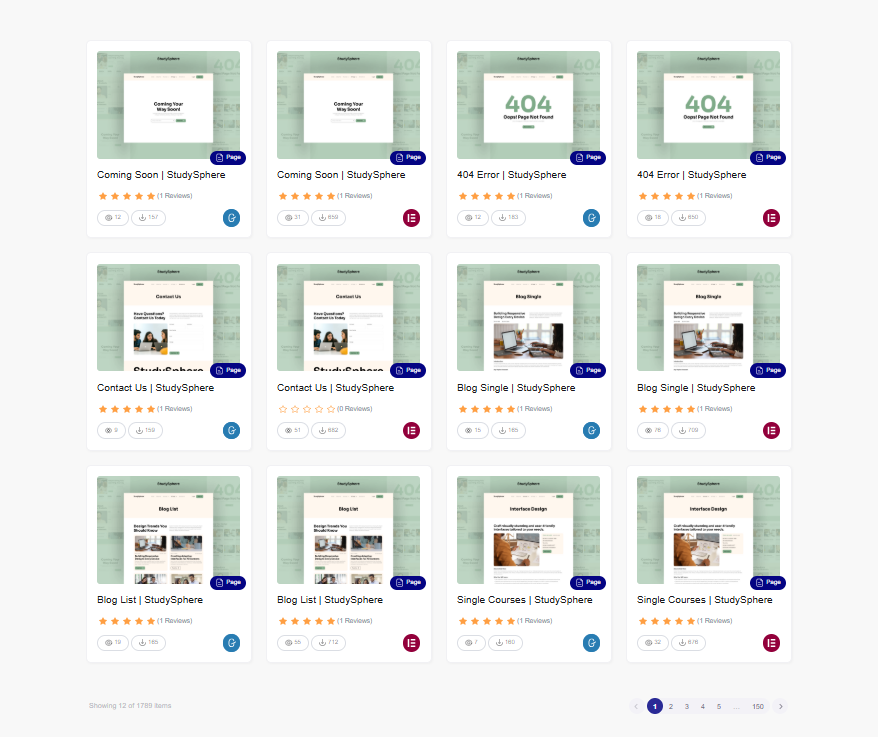
If you just need specific pages instead of a full kit, WDesignKit also offers Full Pages.
You’ll find ready-made layouts for important pages like:
- Landing
- About
- Contact
- Services
- Gallery
- Single Post
- Archive
- Search
- 404
- Coming Soon
- Woo Product
- Woo Shop
- Inner Page
- Pricing
- Blog
- FAQ
- Team
- Portfolio
- Categories
- Events
How it helps:
Need a fresh About page or a stylish Services page? Just pick the page you want, swap out the text and images, and you’re done in minutes.
3. Sections
Want even more flexibility?
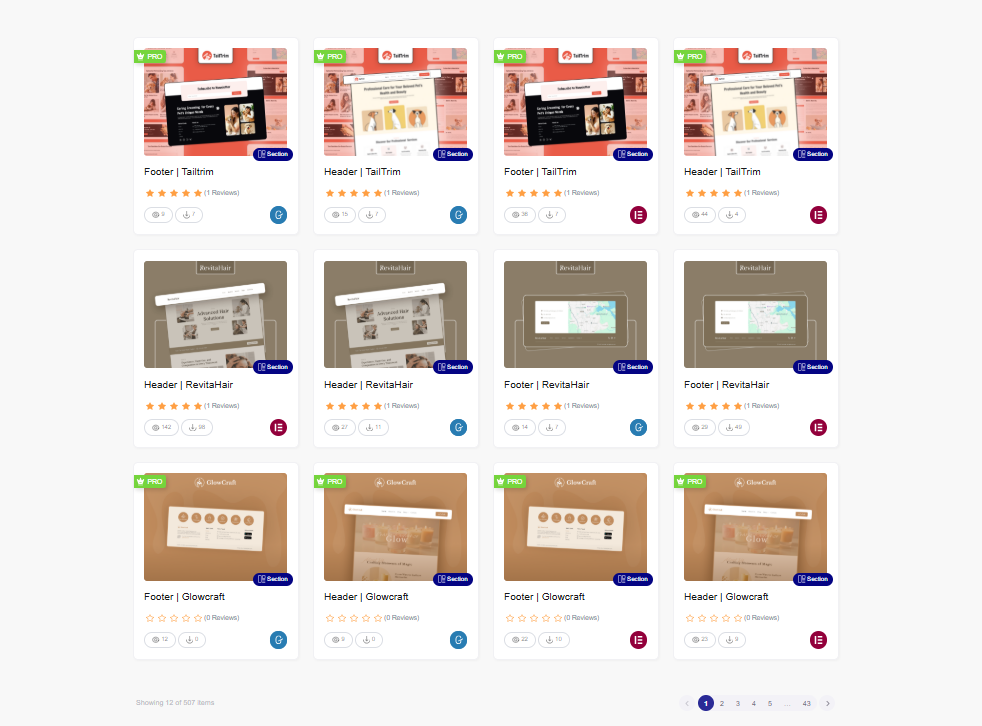
Sections are smaller design blocks you can easily drop into any page. From headers and footers to hero sections, popups, and testimonials, you can mix and match however you like.
Categories include:
- Header
- Footer
- CTAs
- Popups
- Features
- FAQs
- Hero Sections
- Portfolio
- Pricing
- Carousel
- Services
- Form
- Creative
- Special
- Testimonial
How it helps:
Want to refresh your site’s Hero section? Add a pricing table? Drop in a testimonial carousel?
Just grab the section you need and plug it into your layout, easy.
Also Read: WDesignKit Figma Templates if you want to mock up pages and sections in Figma before importing them.
Why It Matters
✅ Save Time & Effort
Skip the blank page syndrome. Start with beautiful, pre-made designs and finish projects faster.
✅ Stay Consistent
All kits, pages, and sections are built with clean typography, balanced spacing, and a consistent style, giving your site a polished, professional look.
✅ Endless Possibilities
Mix different kits, pages, and sections to create something that’s 100% your own.
✅ Made for Every Project
Whether you’re launching a fashion store, a corporate site, or a nonprofit campaign, you’ll find designs that fit perfectly.
Get Started with WDesignKit
Ready to transform the way you build WordPress sites?
Jump into the WDesignKit Templates Library today and start mixing and matching Template Kits, Full Pages, and Sections to create stunning sites faster than ever.
And remember, WDesignKit is more than just templates:
Explore our ready-to-use widgets, widget builder, Figma design files, cloud workspace, and more tools built to make your workflow smoother.
👉 Explore the Templates Library
👉 Join Our Community – Share your feedback, get early tips, and connect with fellow creators!
Keep reading
Widget Builder vs Hand-Coding a Custom Elementor Widget: Time Comparison
Key Takeaways Elementor developer docs list 14 methods for a custom widget class, including register_controls(), render() and content_template(). WDesignKit Widget Builder opens with three panels, a Code Editor with HTML, CSS and JavaScript tabs, a Layout panel and a Controller panel. WDesignKit docs say the Create Widget popup asks for four items: builder, widget name, …
12 min read
Interior Design Website Templates: 5 WordPress Kits Compared
Interior design website template picks from WDesignKit: two free PlanPro kits and three Pro Space-Creators kits, compared by portfolio, process and page count.
12 min read
Construction Website Templates: 3 WordPress Kits Compared
Construction website template options from WDesignKit: BuildIQ Elevate, BuildIQ Nexus and Skyframe, compared by real page counts and the contractors each suits.
12 min read