
September 2026 Updates: Bricks Widgets Auto-Register, AI Templates And More
Contents
- Key Takeaways
- Table of Contents
- A Smoother Experience For Bricks
- Where Does AI Actually Fit Into WordPress?
- Six AI-Compatible Templates Worth Exploring
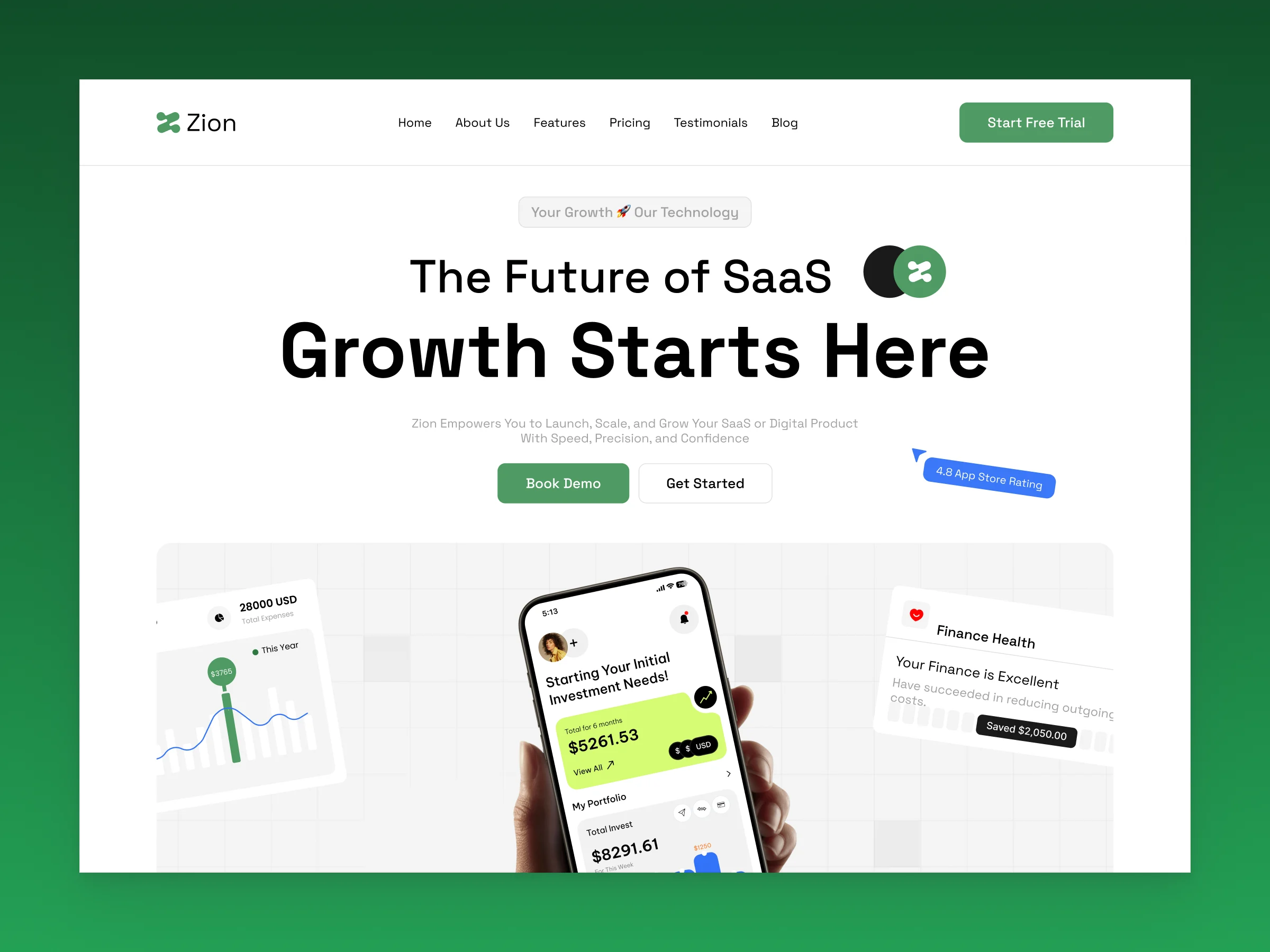
- Zion Template
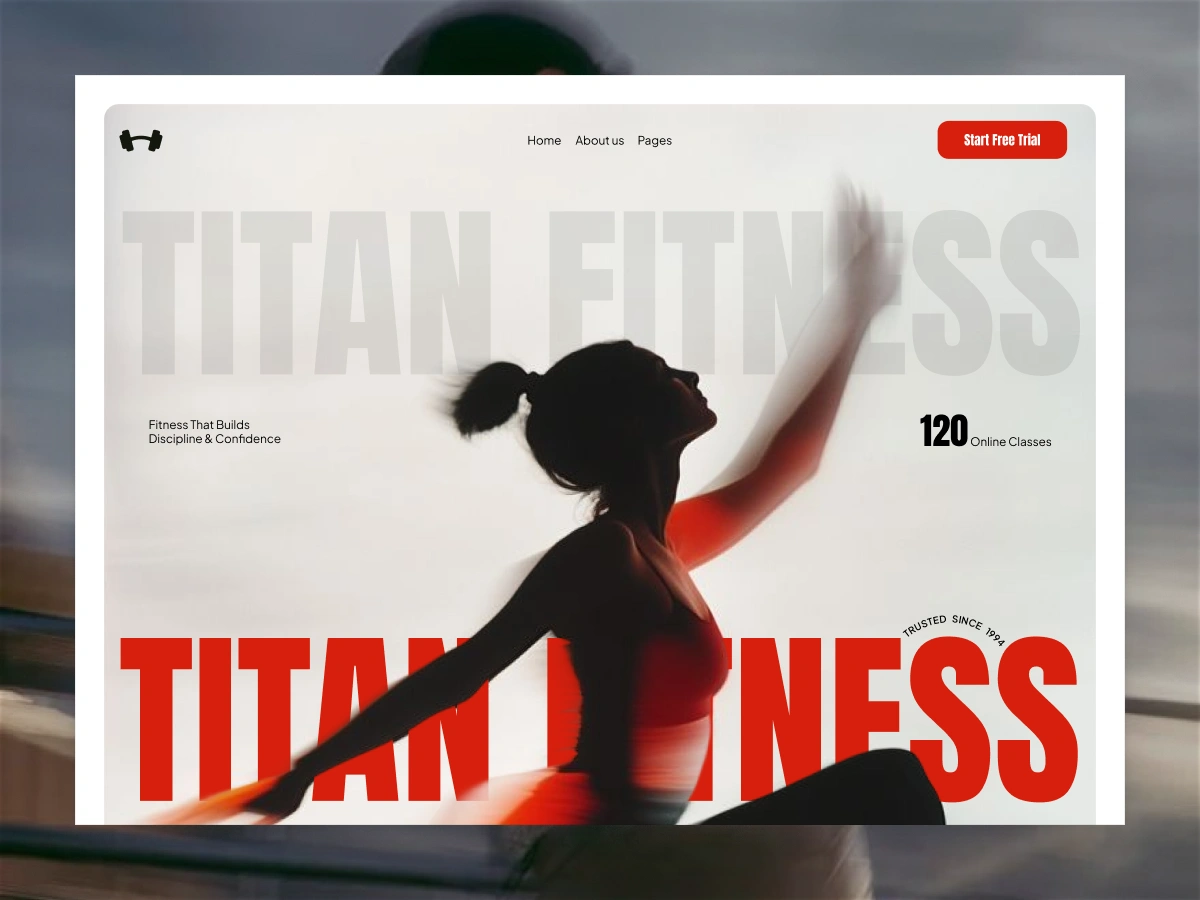
- Titan Fitness
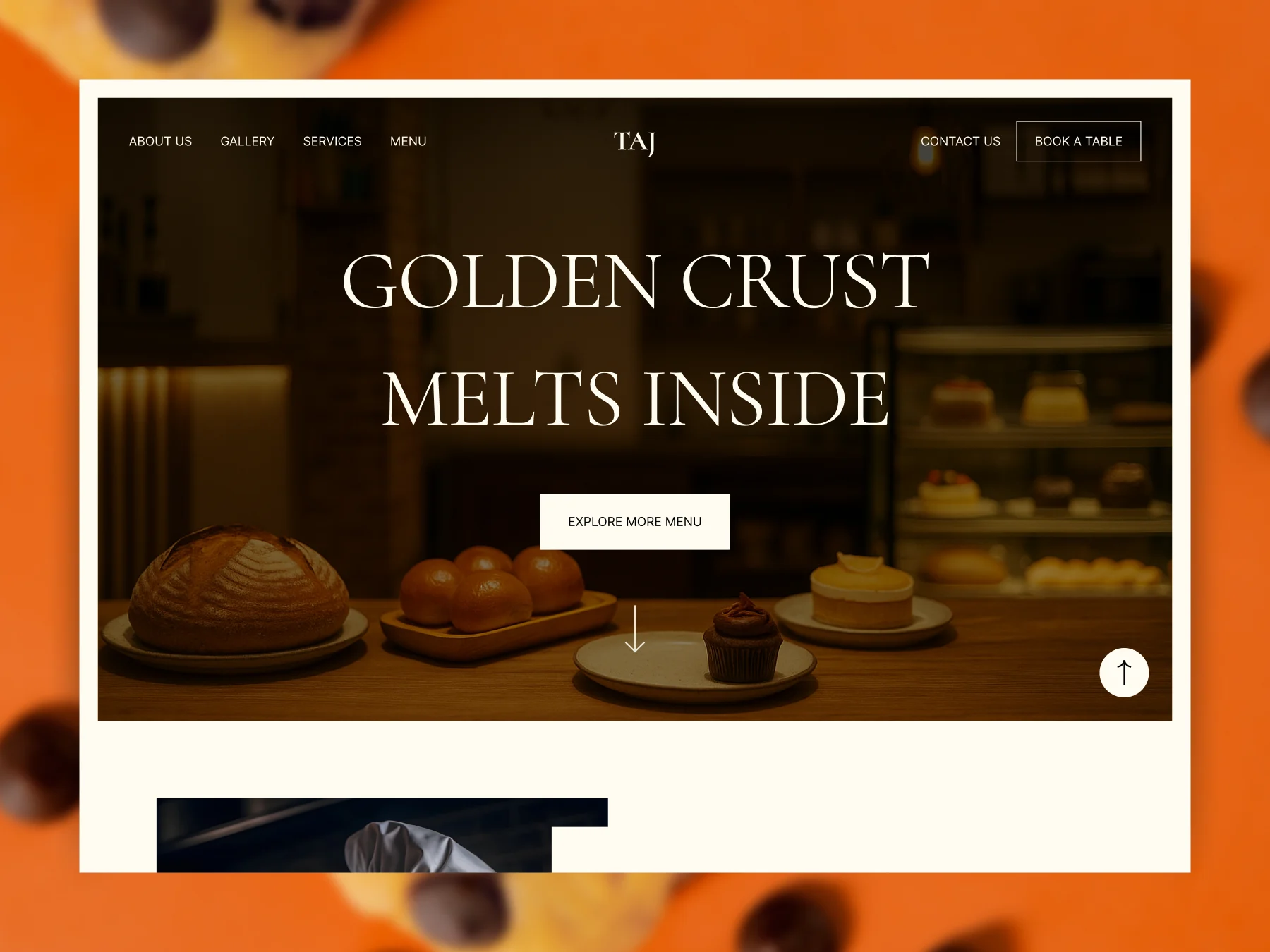
- Taj Bakery
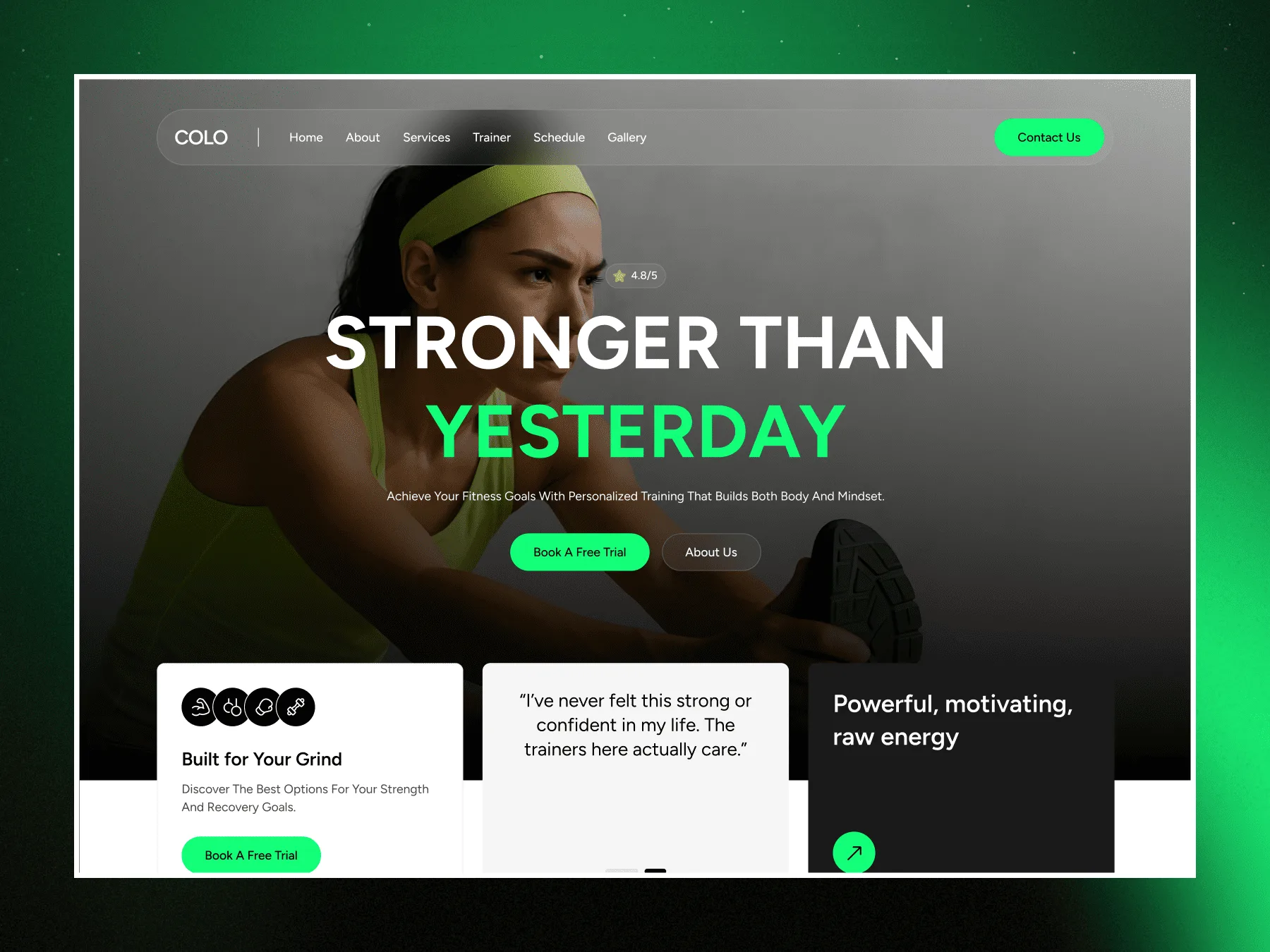
- Colo Fitness
- Vision Forge
- Glowcraft
- Four Widgets Built To Move
- Infinite Image Draggable Cube
- On Scroll Letter Animation
- Flashing Circular Rotating Gallery
- Parallax Scroll Portfolio
- Tool Of The Month: Squoosh
- Frequently Asked Questions
- What Changed For Bricks Users In September?
- Do I Need To Do Anything For Bricks Widgets To Register Automatically?
- Which Builders Do The Six AI-Compatible Templates Support?
- Where Can I Read More About AI And MCP In WordPress?
- That Is September
- Author
Some improvements are easy to notice. Others are simply things that stop getting in your way. The WDesignKit September 2026 update was mostly the second kind, especially if you build with Bricks.
We shipped a small release for Bricks users and spent the rest of the month on the questions that come up when you are actually building a WordPress site: where to start, and where AI and MCP fit into the workflow. Here is what is worth a look.
Key Takeaways
- WDesignKit 2.6.6 (14 September 2026) makes Bricks widgets register automatically, the same way Elementor and Gutenberg widgets already do.
- The same release fixes Bricks showing as off in the MCP settings ability even when it was on.
- Six AI-compatible template kits are worth trying this month: three Elementor, three Gutenberg.
- Four widgets built around motion: two for Elementor, two for Bricks.
- Tool of the Month is Squoosh, a free browser-based image compressor.
Table of Contents
A Smoother Experience For Bricks
If Bricks is part of your workflow, this release is for you.
Bricks widgets now register automatically, just like Elementor and Gutenberg. There is no extra registration step to think about before a widget shows up in your builder.
We also fixed an issue where Bricks could appear as off in the MCP settings ability even when it was already on. If you had seen that mismatch, it should now match what you actually set.
It is a small change, and that is often the point. Less setup to think about, more time to build.
The full version-by-version detail lives in the official changelog. To get the change, update WDesignKit from your WordPress dashboard.
Where Does AI Actually Fit Into WordPress?
AI website builders are easy to find now. Understanding how AI actually works with WordPress is a different story.
This month we published a closer look at that connection: how hosted AI builders, AI inside templates and AI agents working inside your own site are three different things, and how the WordPress Abilities API and MCP make the third one possible. If you have been wondering where all of this fits together, start with AI Website Builder For WordPress: What It Actually Means.
For WDesignKit, the same idea connects three workflows: AI-compatible templates, the AI Widget Builder, and MCP workflows.
Six AI-Compatible Templates Worth Exploring
Sometimes the best way to understand a workflow is to try it yourself. WDesignKit has AI-compatible templates built around different website needs. Pick a starting point, use AI during the import, then customize the result for your project.
Here are six to open first.
Zion Template
Elementor. A modern starting point for startups, technology companies and SaaS websites.
Titan Fitness
Gutenberg. A fitness and training kit for gyms, trainers and yoga studios.
Taj Bakery
Elementor. A practical starting point for bakeries, cake shops and local food businesses.
Colo Fitness
Gutenberg. Built for gyms, trainers and wellness studios.
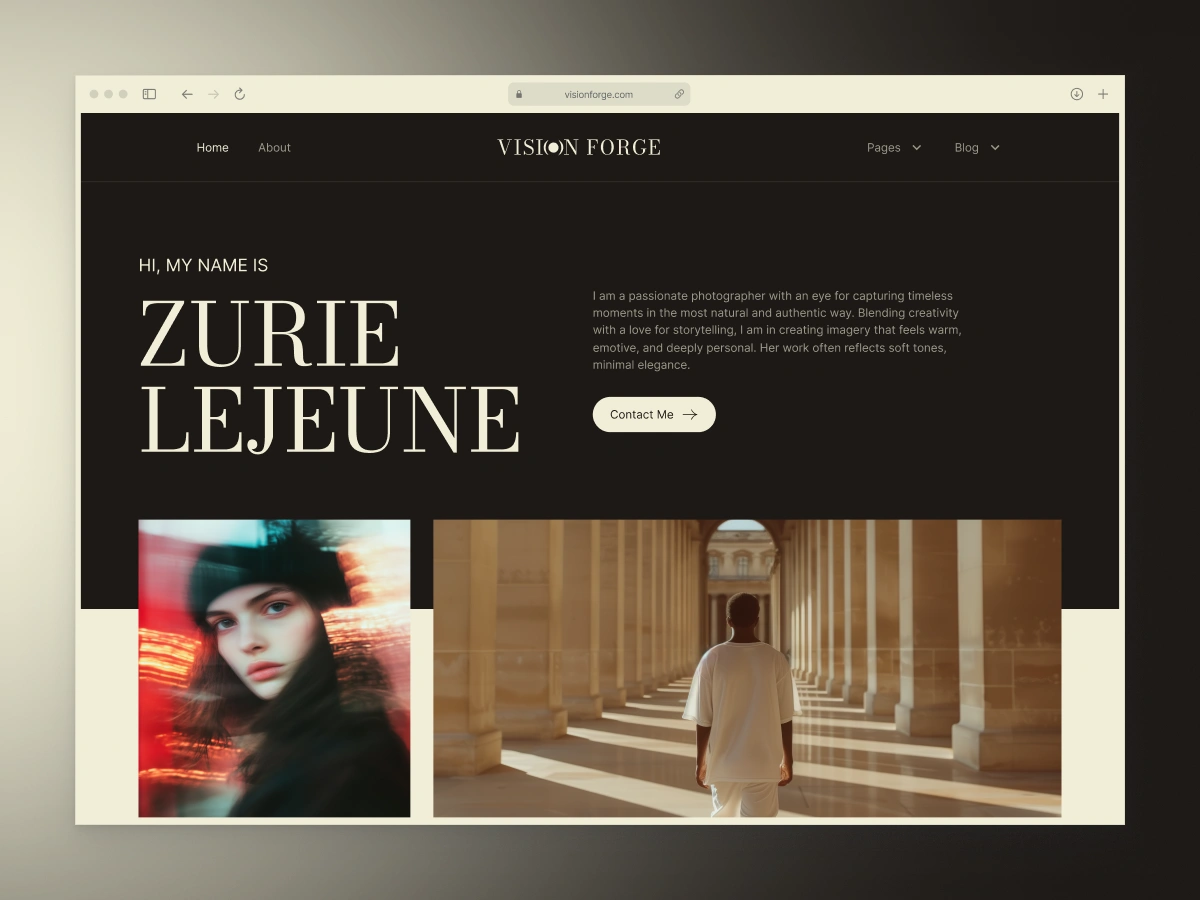
Vision Forge
Elementor. A stylish, modern kit for videography, photography and creative studios.

Glowcraft
Gutenberg. A warm, elegant kit for candle shops, handmade goods and artisanal boutiques.
Want more options? Browse the full AI-compatible template library.
Four Widgets Built To Move
Not every project needs a complete template. Sometimes you need one interaction to finish the page. Here are two for Elementor and two for Bricks, all built around motion.
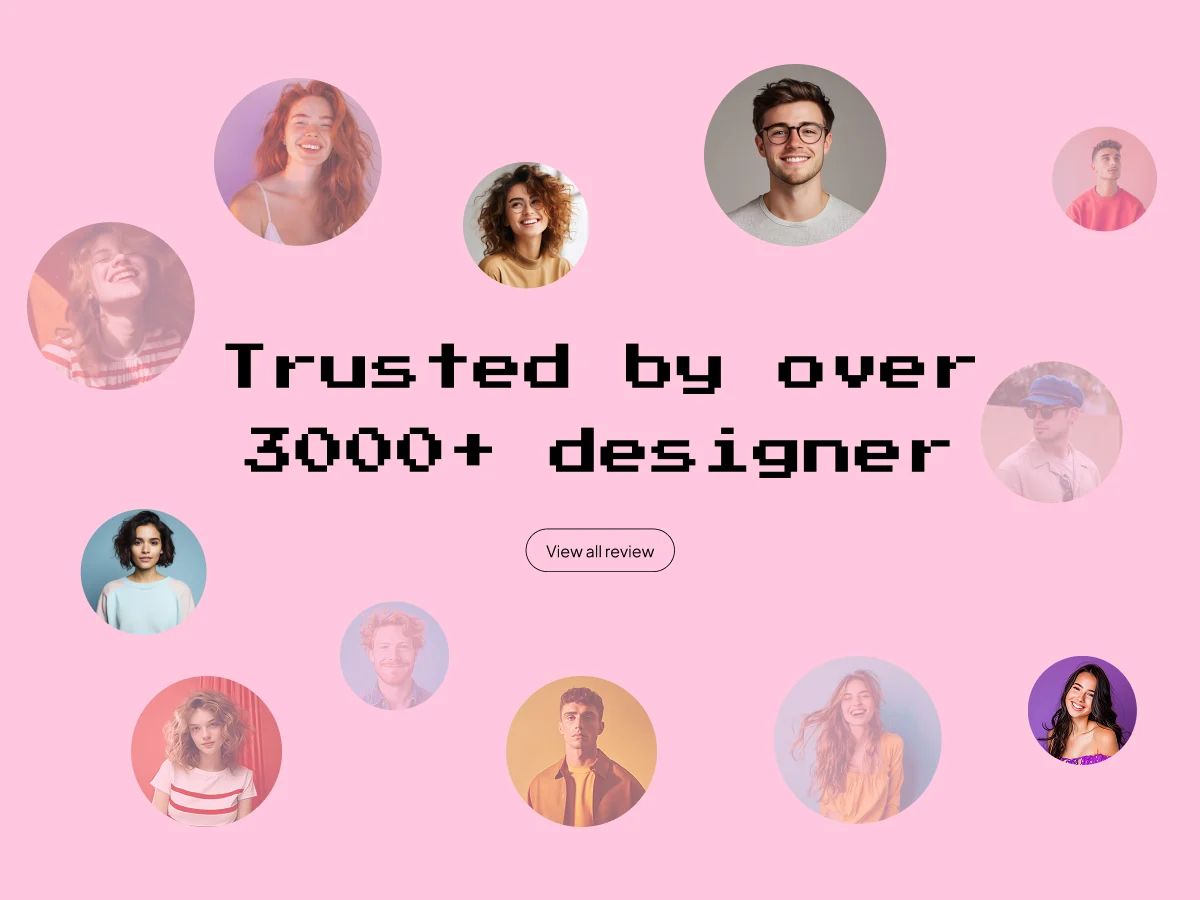
Infinite Image Draggable Cube
Elementor. Images on a rotating 3D cube that visitors can drag in any direction.
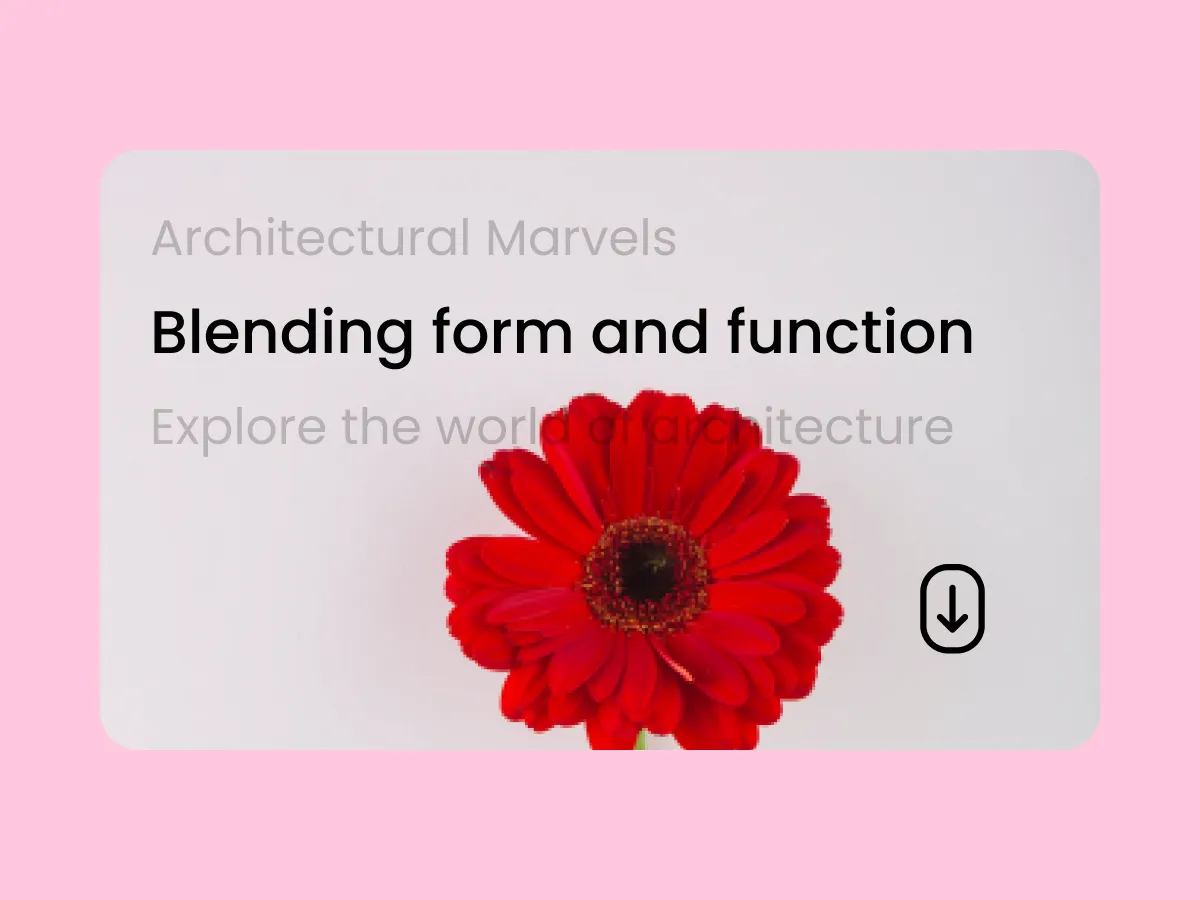
On Scroll Letter Animation
Elementor. Individual letters transform with animation as visitors scroll.
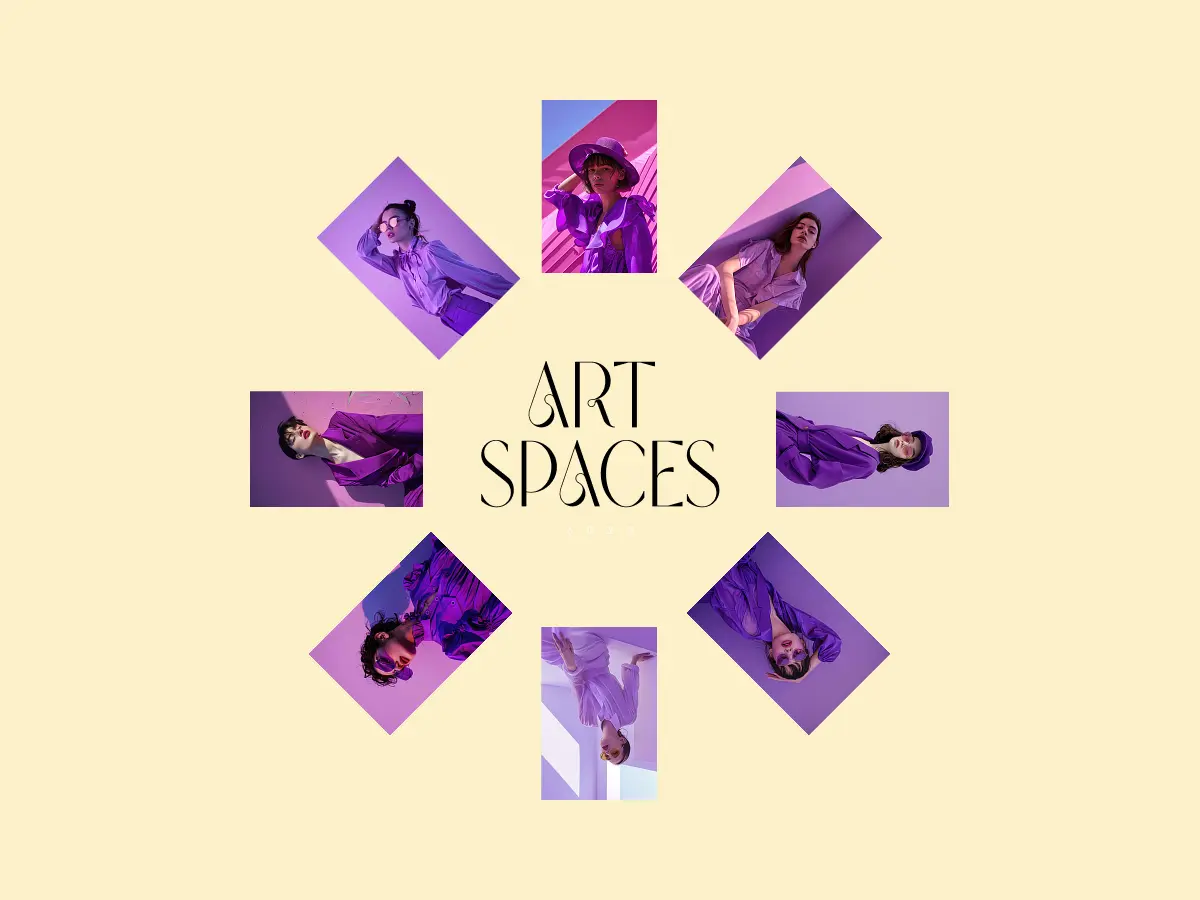
Flashing Circular Rotating Gallery
Bricks. Images in a stylish circular layout with smooth rotating animation.
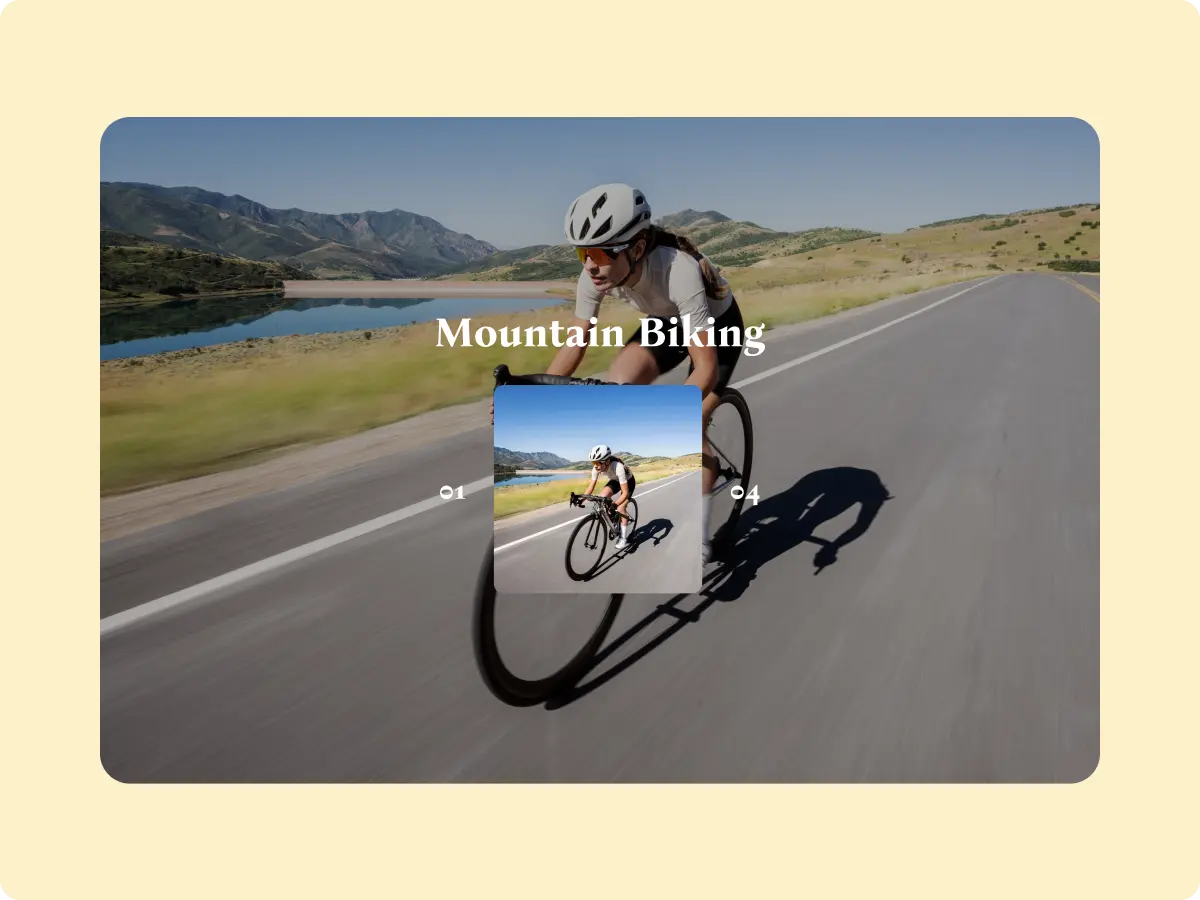
Parallax Scroll Portfolio
Bricks. Show your work with smooth parallax scrolling effects.
See everything in the widgets library.
Tool Of The Month: Squoosh
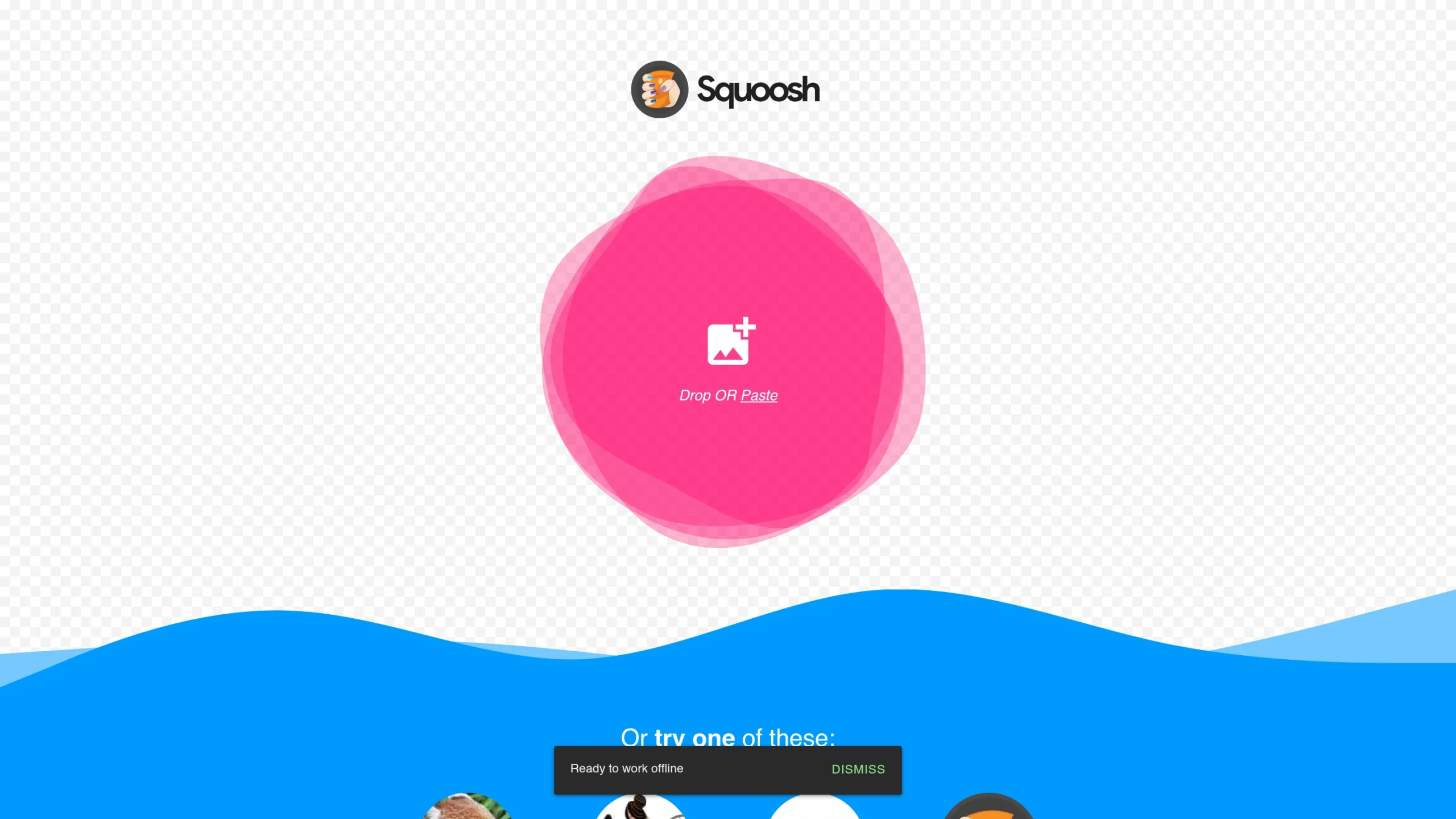
Squoosh is a free image compressor from Google Chrome Labs. Drop in a photo, compress it right in your browser and export a smaller file. There is no signup, and the images stay on your device because Squoosh does the work locally.
Smaller images mean faster-loading pages, which matters for every site you build.
Frequently Asked Questions
What Changed For Bricks Users In September?
WDesignKit 2.6.6, released on 14 September 2026, makes Bricks widgets register automatically, like Elementor and Gutenberg widgets. It also fixes Bricks appearing as off in the MCP settings ability when it was actually on.
Do I Need To Do Anything For Bricks Widgets To Register Automatically?
Update WDesignKit to version 2.6.6 or later. The release notes in the official changelog describe the change.
Which Builders Do The Six AI-Compatible Templates Support?
Three are Elementor kits (Zion Template, Taj Bakery and Vision Forge) and three are Gutenberg kits (Titan Fitness, Colo Fitness and Glowcraft). Each template page shows its builder.
Where Can I Read More About AI And MCP In WordPress?
Start with AI Website Builder For WordPress: What It Actually Means. For how WDesignKit connects AI assistants to your site, see the WDesignKit MCP Integration guide.
That Is September
We do not want every month to read like a list of announcements. Sometimes the most useful updates are the ones that make your workflow feel a little smoother. That is what we are aiming for.
Thanks for building with WDesignKit. If there is something you would like us to improve, tell us. We read every message.
See you next month.
Previous: August 2026 Updates
Author

Sagar is the Founder & CEO of POSIMYTH Innovations, with 10+ years building WordPress products trusted by 100,000+ websites globally. He has led the development of The Plus Addons for Elementor, Nexter, WDesignKit, and UiChemy, all built hands-on from concept to launch. His work focuses on making website building faster, more flexible, and accessible for creators and businesses worldwide.
Keep reading
August 2026 Update: AI Templates, MCP Abilities & More
WDesignKit August 2026 update: AI-compatible kits, globals import, MCP abilities for WordPress 7.1, security hardening and optional data sharing explained.
12 min read
July 2026 Updates: Standalone Plugin Downloads, Faster Imports & AI Templates
A widget you build in one workspace used to stay in that workspace. This month it stops being stuck. July was about moving work out of WDesignKit and onto whatever site needs it: widgets you can package as real WordPress plugins, a leaner template import, and an upgraded AI Template Import. Here’s what shipped. …
3 min read
June 2026 Updates: Smarter Gutenberg Controls, Cross-Domain Workflows & New Bricks Elements
Great workflows don’t just help you build faster. They cut the friction you didn’t notice was slowing you down. This June, WDesignKit tightened that experience further: smarter cross-domain workflows, a bigger Gutenberg toolkit, and new Bricks elements.
4 min read