On this page
- Table of Contents
- Envato Elements at a Glance
- WDesignKit at a Glance
- Pricing and Licensing Compared
- What You Actually Get for WordPress-Only Work
- Which One Should You Pick
- Switching From an Envato-Only Workflow
- Frequently Asked Questions
- Is WDesignKit cheaper than Envato Elements?
- Can I use Envato Elements themes with Elementor?
- Does WDesignKit include stock photos and video like Envato Elements?
- What happens to my templates if I cancel either subscription?
- Do I need both Envato Elements and WDesignKit?
- Suggested Reading
Key Takeaways
- Envato Elements Core starts from $16.50/month billed annually and includes unlimited downloads from a 29-million-plus asset library, including WordPress themes, stock video, photos, music, sound effects, fonts, graphics, and 3D assets.
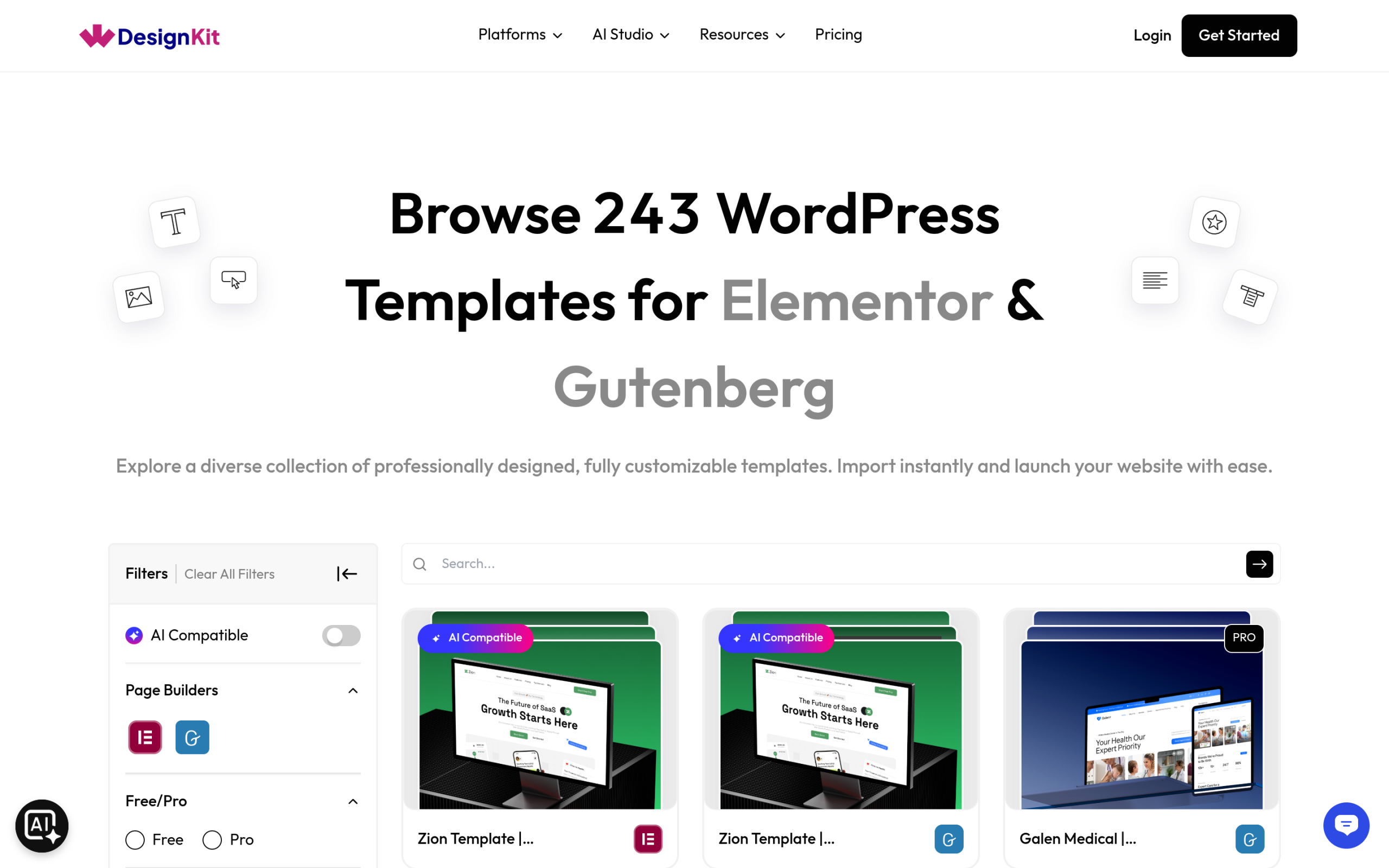
- WDesignKit starts at $0/month forever for 2 active websites and 2 workspaces, and every tier gets the same 243-kit template library and 239-widget library.
- Envato Elements gives a lifetime commercial license on each download, and licenses for items already downloaded stay valid even after cancellation.
- WDesignKit keeps access tied to an active subscription, with Pro kits and higher site limits changing by tier instead of basic template access.
- WDesignKit imports kits directly as Elementor or native Gutenberg content, while Envato themes depend on the individual theme’s build quality and page-builder support.
I get this comparison question constantly from freelancers switching off Envato Elements: “I already pay for Elements, why would I need a WordPress-specific template plugin too?” It’s a reasonable question, and the honest answer depends entirely on what you’re actually building. Envato Elements is a massive, general creative subscription that happens to include WordPress themes. WDesignKit is built for exactly one job: getting a WordPress site live with Elementor or Gutenberg. Here’s the real pricing, the real licensing terms, and which one actually fits a WordPress-only workflow, sourced directly from both companies’ current pricing pages rather than old review-site numbers.
Table of Contents
Envato Elements at a Glance
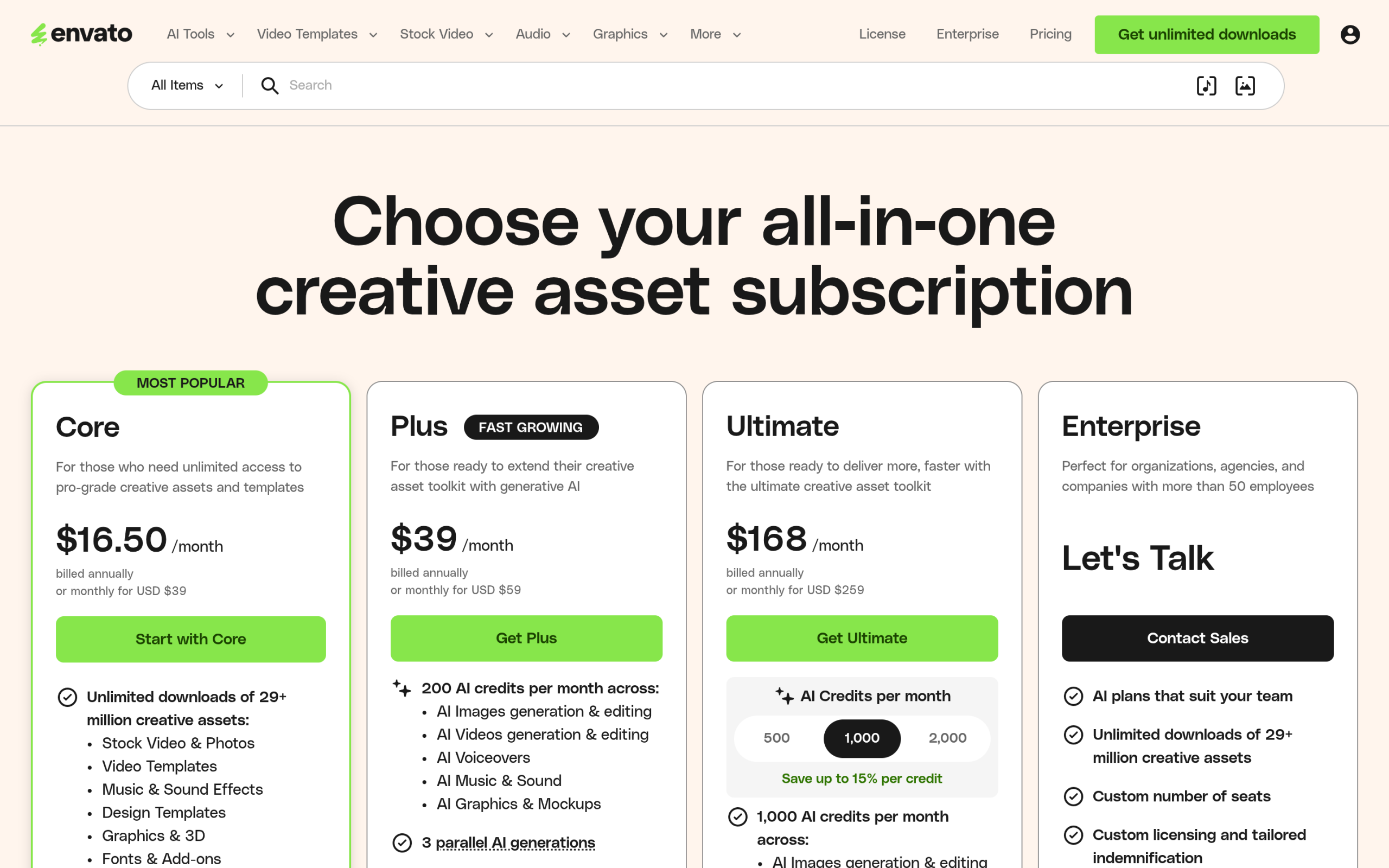
Envato Elements is a flat-fee creative subscription, not a WordPress-specific tool. The Core plan starts from $16.50/month when billed annually, and every plan includes unlimited downloads across the entire catalog: stock video, photos, music, sound effects, fonts, graphics, 3D assets, and WordPress themes, all in the same subscription. Higher tiers (Plus from $39/month, Ultimate from $168/month) add AI credits on top, 20/month on Core scaling up to 500-2,000/month on Ultimate, plus a larger seat count for teams. Every plan carries a lifetime commercial license on anything you download, and licenses for items already downloaded stay valid even after you cancel.
The practical catch for WordPress work specifically: WordPress themes are one category inside a 29-million-plus asset library built mostly for video editors, graphic designers, and content creators. You’re not paying for WordPress template depth, you’re paying for breadth across every creative discipline, and WordPress themes get a proportionally small slice of that catalog’s actual design attention. There’s also an Enterprise tier above Ultimate with custom pricing that requires talking to sales, aimed at larger teams rather than individual freelancers or small agencies.
Because Envato’s catalog is contributor-driven and covers every creative category at once, theme quality and page-builder support vary a lot from one WordPress theme to the next. Some are built cleanly for Elementor, some ship with a different bundled builder entirely, and some are essentially static HTML templates adapted into WordPress. There’s no single standard the way there is when every kit in a purpose-built WordPress library is checked against the same two builders before it’s listed.
Also Read: Best Free Elementor Templates if you want to see what a WordPress-first alternative actually looks like before comparing prices.
WDesignKit at a Glance
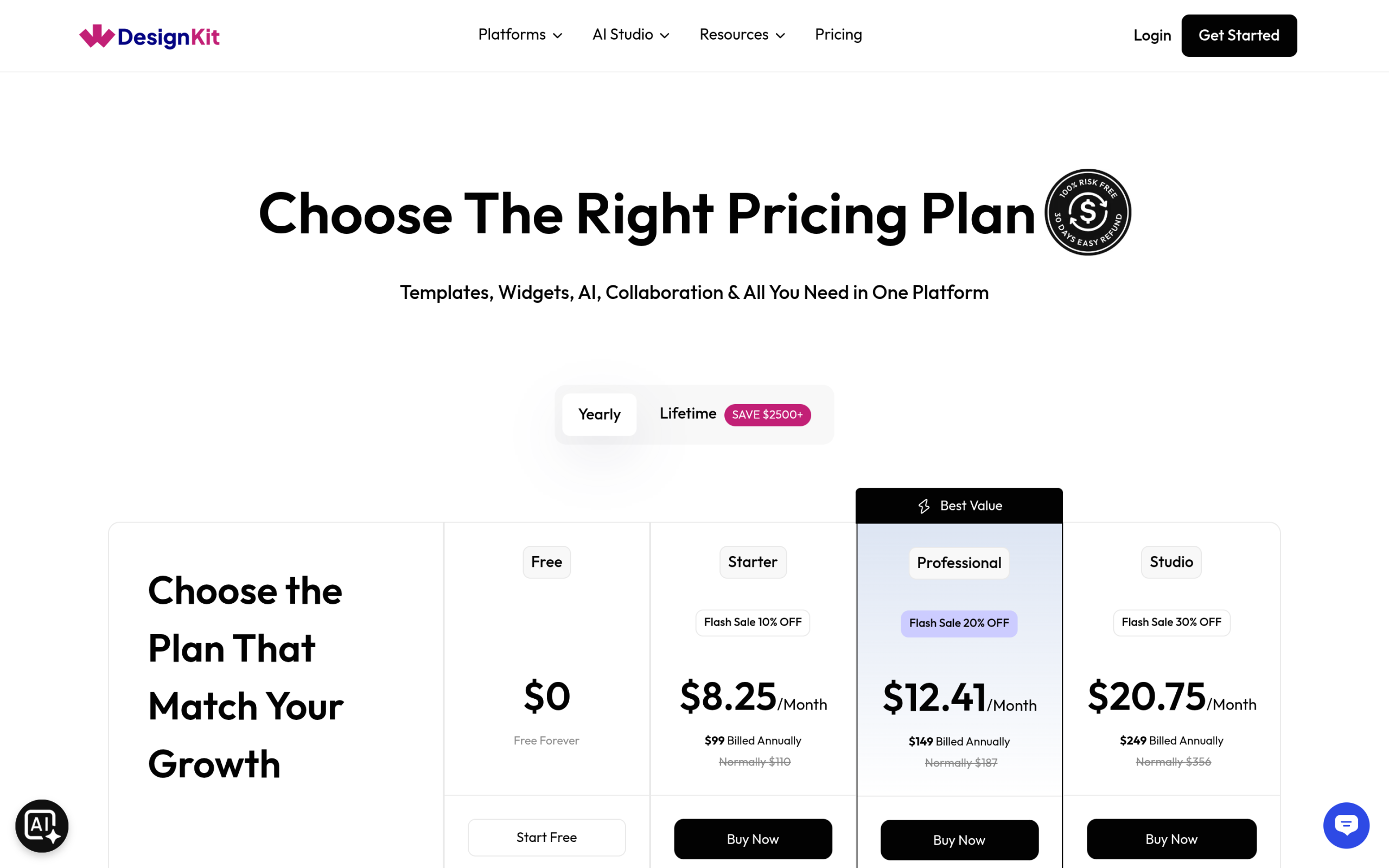
WDesignKit starts at $0/month, permanently, for 2 active websites and 2 workspaces, no card required and no trial countdown. Paid tiers (Starter at $8.25/month, Professional at $12.41/month, Studio at $20.75/month, and an Agency Bundle at $33.25/month, all billed annually at current promotional rates) scale primarily on how many active websites you manage and how many AI credits you need, not on unlocking basic template access. Every tier, including Free, gets you into the same 243-kit template library and 239-widget library described in our library breakdown post; what changes between tiers is website count, AI credit volume, and whether a given kit is tagged Free or Pro.
That’s a structurally different model from Envato’s: WDesignKit’s free tier isn’t a limited trial of a WordPress-only product, it’s a genuinely permanent starting point, with the paywall showing up around usage volume (sites, AI generation) rather than around WordPress-specific content depth.
Pricing and Licensing Compared
| Envato Elements (Core) | WDesignKit (Free / paid tiers) | |
|---|---|---|
| Entry price | From $16.50/mo (billed annually) | $0/mo forever, or from $8.25/mo |
| What’s included | Unlimited downloads, 29M+ mixed creative assets | 243 WordPress page kits, 239 widgets, code snippets |
| WordPress focus | One category among many (themes, plugins) | Entire product is WordPress-only |
| License type | Lifetime commercial license per download | Access tied to active plan; site limits by tier |
| Cancel behavior | Prior downloads keep their license | Site/workspace limits apply while subscribed |
The licensing difference matters more than the price gap. Envato’s lifetime commercial license means a theme you download today stays licensed for that project even if you cancel next month, useful if you only need occasional access. WDesignKit’s model is closer to a SaaS tool: your access to Pro kits and higher site limits tracks your active subscription, which suits ongoing work (an agency building sites continuously) better than a one-off download-and-cancel pattern.
AI credits are priced very differently between the two as well, though they’re not doing quite the same job. Envato’s AI credits (20/month on Core up to 2,000/month on Ultimate) are spent on their AI Image Generator and related creative tools, not on WordPress-specific tasks. WDesignKit’s AI credits are scoped specifically to WordPress: generating a full AI site from a prompt, or running the AI import that rewrites a kit’s placeholder copy for your business. If AI-assisted WordPress setup is the feature you actually want, WDesignKit’s credits go further per dollar since they’re not shared across an entire unrelated creative catalog.
Also Read: How to Switch Page Builders in WordPress for what happens to a template’s structure if you move between Elementor and Gutenberg later.
What You Actually Get for WordPress-Only Work
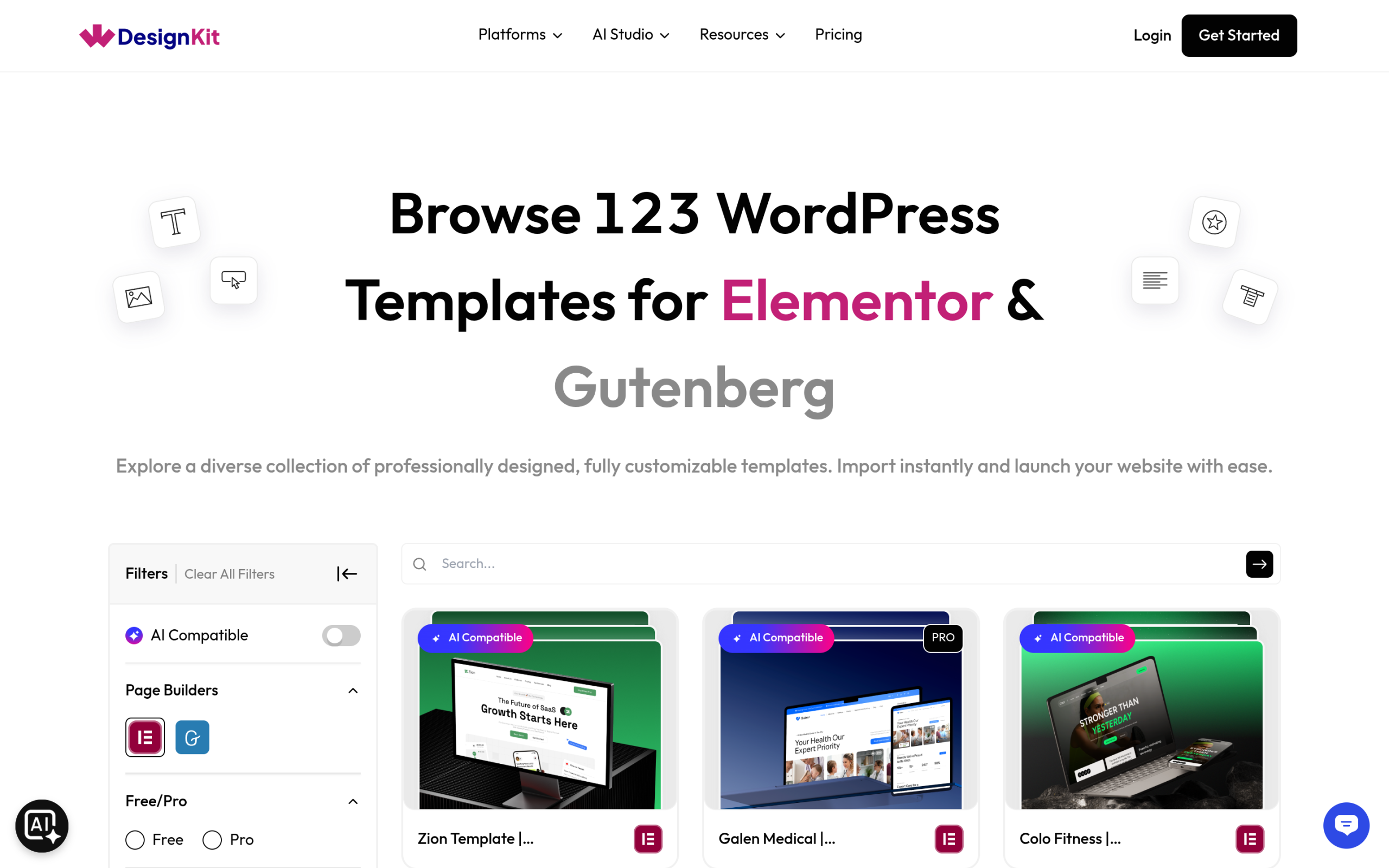
If your work is exclusively WordPress sites built in Elementor or Gutenberg, the comparison narrows fast. An Envato theme typically gives you a starting theme and a demo import, and from there you’re customizing inside whatever page builder that theme happens to support, often with its own bundled (and sometimes outdated) plugin dependencies. WDesignKit’s kits import directly as Elementor or native Gutenberg content on top of your existing setup, without requiring a separate theme switch, and the widget library and Widget Builder give you a path to extend a kit with custom sections without leaving the plugin.
Where Envato genuinely wins: if your business also needs stock video, presentation templates, fonts, or graphics outside of WordPress, that single subscription covers all of it, and WDesignKit has no answer for any of those categories since it doesn’t try to. This is really a scope comparison, not a quality comparison: a general creative subscription against a WordPress-specialist plugin.
Take a concrete example: building a restaurant website for a client. On Envato, you’d search the WordPress theme category, download a restaurant-tagged theme, then spend time learning that specific theme’s own settings panel and figuring out which page builder (if any) it actually supports well. On WDesignKit, you’d filter the library to Elementor or Gutenberg plus the restaurant category, import a kit built for that exact use case (menu sections, reservation CTAs, gallery layouts already in place), and start editing inside a builder you’re likely already using for other projects. The Envato path can absolutely work, but it depends on that specific theme’s build quality being good; the WDesignKit path is more consistent because every kit is built against the same two builders on purpose.
Which One Should You Pick
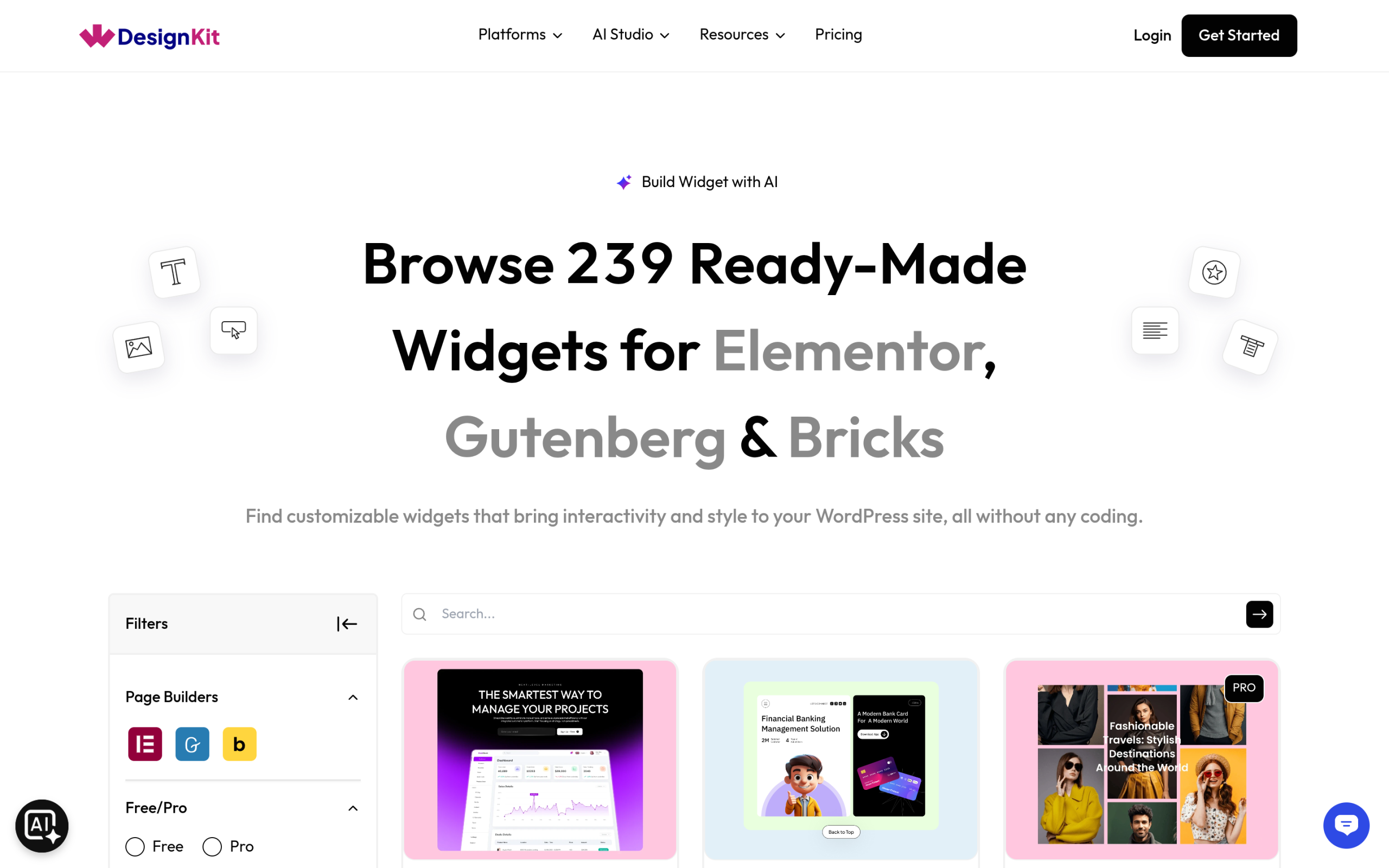
Pick Envato Elements if your work spans multiple creative disciplines and WordPress is just one piece of a broader freelance or agency practice; the flat-fee, unlimited-download model genuinely pays for itself once you’re pulling video, photo, and design assets regularly alongside the occasional theme. Pick WDesignKit if WordPress sites, specifically ones built in Elementor or Gutenberg, are the actual product you deliver; the free tier costs nothing to try, and the paid tiers scale with how many sites you’re actively running rather than how much unrelated creative content you’re downloading.
They’re not mutually exclusive either. Plenty of freelancers keep an Envato subscription for stock photography and video while using WDesignKit specifically for the WordPress build itself, since neither tool is trying to replace the other’s actual strength.
Also Read: Business Website Templates to see WDesignKit’s WordPress-specific catalog depth in one category before deciding.
Switching From an Envato-Only Workflow
If you’ve been building WordPress sites entirely from Envato themes and want to try a page-builder-first workflow instead, you don’t have to cancel anything first. Install WDesignKit’s free plugin, browse the library filtered to your builder, and import a single kit on a staging site or a fresh install before committing a client project to it. Because WDesignKit doesn’t replace your active theme the way installing a new Envato theme would, you can genuinely run both side by side: your existing Envato-sourced theme for sites already built, and WDesignKit kits for new builds, without any conflict between the two.
The one thing worth checking before you fully switch a recurring workflow over: confirm your specific page builder (Elementor, Gutenberg, or Bricks) has enough kit and widget coverage in WDesignKit’s library for the niches you actually work in. A quick filter-and-search pass, the same one described in our library breakdown post, takes a few minutes and tells you immediately whether the coverage is there before you commit a real client project to it.
Frequently Asked Questions
Is WDesignKit cheaper than Envato Elements?
For WordPress-only work, yes: WDesignKit has a genuinely free permanent tier, and its cheapest paid tier ($8.25/month billed annually) undercuts Envato’s Core plan ($16.50/month billed annually). But they’re not really priced against the same thing. Envato’s price buys access to a 29-million-asset library across every creative category; WDesignKit’s price buys deeper, WordPress-specific tooling in a much narrower scope.
Can I use Envato Elements themes with Elementor?
Some Envato WordPress themes support Elementor, but it depends entirely on the individual theme’s own build, it’s not a catalog-wide guarantee the way it is with WDesignKit, where every kit in the library is confirmed to work with Elementor or Gutenberg (or both) before it’s listed.
Does WDesignKit include stock photos and video like Envato Elements?
No. WDesignKit is scoped to WordPress page kits, widgets, and code snippets. It doesn’t include stock photography, video, music, or fonts the way Envato Elements does. If you need those asset types regularly, you’d still want a separate subscription like Envato alongside WDesignKit for the WordPress build itself.
What happens to my templates if I cancel either subscription?
With Envato Elements, anything already downloaded keeps its lifetime commercial license even after you cancel. With WDesignKit, access to Pro-tier kits and higher website limits is tied to an active subscription, so canceling drops you back to the Free plan’s limits (2 active websites, free-tier kits and widgets) rather than preserving Pro access on already-built sites indefinitely. Check the current terms on each pricing page before canceling either, since exact policies can change.
Do I need both Envato Elements and WDesignKit?
Not necessarily, it depends on scope. If WordPress site builds are your entire business, WDesignKit alone covers templates, widgets, and code snippets without an Envato subscription. If you also regularly need stock video, music, fonts, or non-WordPress design assets, keeping Envato Elements alongside WDesignKit is common: one subscription for general creative assets, one plugin specifically for the WordPress build.
Suggested Reading
- Best Free Elementor Templates in 2026 (Tested)
- How to Switch Page Builders in WordPress
- Business Website Templates: 3 WordPress Kits Compared
- Elementor Landing Page Templates
Author

Sagar is the Founder & CEO of POSIMYTH Innovations, with 10+ years building WordPress products trusted by 100,000+ websites globally. He has led the development of The Plus Addons for Elementor, Nexter, WDesignKit, and UiChemy, all built hands-on from concept to launch. His work focuses on making website building faster, more flexible, and accessible for creators and businesses worldwide.
Share this article