
WDesignKit Templates – Make WordPress Site Building Fast and Easy
Table of Contents
Build Beautiful WordPress Sites Without Repeating the Same Tasks
Tired of setting up the same pages over and over again? With the WDesignKit Template Library, you get access to a huge collection of full website kits, individual pages, and sections, all designed to save time and help you deliver polished, professional websites faster.
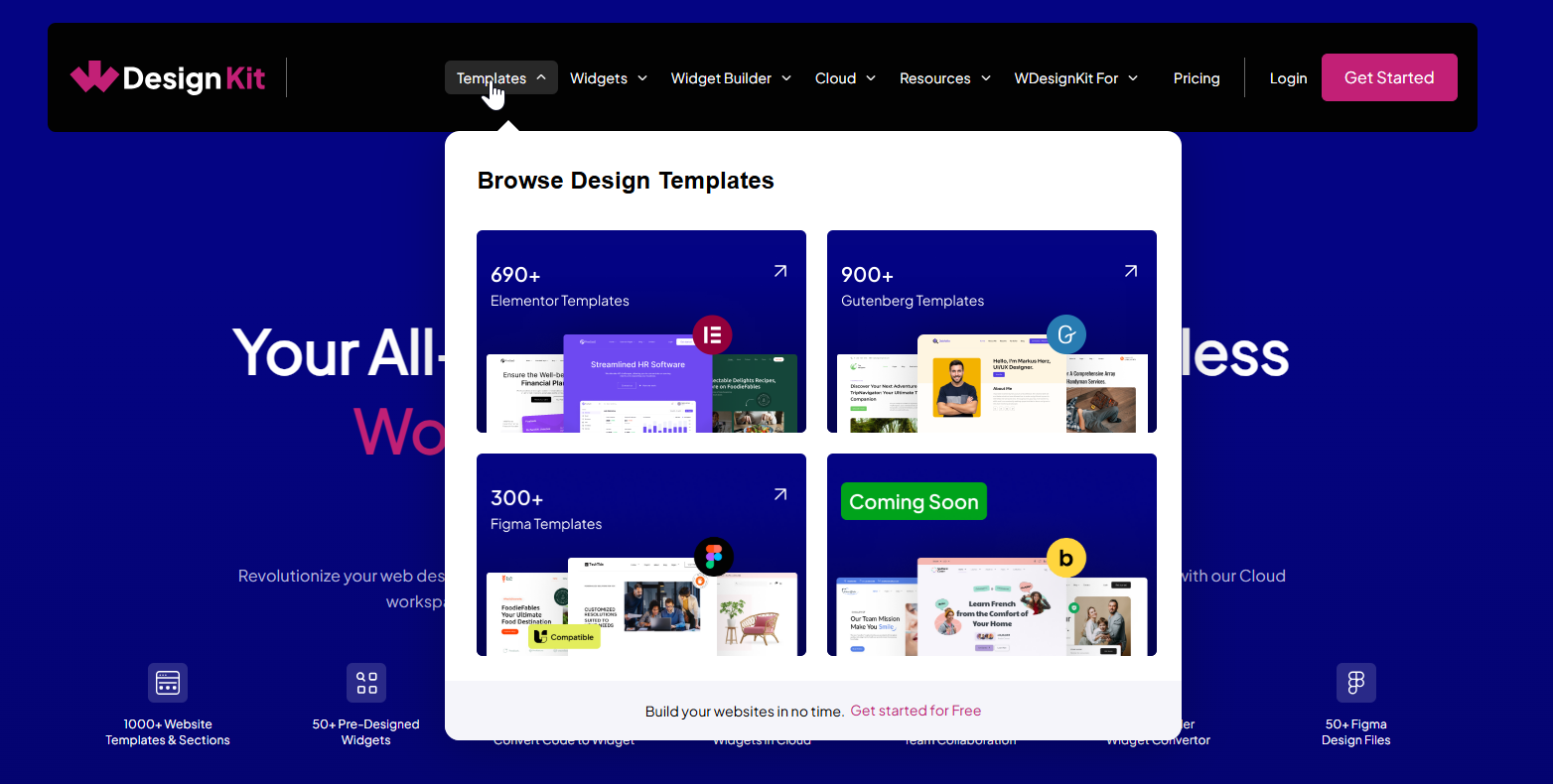
Why the Template Library Is Worth Exploring
✅ A Wide Variety of Templates for Every Builder
- 100+ Website Kits
- 700+ Full Pages
- 600+ Sections
- 90+Website Kits
- 600+ Full Pages
- 500+ Sections
No matter what kind of site you’re building, business, eCommerce, nonprofit, or something else, you’ll find clean, ready-to-use designs that look great on any device.
Also Read: WDesignKit Free vs Pro for which templates are free and which need a Pro plan.
Works with Tools You Already Use
For Elementor Users:
The templates are built to work smoothly with Elementor (both Free & Pro)The Plus Addons (both Free & Pro), WooCommerce, Contact Form 7, and more. Just plug in your tools and get going—no extra setup needed.
For Gutenberg Users:
You can use these templates with Nexter Blocks (Free & Pro), WooCommerce, Contact Form 7, and all the core Gutenberg blocks. It’s a flexible setup that keeps things simple without limiting what you can build.
Bricks Support Coming Soon
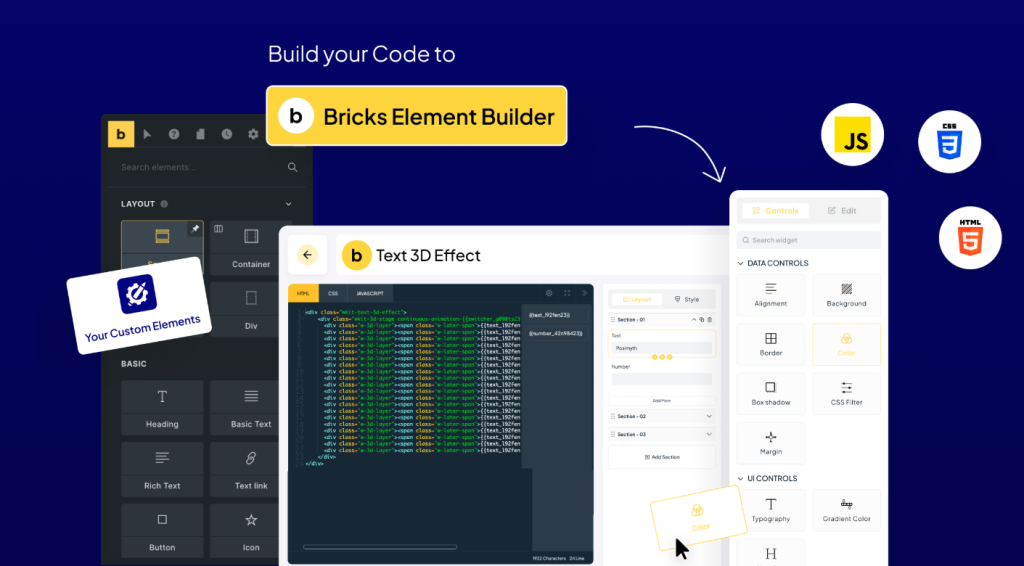
We’re working on bringing full support for Bricks Builder next. You’ll also see integrations for more advanced setups like hotel bookings, appointment systems, and more. It’s all about giving you more options without extra hassle.
Quick, Consistent, and Built for Teams
- Start Fast: No need to build everything from scratch—just pick a template, import it, and make it yours.
- Modern & Responsive: Every kit is made to look great and load fast, whether it’s on desktop or mobile.
- Easy Sharing: Share templates with your team or clients without digging through folders or email chains.
Explore the vast WDesignKit Template Library today and transform how you build WordPress sites!
Bonus: Beyond Templates
We’re not just about templates. WDesignKit also offers widgets, a widget builder, Figma designs, a cloud workspace, and more to optimize your entire WordPress design workflow. Dive in and discover how WDesignKit can simplify your next project!
Also Read: WDesignKit vs Envato Elements if you’re weighing this library against a general creative subscription.
It’s More Than Just Templates
WDesignKit isn’t limited to templates. You also get a growing library of ready-to-use widgets, a widget builder to turn your code into reusable blocks, Figma design files, and a cloud workspace to keep everything organized. It’s built to make your entire WordPress workflow smoother, from design to delivery.
Keep reading
Widget Builder vs Hand-Coding a Custom Elementor Widget: Time Comparison
Key Takeaways Elementor developer docs list 14 methods for a custom widget class, including register_controls(), render() and content_template(). WDesignKit Widget Builder opens with three panels, a Code Editor with HTML, CSS and JavaScript tabs, a Layout panel and a Controller panel. WDesignKit docs say the Create Widget popup asks for four items: builder, widget name, …
12 min read
Interior Design Website Templates: 5 WordPress Kits Compared
Interior design website template picks from WDesignKit: two free PlanPro kits and three Pro Space-Creators kits, compared by portfolio, process and page count.
12 min read
Construction Website Templates: 3 WordPress Kits Compared
Construction website template options from WDesignKit: BuildIQ Elevate, BuildIQ Nexus and Skyframe, compared by real page counts and the contractors each suits.
12 min read