
Introducing WDesignKit’s Figma Templates: Your Blueprint for Modern Web Design
Contents
Table of Contents
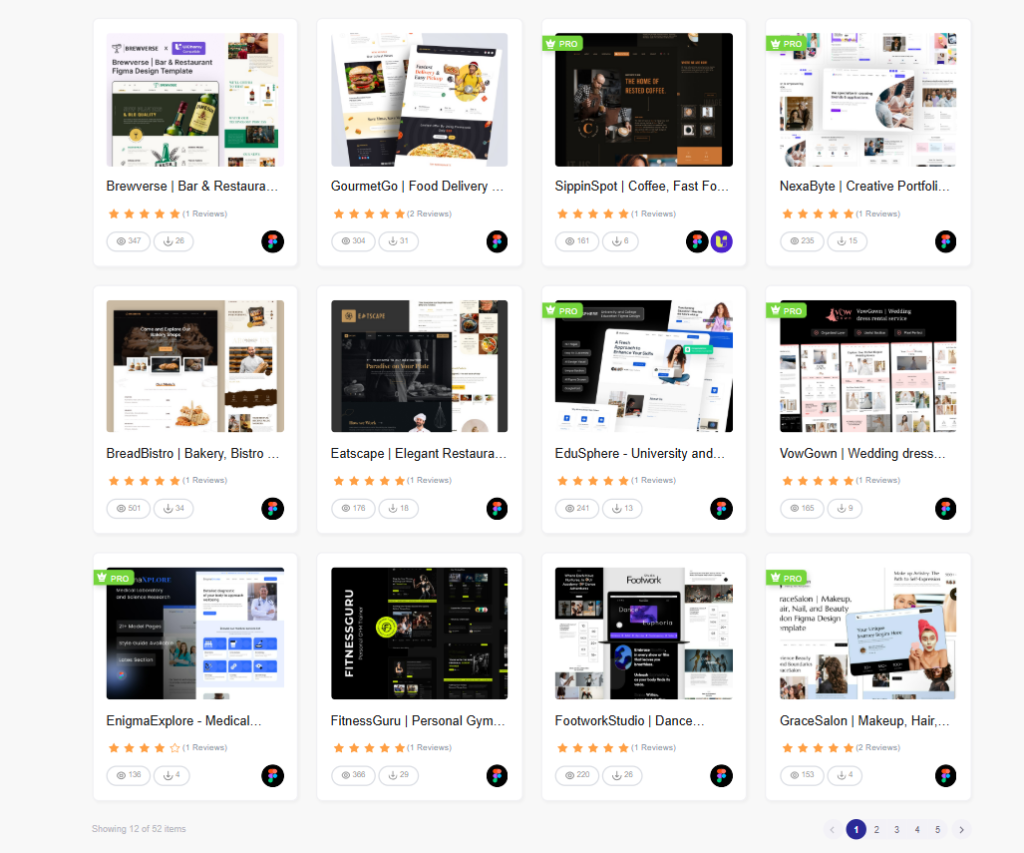
Design smarter. Build faster. With our all-new 50+ Figma Template Kits, you can now prototype and visualize stunning websites in minutes, before ever touching WordPress.
We built these templates to save you time, elevate your design quality, and bridge the gap between design and development.
What’s Inside?
50+ Figma Kits
Each kit includes a variety of professionally designed pages and sections, adding up to 900+ elements. Whether you’re designing for business, portfolios, eCommerce, or startups, there’s a layout ready to go.
Built with Auto Layout
All templates use Figma’s Auto Layout, so resizing, reordering, or adapting elements is quick and clean—with perfect spacing every time.
Responsive by Design
Every kit is designed with mobile, tablet, and desktop views in mind, giving your users a smooth experience across all devices.
UiChemy Compatible
Once your design is ready, use UiChemy to convert your Figma layout directly into Elementor or Gutenberg—no need to start from scratch in WordPress.
Why Use Our Figma Templates?
Speed Up Your Workflow
No need to build from a blank canvas. Start with a solid design, then customize quickly and iterate freely.
Professional & Consistent
Each kit follows a consistent design system with modern color palettes, typography, and spacing—so everything looks polished right out of the box.
Easy to Customize
Switch fonts, change colors, update images, or rearrange sections in seconds. Every piece is fully editable.
Team-Friendly
Share the file with teammates or clients, gather feedback instantly, and work together in real time inside Figma.
Want to build your WordPress sites faster? Check out how our WDesignKit Templates simplify every step—from layout to launch, so you can focus more on creativity and less on setup.
How to Get Started
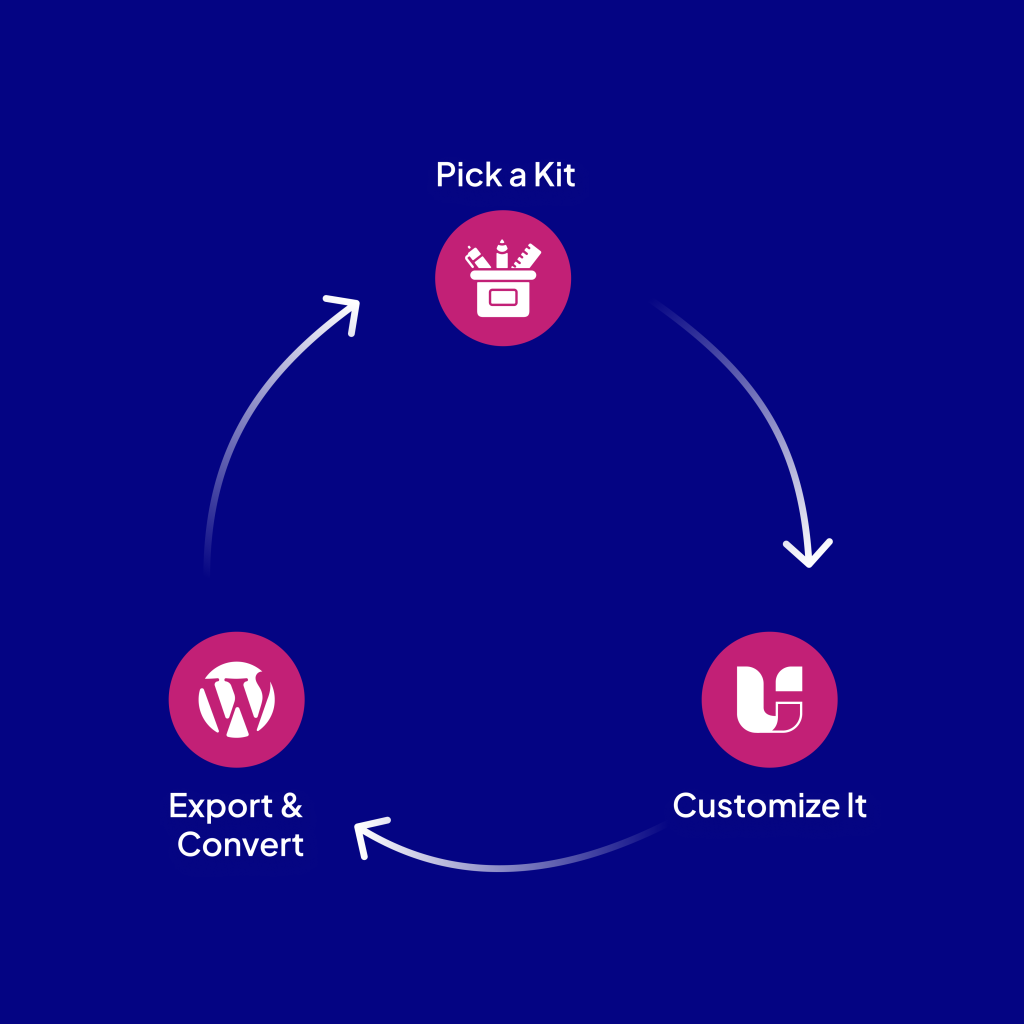
- Pick a Kit
- Choose from 50+ niche-specific categories to match your project.
- Customize It
- Tweak the layout, colors, or content to make it truly yours.
- Export & Convert
- Use UiChemy(or your preferred method) to bring your design into WordPress.
💡 Pro Tip: Already using WDesignKit for WordPress? Pair these Figma Templates with our Widgets, Cloud Workspace, and Template Library for a seamless design-to-development workflow.
New to WDesignKit?Learn the difference between Template Kits, Sections, and Full Pages in our Template Library Guide. It’s the perfect starting point to understand how each format fits into your workflow, especially when pairing with Figma designs.
Also Read: Figma to Elementor for a full design handoff workflow, from a finished Figma file to a working Elementor build.
Explore Figma Templates and Beyond
WDesignKit is built to support you at every stage of web creation, not just inside WordPress. Our Figma Kits are here to help you design faster, collaborate easier, and build smarter.
Ready to speed up your workflow?
Keep reading
Widget Builder vs Hand-Coding a Custom Elementor Widget: Time Comparison
Key Takeaways Elementor developer docs list 14 methods for a custom widget class, including register_controls(), render() and content_template(). WDesignKit Widget Builder opens with three panels, a Code Editor with HTML, CSS and JavaScript tabs, a Layout panel and a Controller panel. WDesignKit docs say the Create Widget popup asks for four items: builder, widget name, …
12 min read
Interior Design Website Templates: 5 WordPress Kits Compared
Interior design website template picks from WDesignKit: two free PlanPro kits and three Pro Space-Creators kits, compared by portfolio, process and page count.
12 min read
Construction Website Templates: 3 WordPress Kits Compared
Construction website template options from WDesignKit: BuildIQ Elevate, BuildIQ Nexus and Skyframe, compared by real page counts and the contractors each suits.
12 min read