
Introducing the WDesignKit Widget Builder
Contents
Table of Contents
Build Once. Reuse Everywhere, No Coding Required.
Building custom WordPress widgets used to mean juggling plugins, writing custom code, and dealing with scattered backups. After years of creating websites and talking with agencies, we noticed a recurring pain: creators needed a unified, easy-to-use system to build and reuse widgets across page builders, without relying on developers.
So we built it.
The WDesignKit Widget Builder brings powerful customization tools, ready-to-use components, and a Cloud Workspace together in one smooth platform. Whether you’re working with Elementor, Gutenberg, or Bricks, creating consistent, professional widgets is now faster than ever.
Why We Created It
From Code Overload to Creative Control
Before WDesignKit, something as simple as a testimonial box or donation banner often required:
- Editing child themes
- Writing HTML, CSS, or JavaScript
- Managing version control
- Constant switching between tools
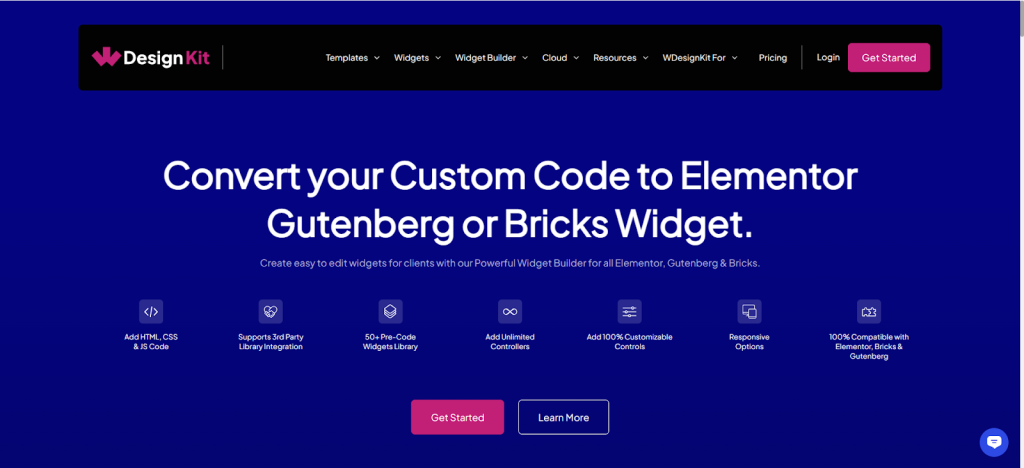
The Widget Builder removes those barriers with a clean drag-and-drop interface designed for both non-coders and advanced users, so you can build without friction.
One Builder, Three Ecosystems
Works With Elementor, Gutenberg & Bricks
Instead of building different widgets for every page builder, WDesignKit lets you create once and deploy across:
No matter your preferred tool, your widgets stay consistent, customizable, and fast to implement.
Skip the Start-From-Scratch Struggle
Use 170+ Ready-Made Widgets, Blocks & Elements
Need something that just works out of the box? The Widget Builder includes a growing library of pre-built components:
These are organized into intuitive categories like:
- Essentials
- Creative
- Marketing
- Animations
- Tabs & Sliders
- Media Layouts
- Listings
- Miscellaneous
Each widget is built with design best practices, responsive layouts, and simple customization options—so you can tweak and launch in minutes.
Also Read: WDesignKit Cloud Workspace for storing the widgets you build and sharing them across sites and teammates.
What’s Next?
More Power. More Flexibility.
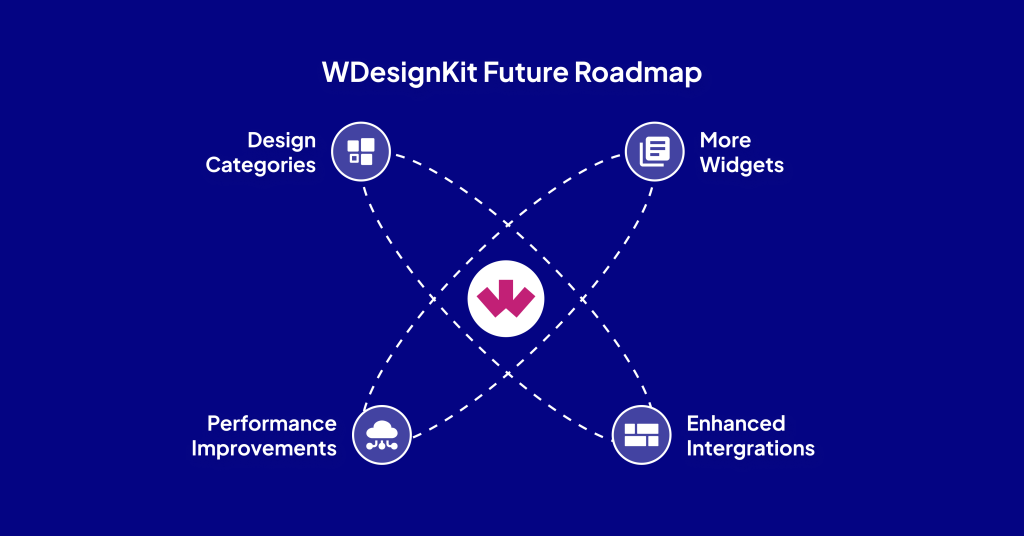
We’re just getting started. Our roadmap includes:
- Widgets for advanced use cases (booking, scheduling, dynamic content)
- Enhanced integrations
- Performance improvements
- More design categories and builder support
Our mission is simple: make WordPress widget building enjoyable and efficient, for everyone.
Also Read: WDesignKit MCP Integration for working with widgets, templates, and snippets through an AI assistant.
Ready to Build Smarter?
Explore the WDesignKit Widget Builder and start creating your own custom widgets today.
- Browse 170+ pre-built widgets
- Customize them or build from scratch
- Organize and share via Cloud Workspace
- Use with Elementor, Gutenberg, or Bricks, no coding required!
Let WDesignKit simplify your workflow, and free up time for real creativity.
Keep reading
Widget Builder vs Hand-Coding a Custom Elementor Widget: Time Comparison
Key Takeaways Elementor developer docs list 14 methods for a custom widget class, including register_controls(), render() and content_template(). WDesignKit Widget Builder opens with three panels, a Code Editor with HTML, CSS and JavaScript tabs, a Layout panel and a Controller panel. WDesignKit docs say the Create Widget popup asks for four items: builder, widget name, …
12 min read
Interior Design Website Templates: 5 WordPress Kits Compared
Interior design website template picks from WDesignKit: two free PlanPro kits and three Pro Space-Creators kits, compared by portfolio, process and page count.
12 min read
Construction Website Templates: 3 WordPress Kits Compared
Construction website template options from WDesignKit: BuildIQ Elevate, BuildIQ Nexus and Skyframe, compared by real page counts and the contractors each suits.
12 min read