


5( 2 Review )
235 Views113 Downloads
Image Hover Invert Cursor Effect

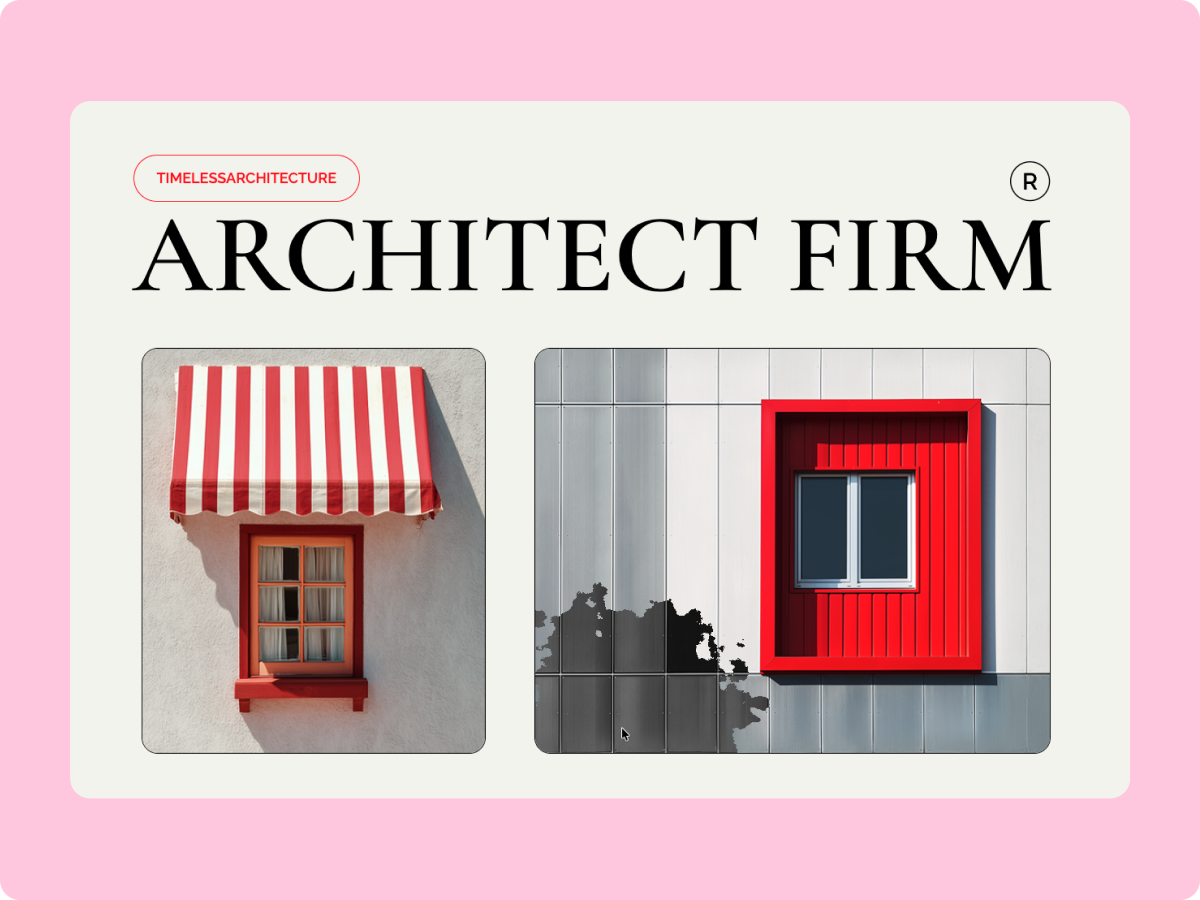
The Image Hover Invert Cursor Effect widget from WDesignKit adds a creative and interactive touch to your images by inverting colors under the cursor in real time. As users move their mouse over an image, the effect follows smoothly, creating a modern and engaging visual experience. This free Elementor widget is ideal for portfolios, hero sections, galleries, and experimental layouts where you want images to feel more alive and interactive without adding complex code.

Assets :
elementor
elementor
Page Builder :
elementor
Temp Image
Description

The Image Hover Invert Cursor Effect widget from WDesignKit helps you turn static images into interactive visuals using a smooth, cursor-based invert effect. When visitors hover over an image, the colors invert dynamically and follow the cursor movement, adding depth and visual interest to your layout.

Built specifically for Elementor, the widget is easy to set up and works seamlessly with Elementor’s design controls. You can adjust the invert area size, intensity, and overall behavior to match your design style. This widget works well for creative portfolios, showcase sections, modern hero banners, and image galleries where interaction plays a key role. It’s fully responsive, lightweight, and optimized for performance, ensuring smooth behavior across devices and browsers. As a free widget from WDesignKit, it’s a simple yet impactful way to make images stand out.

Features
Upgrade to Premium PlanIt's time to 10X your website creation process
Premium PlanExtra 10% OFF
5 Sites10 Sites1000 Sites
$39$43
Lifetime Plan
Extra 50% OFF
1000 Sites
$299$599
Choose Plan
Version Info:
Version:1.0.0
Last Updated:1 month ago
View Full Version History
Submit Your Review:
Search ID:12169
Share:
Related Tags:WordPress Widget Hover EffectsCard HoverCreative DesignVisual Effects
Image Hover Invert Cursor Effect