


0( 0 Review )
121 Views30 Downloads
Content Scroll Animation

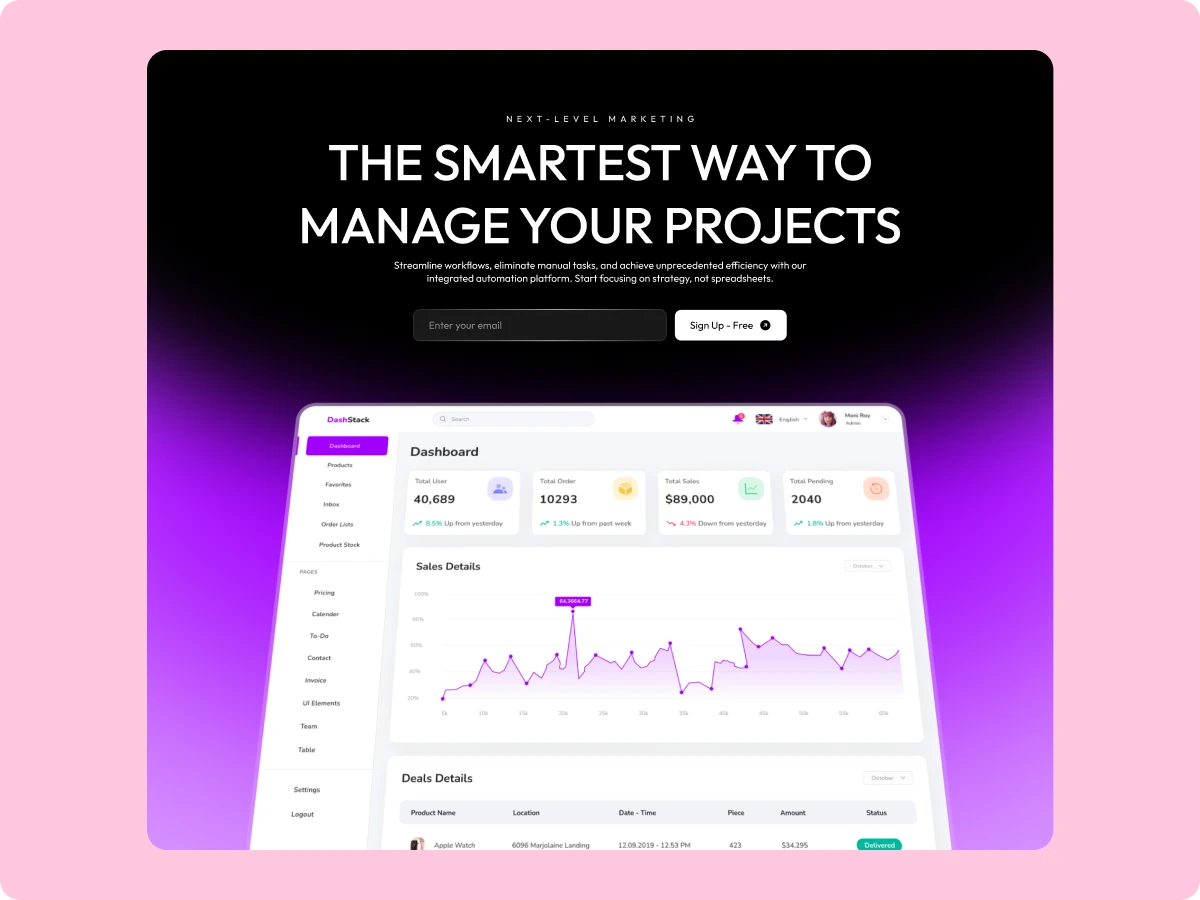
The Content Scroll Animation widget from WDesignKit helps you add smooth and eye-catching motion effects as users scroll through your website. Instead of static sections, your content fades, slides, zooms, or reveals at the right moment, making pages feel more engaging and modern. It’s a great fit for landing pages, storytelling layouts, portfolios, and business websites that want to guide visitor attention naturally. Built for Elementor, this widget gives you full control over animations without needing any coding knowledge.

Assets :
elementor
elementor
Page Builder :
elementor
Temp Image
Description

The Content Scroll Animation widget from WDesignKit brings your website to life by animating elements as they enter the screen. As visitors scroll, sections don’t just appear, they smoothly fade in, slide into place, zoom forward, or reveal with clean motion. This helps create a more interactive experience while keeping your layout professional and easy to follow.

You can apply animations to text, images, columns, and full sections, making it useful for highlighting key messages, features, or visual content. The widget allows you to control animation speed, delay, and style, so every effect matches your design flow. Since it’s built for Elementor, all settings feel familiar and easy to manage. The widget is lightweight, responsive, SEO-friendly, and optimized for performance, ensuring animations run smoothly across devices without slowing your website.

Features
Upgrade to Premium PlanIt's time to 10X your website creation process
Premium PlanExtra 10% OFF
5 Sites10 Sites1000 Sites
$39$43
Lifetime Plan
Extra 50% OFF
1000 Sites
$299$599
Choose Plan
Version Info:
Version:1.0.0
Last Updated:5 days ago
View Full Version History
Submit Your Review:
Search ID:12223
Share:
Related Tags:WordPress Widget Scroll TriggerScroll Triggered AnimationScroll AnimationContent ShowcaseVisual Content
Content Scroll Animation