






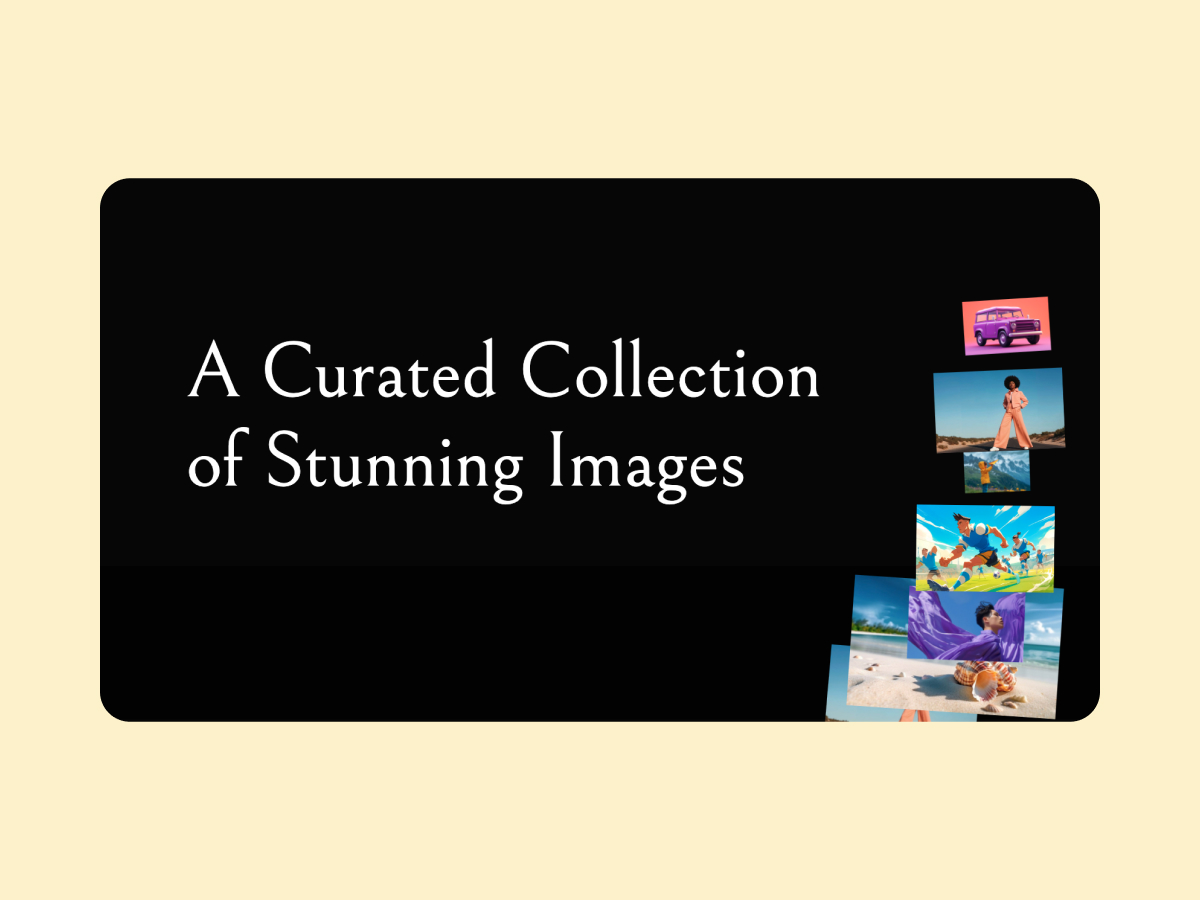
The Click to Media element from WDesignKit allows you to add interactive behavior to images and videos inside Bricks Builder. Instead of showing media directly, you can let users click to activate it, triggering smooth animations or reveal effects. This helps create a more engaging experience and gives better control over how content is presented.
It works well for creative portfolios, product showcases, galleries, or sections where you want to highlight specific visuals without overwhelming the page. You can use it to display images, videos, or media content with simple click interactions that feel clean and modern.
The element supports customization for layout, styling, spacing, and effects, so it fits easily into your design. It is lightweight, responsive, and optimized for performance, ensuring smooth interaction across devices. If you want to add controlled and interactive media elements to your site, this is a simple and effective solution.