
March 2026 Updates: Faster WDesignKit, New Widgets, AI Updates & More
Contents
Table of Contents
Making WDesignKit faster, smarter, and more powerful, that’s what we focused on this month.
From performance improvements and AI support to new Bricks widgets, here’s what’s new and what’s coming next.
🔥 Highlight of the Month
AI Chat Support
We’ve introduced AI Chat Support to help you get answers faster while working.Whether you’re exploring features or stuck on something, AI assistance makes the workflow smoother and more efficient.
🚀 Product Updates
This month, we focused on a few small but meaningful improvements to enhance your overall experience.
Key Updates
- Improved AI Kit Import for smoother generation
- New image library support inside AI Kit Import
- Import dummy products during WooCommerce kit import
- AI Chat Support for quicker assistance
- Better responsiveness on the pricing page
We’ve also rolled out several performance improvements and bug fixes to keep WDesignKit faster and more stable.
⚡Quick Win
Creators are simplifying their workflow with WDesignKit.
We love hearing how WDesignKit helps creators build faster.
😉 Did You Know?
You can use WDesignKit across Elementor and Gutenberg to build websites consistently.
This allows you to work with different builders without changing your workflow or tools.
Perfect for freelancers managing multiple types of projects.
⚙️ Tool of the Month
🎥 Watch & Learn
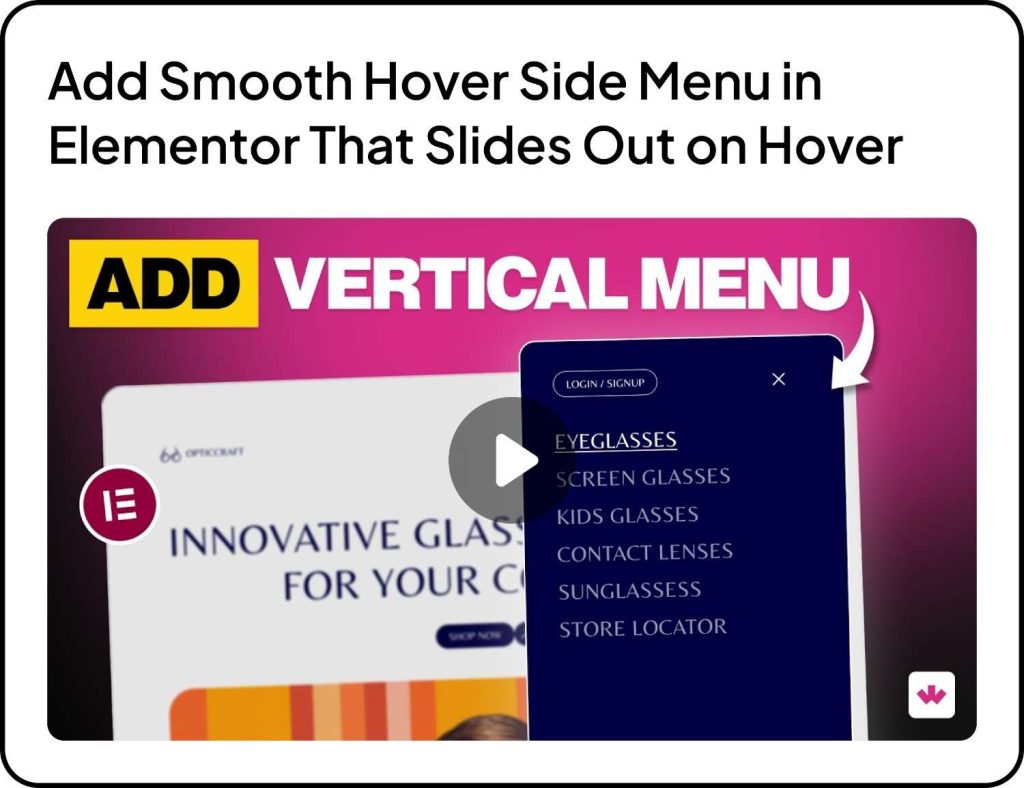
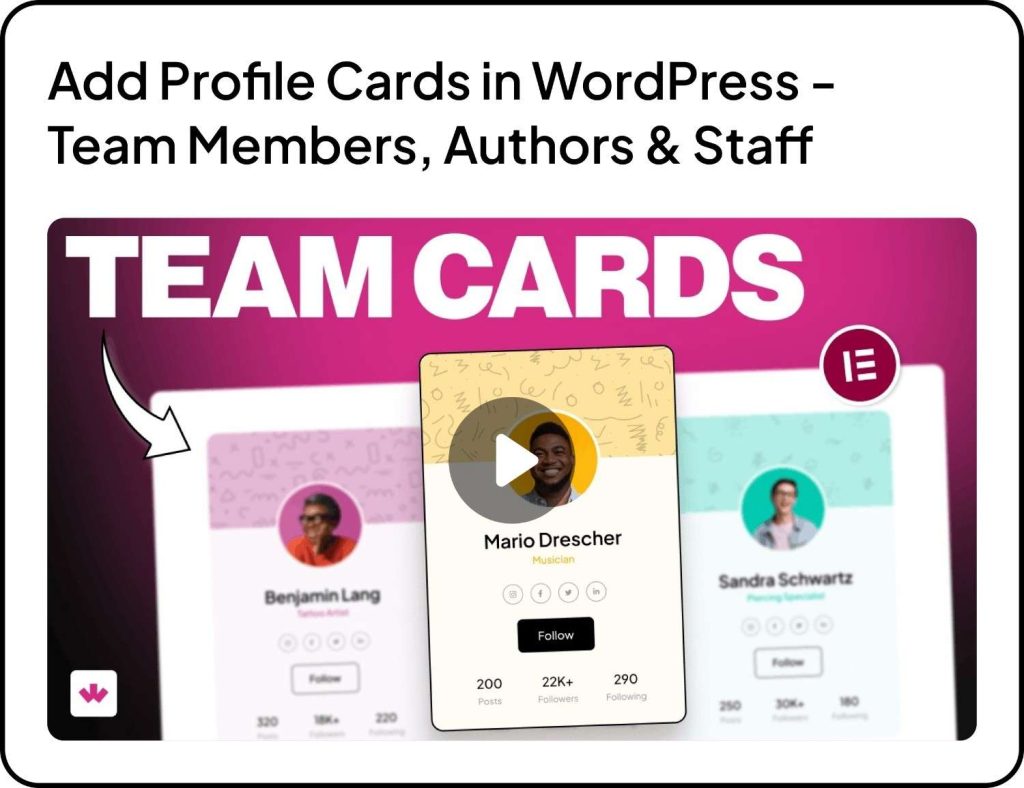
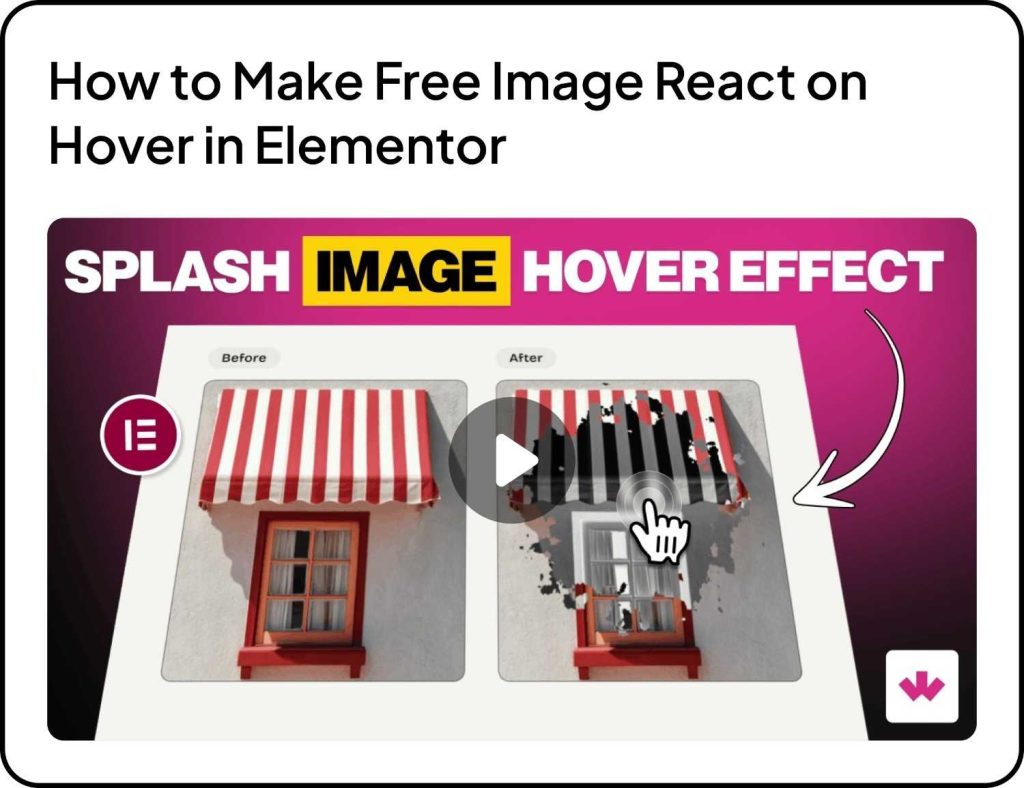
Want to make your website more interactive and engaging?
Here are a few tutorials to get you started:
🧠 Helpful Resource
New Bricks Elements
We’ve added several new Elements for Bricks Builder to help you create more interactive and engaging layouts.
- Wavey Before After
- Sparkle Text
- Interactive Links
- Scrolling 3D Cards
- On Scroll Sticky Media Cards
- Glowing Corner Card
- Portfolio Slider
- Image Accordion
- Rating Badge
- Side Sticky Header Menu
- Magnetic Button
- Magic Hover CTA
These Elements give you more flexibility to design creative sections without extra effort or code.
👀 Coming Next
We’re working on some powerful improvements to make WDesignKit more flexible and AI-driven.
AI Features in Progress
- AI Widget Builder
- AI code snippet related page
- AI generated text and descriptions
- AI compatibility on Browse Widget page
Widget & Builder Enhancements
- New controller for Core Gutenberg Widget Builder
- PHP code editor inside Widget Builder
- Download widgets during template import
- Download widgets as standalone plugins
Workspace & Compatibility
- Code snippet compatibility in workspace
- Improvements to “Share with Me” page
More powerful features are on the way.…. So stay tuned.
That’s all for March.
We’re continuously improving WDesignKit to make building websites faster, easier, and more flexible.
Subscribe our Newsletter, get Monthly & Weekly Product updates, News and more….✉️
Previous: February 2026 Updates | Next: April 2026 Updates
Author

Sagar is the Founder & CEO of POSIMYTH Innovations, with 10+ years building WordPress products trusted by 100,000+ websites globally. He has led the development of The Plus Addons for Elementor, Nexter, WDesignKit, and UiChemy, all built hands-on from concept to launch. His work focuses on making website building faster, more flexible, and accessible for creators and businesses worldwide.
Keep reading
New In WDesignKit: AI Templates Now Start With One Line About Your Site
WDesignKit AI Templates now starts with one line about your site. Answer a few questions, set colors and fonts, test on a sandbox, then import.
6 min read
September 2026 Updates: Bricks Widgets Auto-Register, AI Templates And More
WDesignKit September 2026 update: Bricks widgets now register automatically, a Bricks MCP settings fix, six AI-compatible kits and four widgets built to move.
5 min read
August 2026 Update: AI Templates, MCP Abilities & More
WDesignKit August 2026 update: AI-compatible kits, globals import, MCP abilities for WordPress 7.1, security hardening and optional data sharing explained.
12 min read