
April 2026 Updates: Faster Workflow, Better Sharing & AI Updates & More
Contents
Table of Contents
Building websites should feel faster and more connected, not fragmented.
So in April, we focused on improving workflow efficiency, sharing capabilities, and overall performance inside WDesignKit.
Here’s what’s new and what’s coming next.
🔥 Highlight of the Month
Smoother Workflow with Widget Downloads
You can now download WDesignKit widgets directly while importing templates, making the setup process much faster.
This removes extra steps and helps you start building instantly without manual setup.
A small improvement that saves time across every project.
🚀 Product Updates
This month, we focused on improving workflow efficiency and platform performance.
Key Updates
- Download widgets directly during template import
- Added social sharing for single pages
- Improved image & GIF performance for faster loading
We’ve also rolled out several bug fixes, stability improvements, and backend optimizations to keep everything running smoother.
⚡Quick Win
Here’s what a user shared after using WDesignKit:
“A new-age tool for WordPress design workflow.”
The ability to build across Elementor, Gutenberg, and Bricks, and convert between them, makes project handling much more efficient.
😉 Did You Know?
You can reuse your saved widgets and sections across multiple projects using WDesignKit’s cloud system.
This means you don’t have to rebuild the same layouts again and again.
Perfect for freelancers and agencies who want to scale projects faster and stay consistent.
⚙️ Tool of the Month
🎥 Watch & Learn
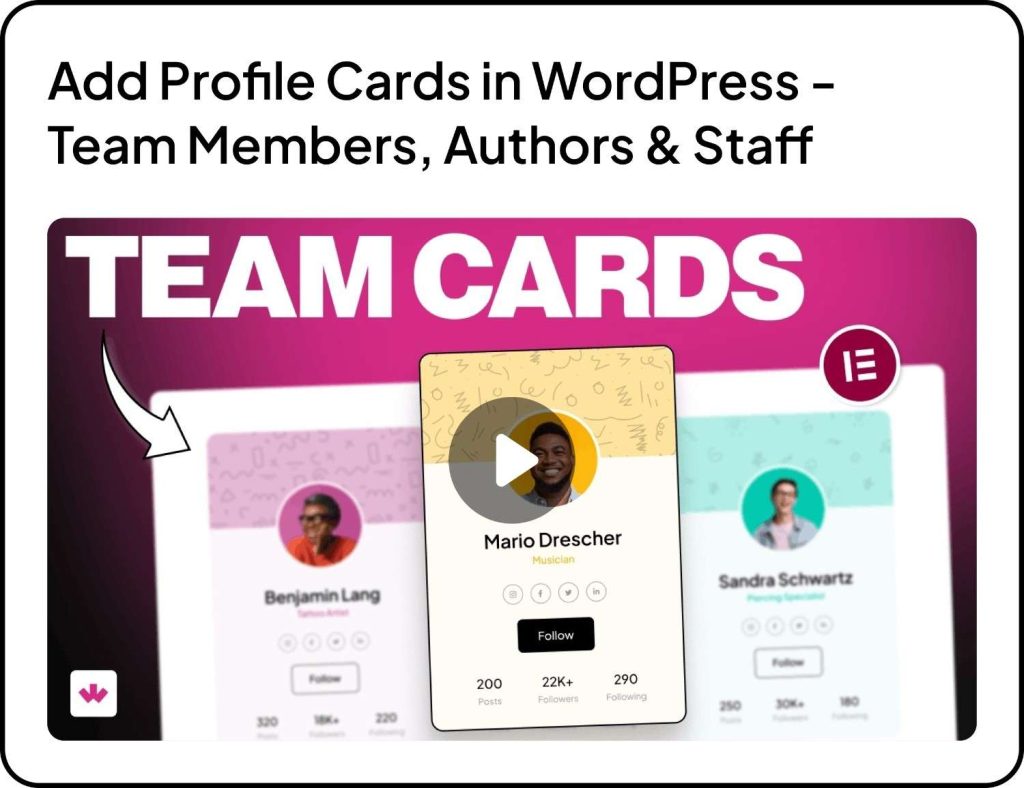
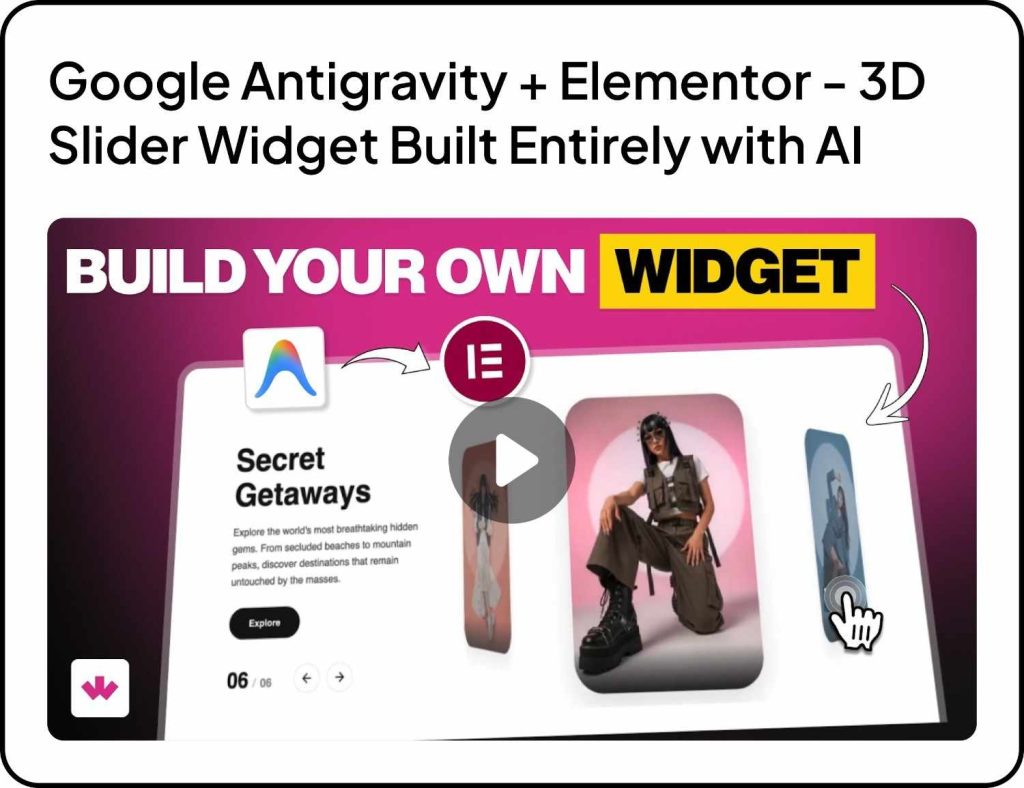
Explore new ways to make your websites more interactive, modern, and visually engaging with these quick tutorials.
🧠 Helpful Resource
Speed Up Client Workflows
Using reusable widgets, templates, and shared layouts can significantly reduce project delivery time.
Instead of rebuilding sections repeatedly, you can reuse and customize them across projects.
A simple workflow improvement that helps freelancers and agencies handle more work efficiently.
👀 Coming Next
We’re working on making WDesignKit more powerful with AI and developer-focused features.
Plugin & Builder Enhancements
- AI Widget Builder
- AI Code Snippet
- PHP Editor inside Widget Builder
- New controllers for Core Gutenberg Builder
- Code snippet compatibility in workspace
- Download widgets as standalone plugins
Server & AI Features
- AI Widget Builder
- AI Code Snippet page
- AI Template page
- AI generated text and descriptions
More powerful features are on the way, stay tuned.
That’s all for April.
Every update is focused on helping you build faster, manage projects better, and scale your workflow with ease.
Subscribe our Newsletter, get Monthly & Weekly Product updates, News and more….✉️
Previous: March 2026 Updates | Next: May 2026 Updates
Author

Sagar is the Founder & CEO of POSIMYTH Innovations, with 10+ years building WordPress products trusted by 100,000+ websites globally. He has led the development of The Plus Addons for Elementor, Nexter, WDesignKit, and UiChemy, all built hands-on from concept to launch. His work focuses on making website building faster, more flexible, and accessible for creators and businesses worldwide.
Keep reading
New In WDesignKit: AI Templates Now Start With One Line About Your Site
WDesignKit AI Templates now starts with one line about your site. Answer a few questions, set colors and fonts, test on a sandbox, then import.
6 min read
September 2026 Updates: Bricks Widgets Auto-Register, AI Templates And More
WDesignKit September 2026 update: Bricks widgets now register automatically, a Bricks MCP settings fix, six AI-compatible kits and four widgets built to move.
5 min read
August 2026 Update: AI Templates, MCP Abilities & More
WDesignKit August 2026 update: AI-compatible kits, globals import, MCP abilities for WordPress 7.1, security hardening and optional data sharing explained.
12 min read