Skip to content
WDesignKit users5.030K+ Active Users

Describe It. AI Builds It for You.

From a simple idea to a ready-to-build website, AI helps you build your website faster.

From Idea to Website, Made Simple

Describe your site, choose a full kit, pick where it goes and import it in one click.

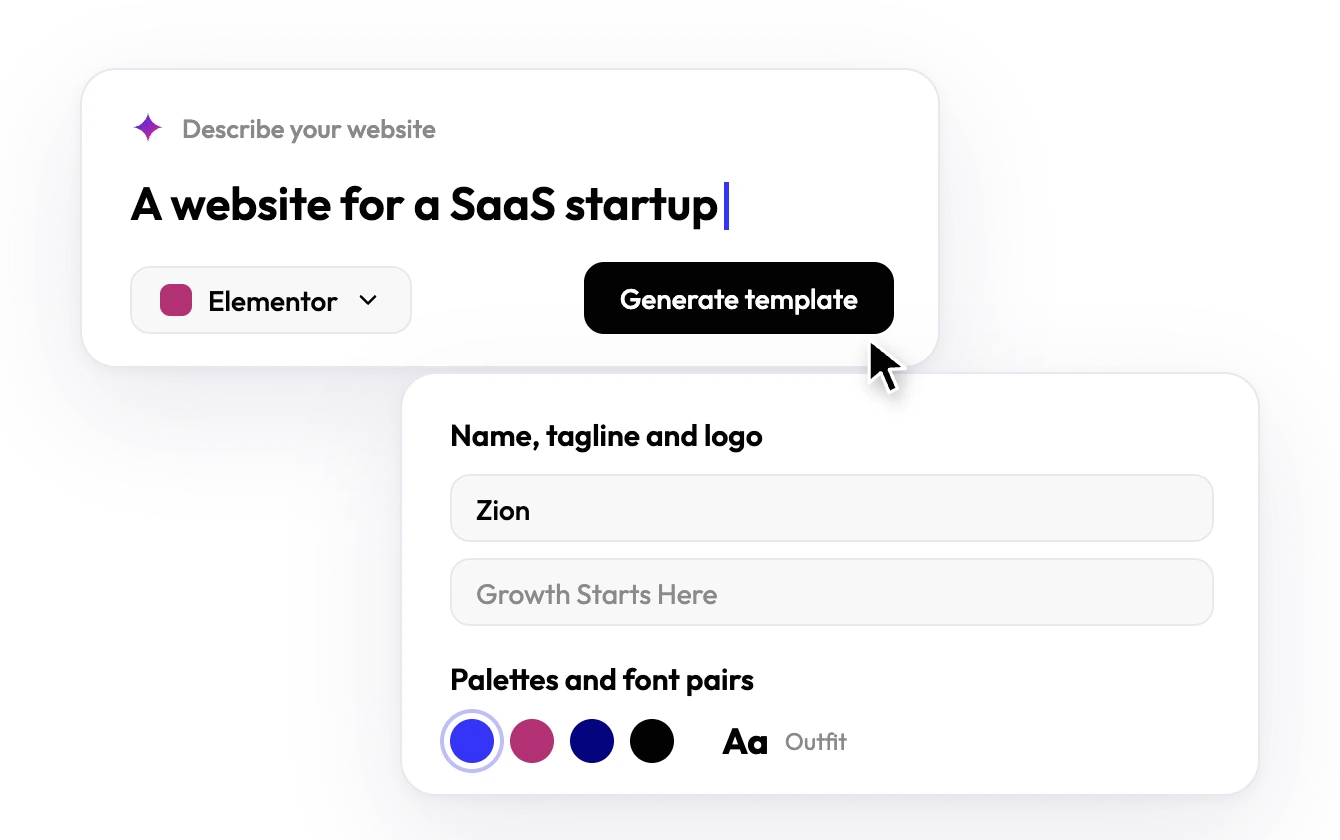
  1. Prompt box reading A website for a SaaS startup, with Elementor selected, next to name, tagline, palette and font pickers

    Step 1: Describe

    Tell AI about your business, then pick colours and fonts.

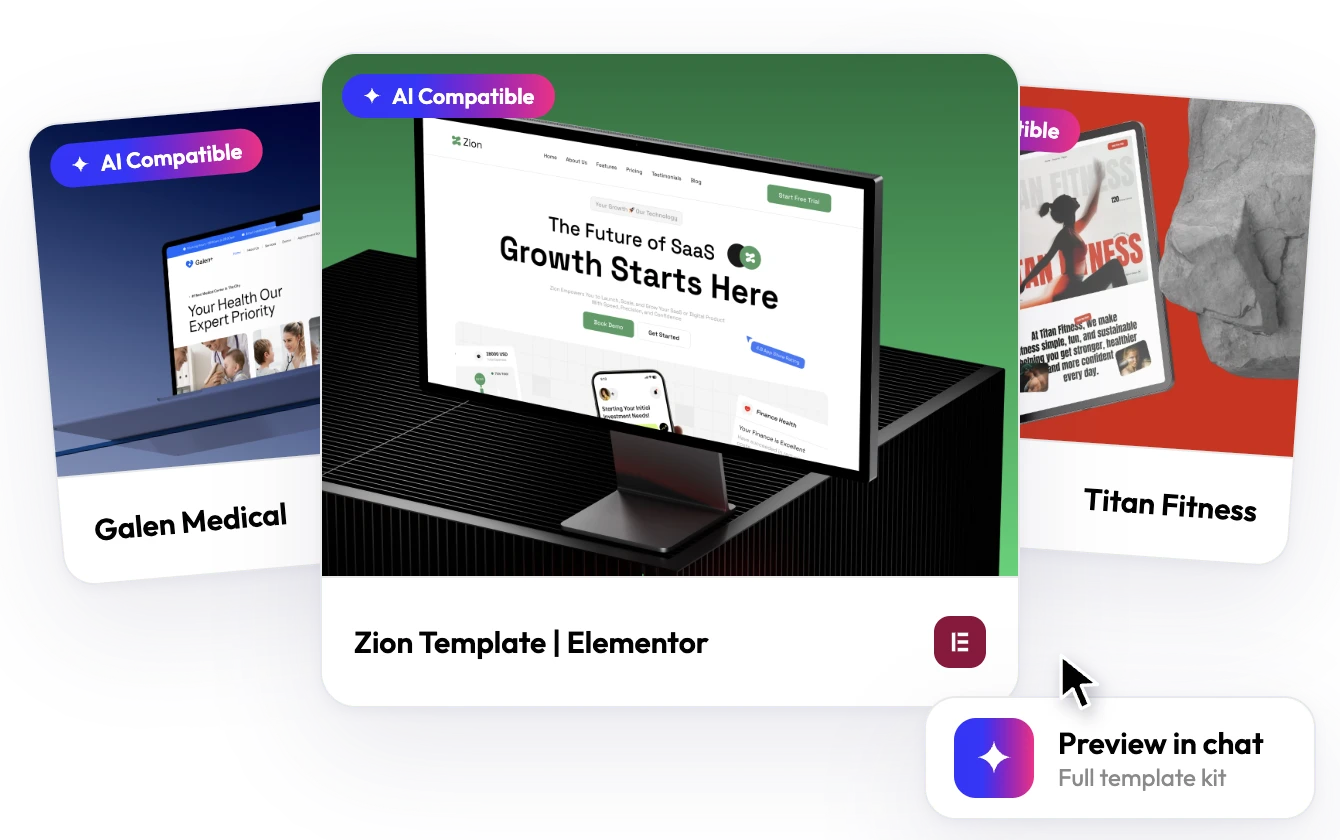
  2. Template kit cards for Galen Medical, Zion and Titan Fitness with a Preview in chat label

    Step 2: Preview

    Choose a full kit and see your site take shape in chat.

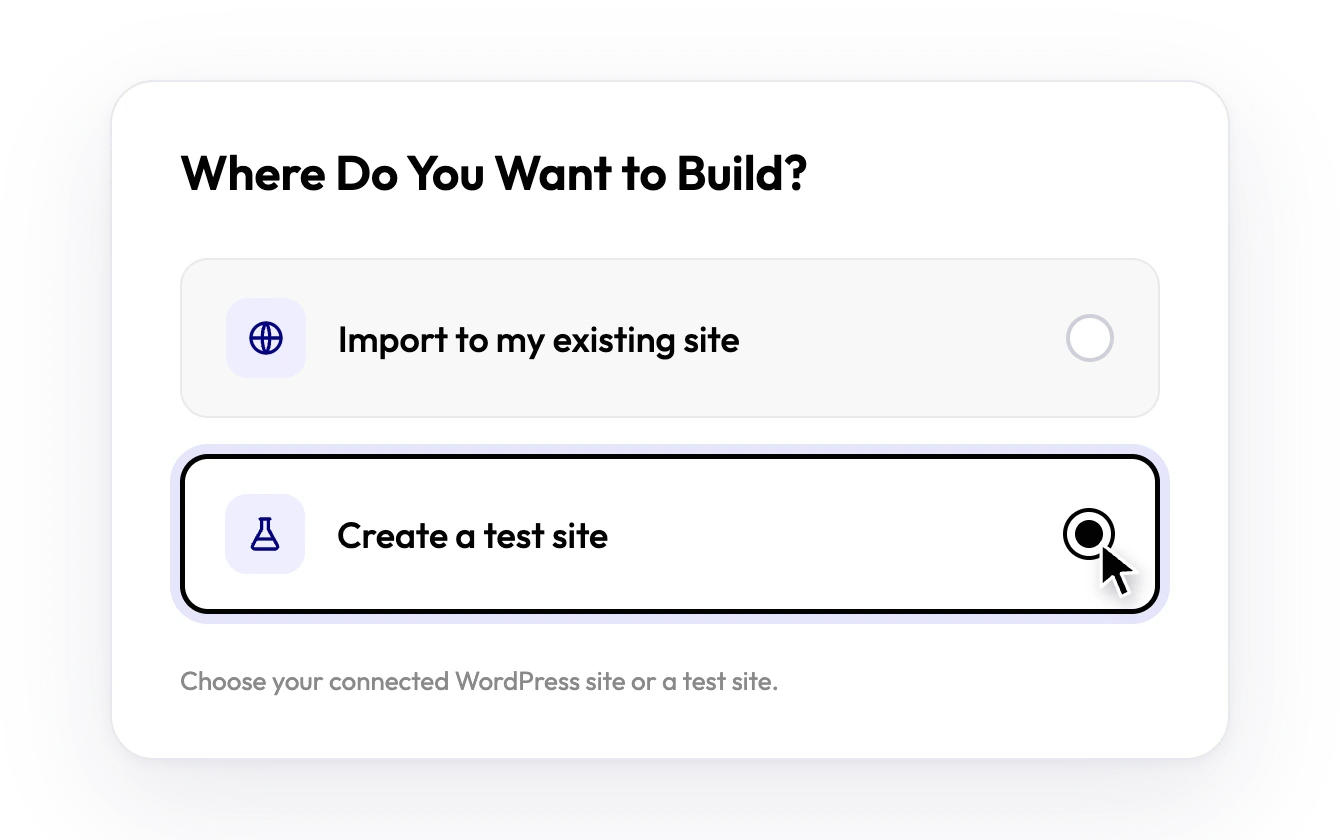
  3. Where do you want to build? dialog with the choices import to my existing site or create a test site

    Step 3: Choose

    Pick where it goes: a connected WordPress site or a test site.

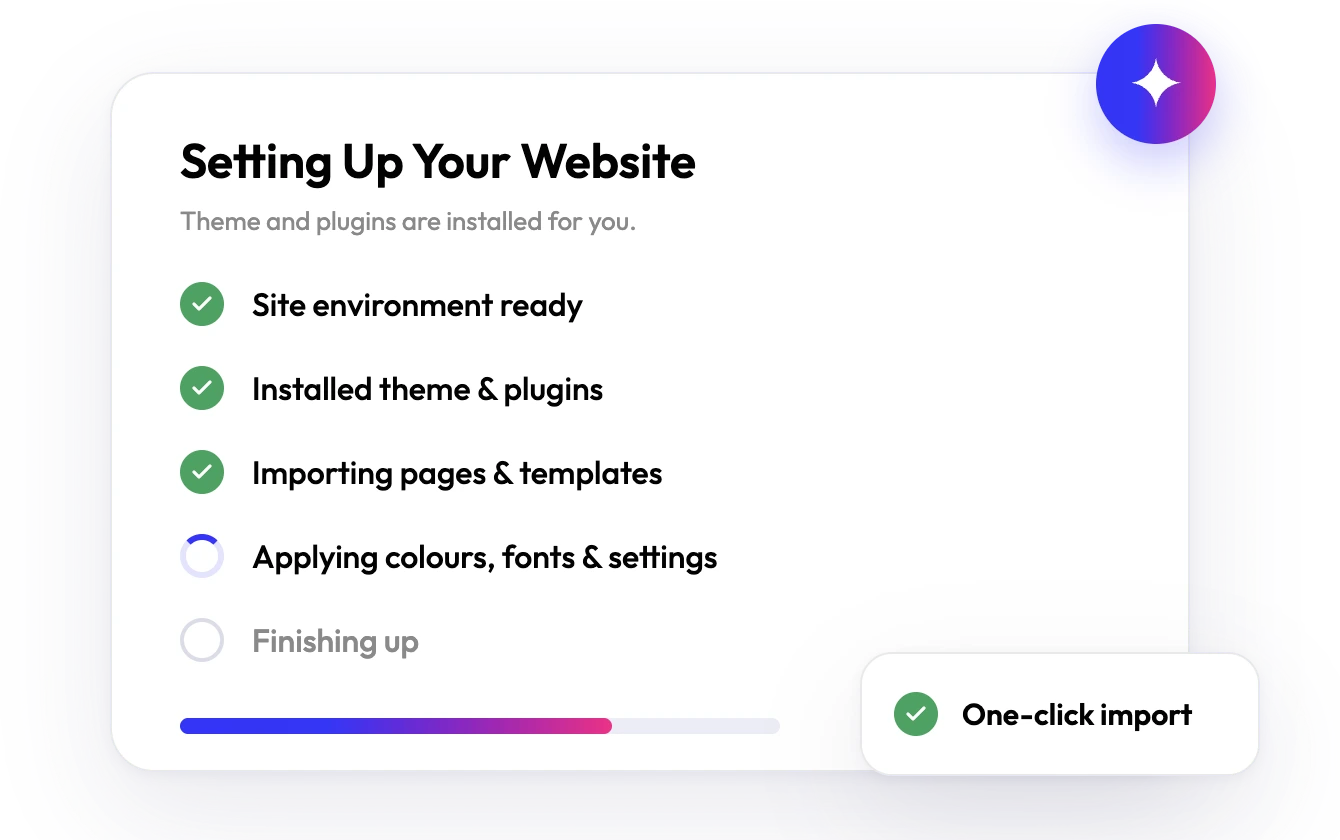
  4. Setting up your website checklist with a one-click import progress bar

    Step 4: Import

    Import into WordPress in one click, plugins and theme included.

AI Template Library

Explore Templates. Build Your Way.

WordPress templates for Elementor, Gutenberg and Bricks. Preview, then import in one click.

Everything else you need to ship faster

Pick the job you have.

MCP

Let your AI assistant run WDesignKit

Browse and import templates, build and convert widgets and manage your workspace from Claude, Cursor or any WordPress MCP client.

  • Create WordPress widgets faster with AI workflows
  • Manage templates, widgets and site workflows
  • Automate repetitive tasks
Start with MCP
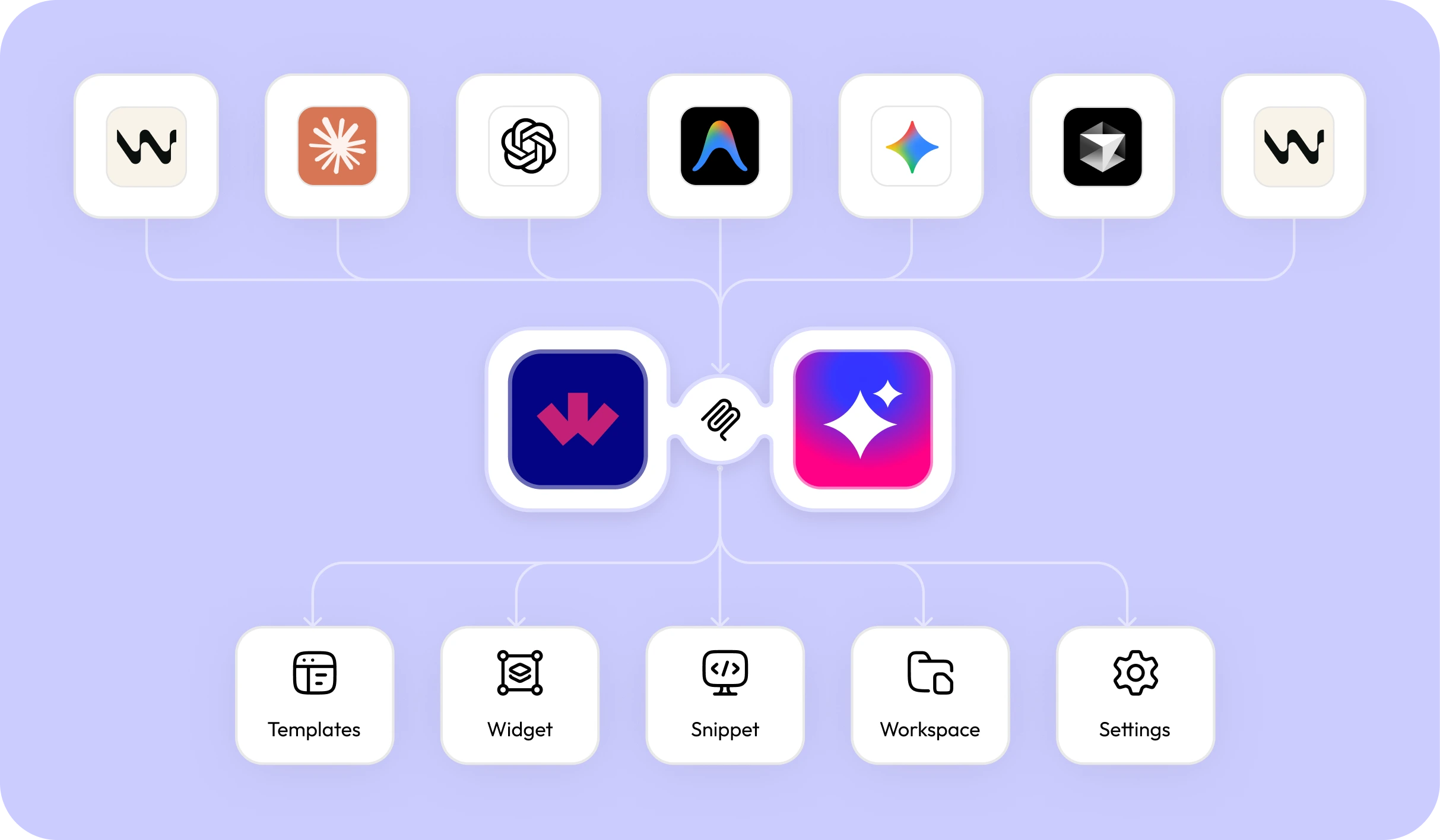
WDesignKit MCP workflow connecting AI tools to templates, widgets, snippets and workspace
AI Widget Builder

Describe a widget, get it live in any builder

Ask for the widget you need in your own AI tool. It is generated, validated and registered on your site as a native widget in Elementor, Gutenberg or Bricks.

See the AI Widget Builder

Needs the WordPress MCP plugin and an MCP-capable AI tool.

1. You describe
A pricing table widget
Works withClaudeCursor
2. Generated and validated
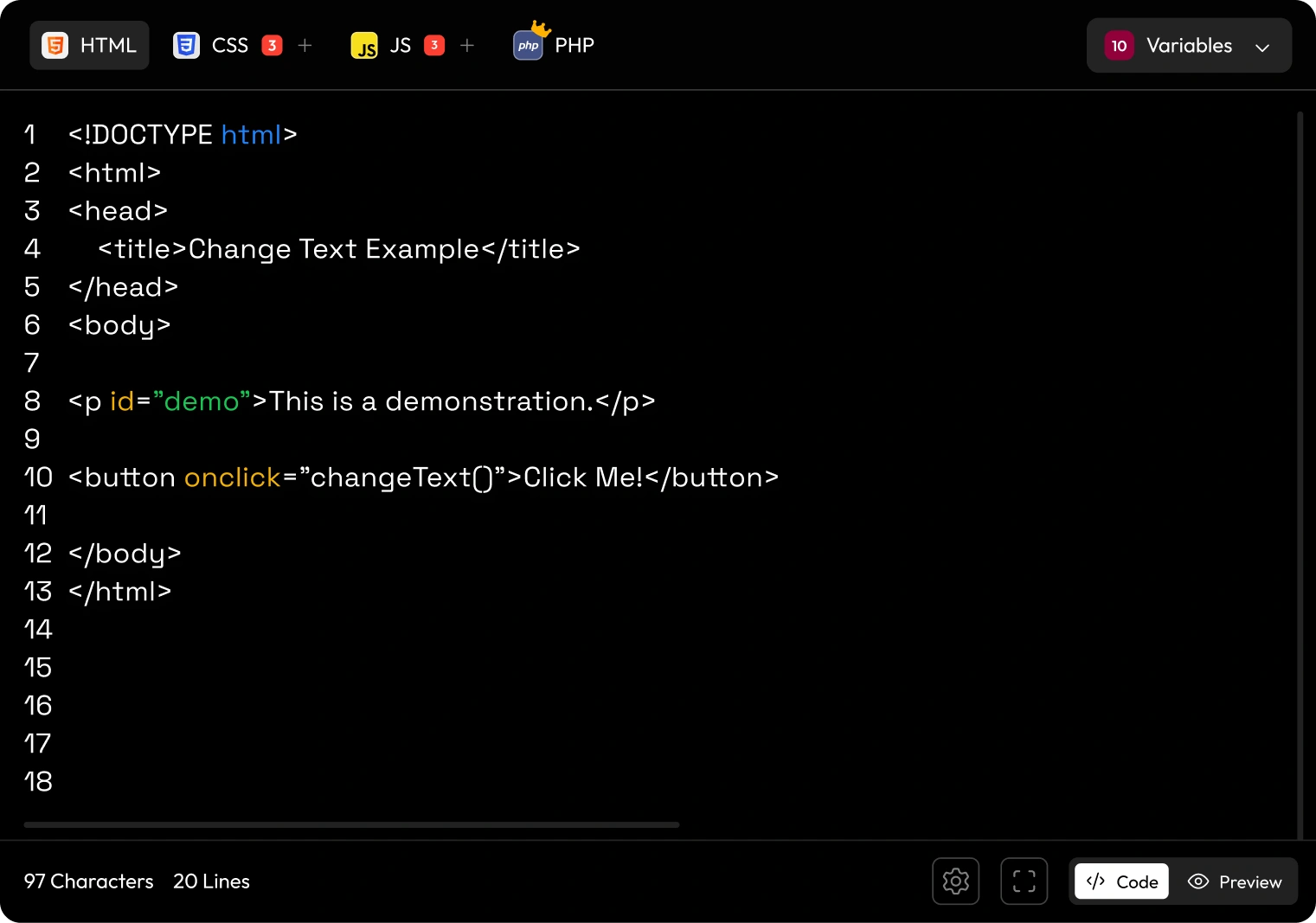
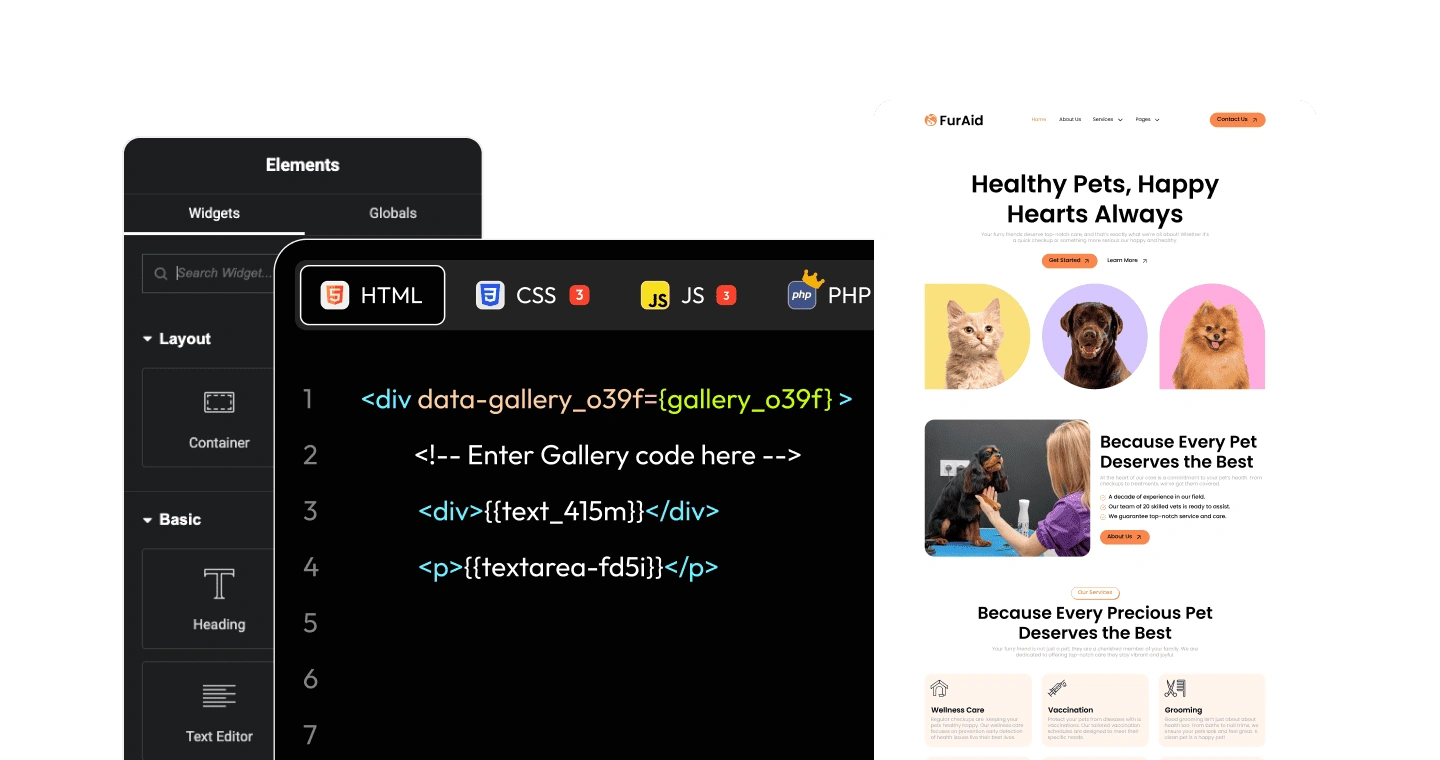
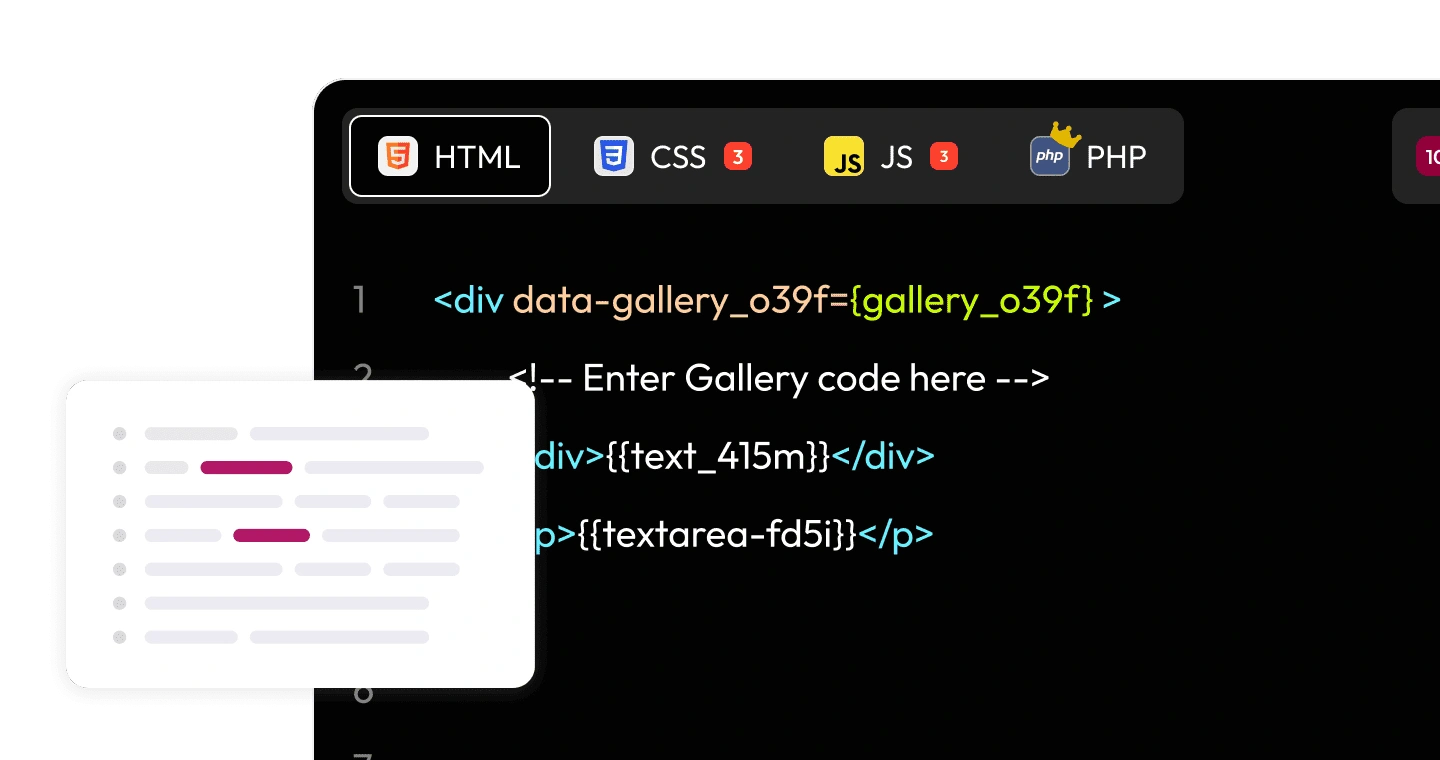
Widget code editor with HTML, CSS, JS and PHP tabs and a Variables menu
3. Live in your builder
  • Elementor
  • Gutenberg
  • Bricks
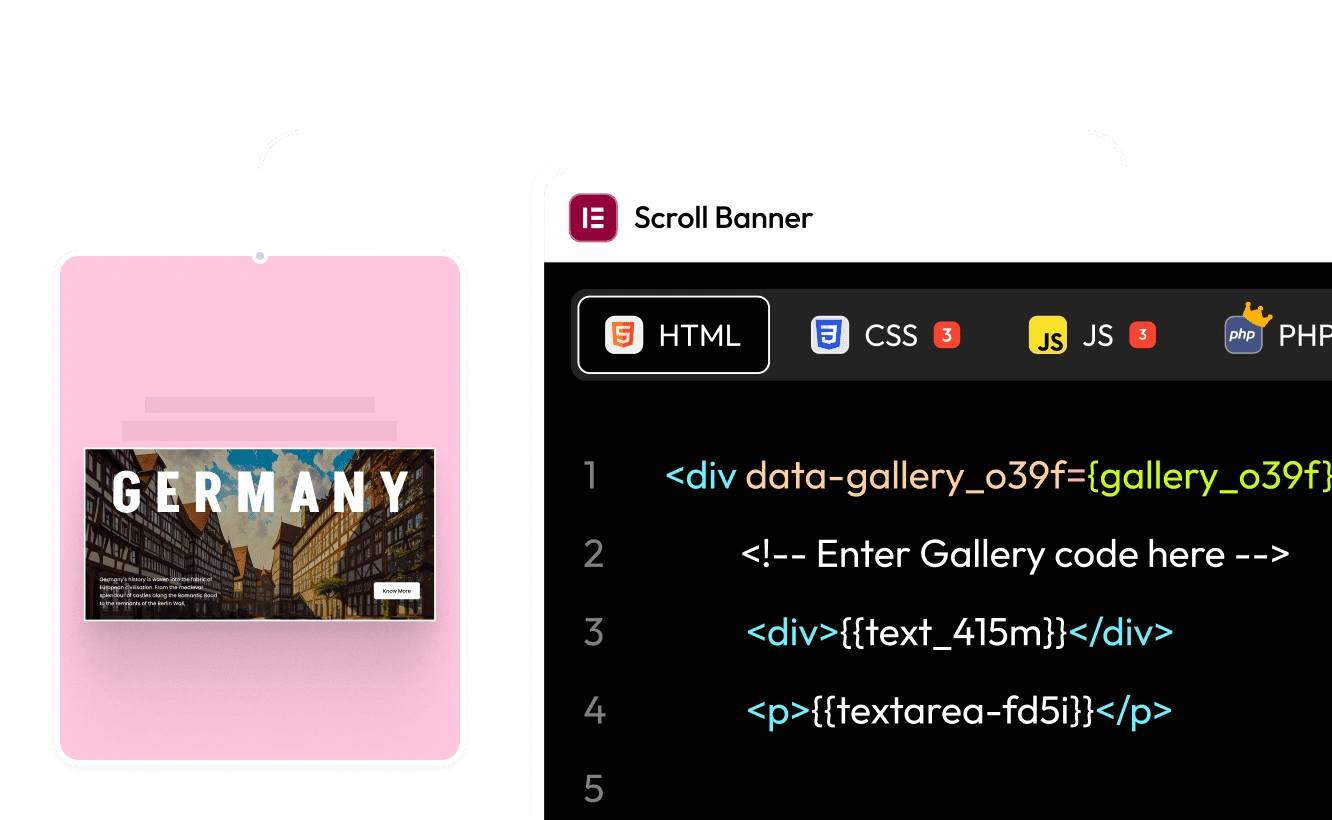
A ready widget next to its HTML, CSS and JS code
Widgets

Widgets, ready or custom

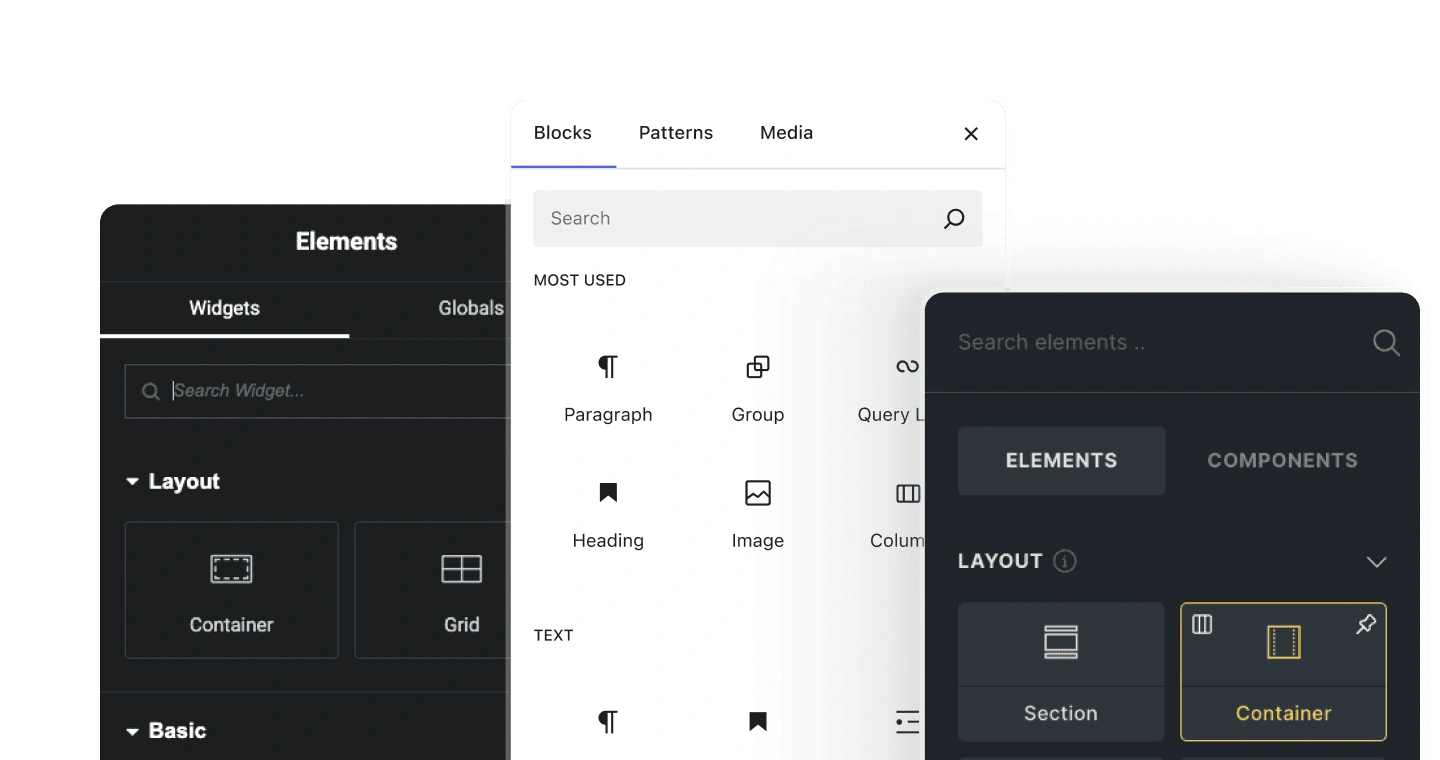
Use ready widgets, build your own, or convert a widget across Elementor, Gutenberg and Bricks in one click.

  • Elementor
  • Gutenberg
  • Bricks
Explore widgets
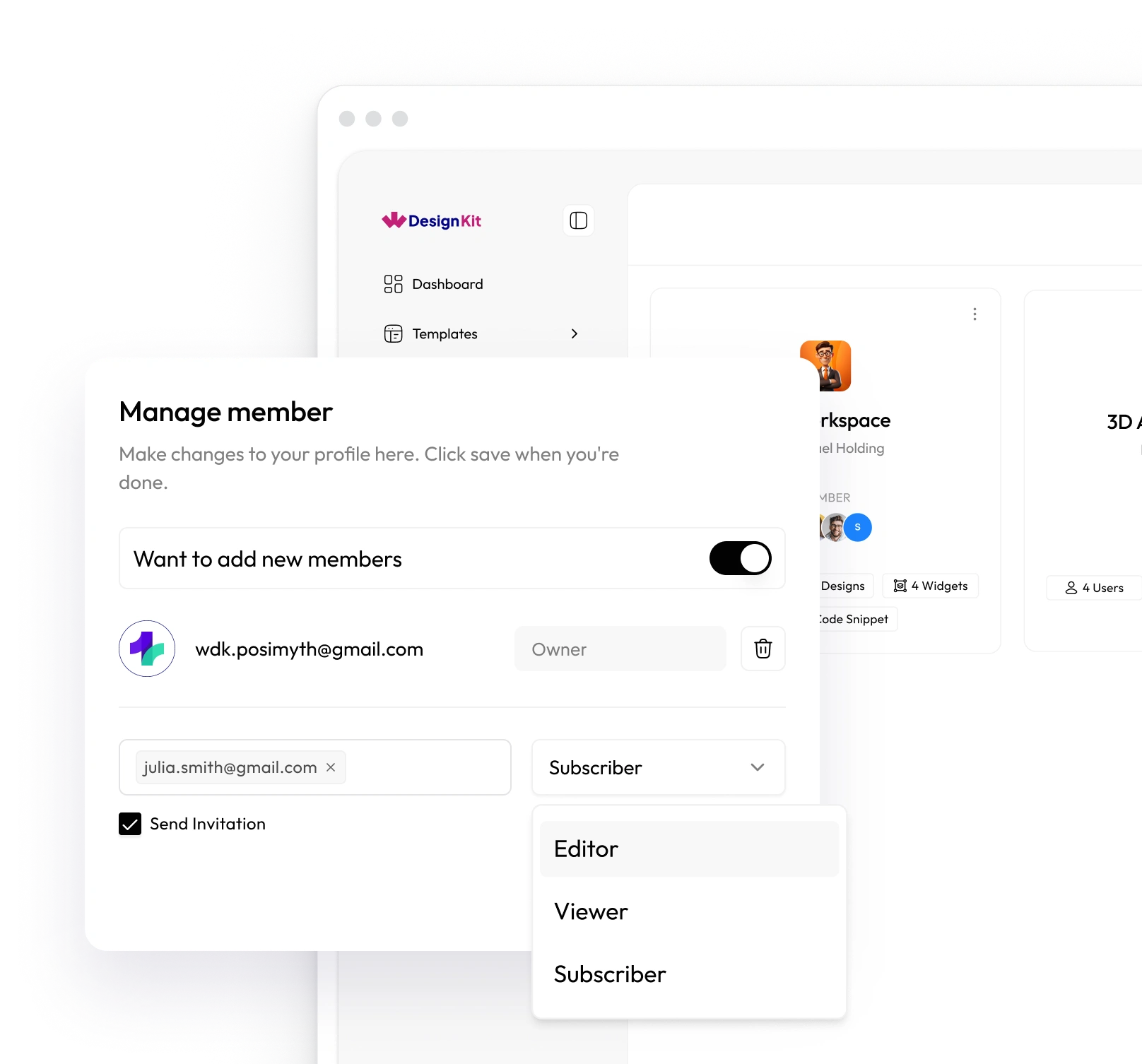
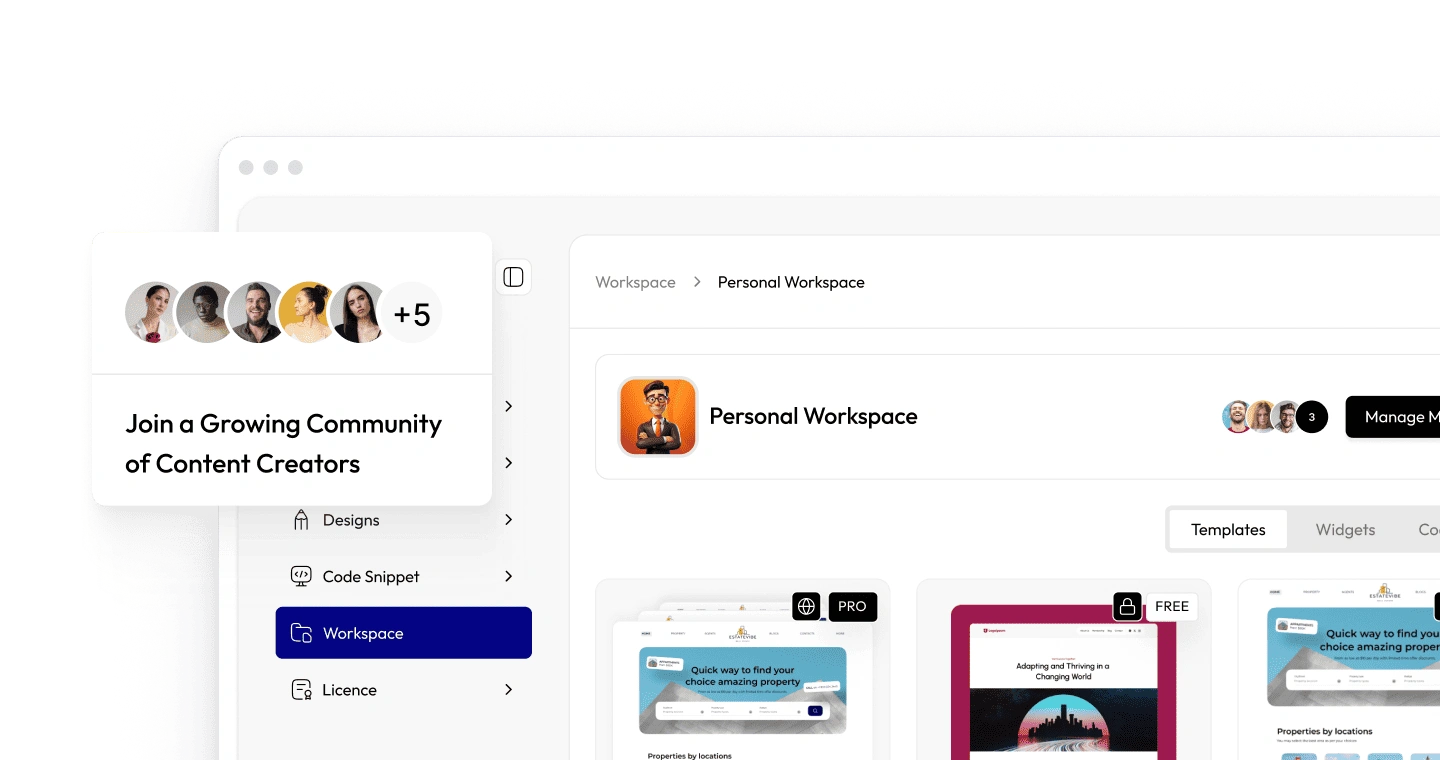
Invite team members and manage roles in Workspace
Workspace

One cloud for your team

Keep assets organized, share with your team and import across projects.

  • Team roles
  • Shared assets
  • Import across projects
Explore Workspace

Built for Every Creator

Whether you're designing, coding, creating, or running client projects, WDesignKit gives you the right tools, templates, and resources to build websites smarter and faster.

WDesignKit for Agencies

Keep your team organized, reuse assets across projects, and deliver client websites faster. With templates, widgets, and cloud workspaces, agencies can scale efficiently without the chaos of scattered files.

Explore for Agencies
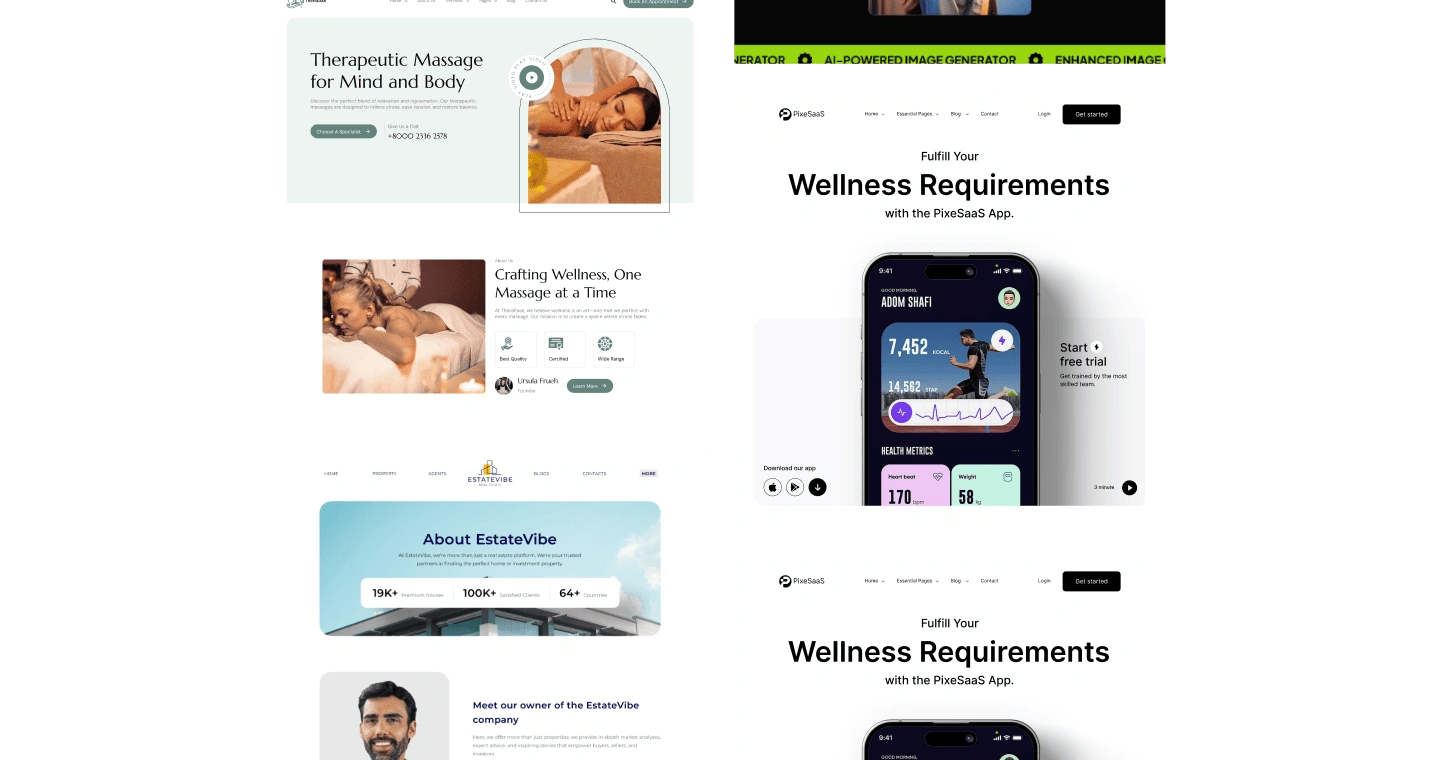
Sample websites and widget code for agencies in WDesignKit
Rated 5 of 5Why 0 Agencies, Designers & Developers Trust WDesignKit
user
andrea egli@andreaegli
I Built a Custom Widget from Code Using WDesignKitWDesignKit: The Ultimate WordPress Design & Collaboration Tool
What impressed me most about WDesignKit is the ability to build a widget from code and still have it behave like a native Elementor widget. In this video, I created a custom widget step by step and showed how it can remain fully editable inside Elementor with dynamic controls.The process is straightforward but powerful, especially for freelancers who want deeper customization without losing the visual editing experience. It’s a solid approach for anyone who prefers flexibility in their Elementor projects. user
user
andrea egli@andreaegli
I Tested WDesignKit's AI-Powered Templates
In this video, I tested WDesignKit's AI-powered template system for Elementor to see how practical it really is. I walked through the full process, showing exactly what it generates and how usable the output is.It gives a clear idea of whether this feature is worth adding to your workflow or not.user
user
ontherocksdigital@ontherocksdigital
Best Support on Elementor / WordPress
WDesignKit offers a great set of designs for Elementor and other page builders as well. Even though we haven’t explored everything yet, we can already see the limitless possibilities it offers.What really stands out is the proactive and professional support team. We couldn’t recommend it more.
user
ssiddiqi4@ssiddiqi4
Easy to Use - Excellent Support
It is easy to use and very straightforward to get started. I had an issue downloading widgets into the WordPress admin panel and contacted support for help.They looked into it, updated the code, and resolved the issue within a couple of days. The process was smooth, and the support experience was genuinely excellent.
user
andrea egli@andreaegli
I Built a Custom Widget from Code Using WDesignKitWDesignKit: The Ultimate WordPress Design & Collaboration Tool
What impressed me most about WDesignKit is the ability to build a widget from code and still have it behave like a native Elementor widget. In this video, I created a custom widget step by step and showed how it can remain fully editable inside Elementor with dynamic controls.The process is straightforward but powerful, especially for freelancers who want deeper customization without losing the visual editing experience. It’s a solid approach for anyone who prefers flexibility in their Elementor projects. user
user
andrea egli@andreaegli
I Tested WDesignKit's AI-Powered Templates
In this video, I tested WDesignKit's AI-powered template system for Elementor to see how practical it really is. I walked through the full process, showing exactly what it generates and how usable the output is.It gives a clear idea of whether this feature is worth adding to your workflow or not.user
user
ontherocksdigital@ontherocksdigital
Best Support on Elementor / WordPress
WDesignKit offers a great set of designs for Elementor and other page builders as well. Even though we haven’t explored everything yet, we can already see the limitless possibilities it offers.What really stands out is the proactive and professional support team. We couldn’t recommend it more.
user
ssiddiqi4@ssiddiqi4
Easy to Use - Excellent Support
It is easy to use and very straightforward to get started. I had an issue downloading widgets into the WordPress admin panel and contacted support for help.They looked into it, updated the code, and resolved the issue within a couple of days. The process was smooth, and the support experience was genuinely excellent.
user
andrea egli@andreaegli
I Built a Custom Widget from Code Using WDesignKitWDesignKit: The Ultimate WordPress Design & Collaboration Tool
What impressed me most about WDesignKit is the ability to build a widget from code and still have it behave like a native Elementor widget. In this video, I created a custom widget step by step and showed how it can remain fully editable inside Elementor with dynamic controls.The process is straightforward but powerful, especially for freelancers who want deeper customization without losing the visual editing experience. It’s a solid approach for anyone who prefers flexibility in their Elementor projects. user
user
andrea egli@andreaegli
I Tested WDesignKit's AI-Powered Templates
In this video, I tested WDesignKit's AI-powered template system for Elementor to see how practical it really is. I walked through the full process, showing exactly what it generates and how usable the output is.It gives a clear idea of whether this feature is worth adding to your workflow or not.user
user
ontherocksdigital@ontherocksdigital
Best Support on Elementor / WordPress
WDesignKit offers a great set of designs for Elementor and other page builders as well. Even though we haven’t explored everything yet, we can already see the limitless possibilities it offers.What really stands out is the proactive and professional support team. We couldn’t recommend it more.
user
ssiddiqi4@ssiddiqi4
Easy to Use - Excellent Support
It is easy to use and very straightforward to get started. I had an issue downloading widgets into the WordPress admin panel and contacted support for help.They looked into it, updated the code, and resolved the issue within a couple of days. The process was smooth, and the support experience was genuinely excellent.
user
andrea egli@andreaegli
I Built a Custom Widget from Code Using WDesignKitWDesignKit: The Ultimate WordPress Design & Collaboration Tool
What impressed me most about WDesignKit is the ability to build a widget from code and still have it behave like a native Elementor widget. In this video, I created a custom widget step by step and showed how it can remain fully editable inside Elementor with dynamic controls.The process is straightforward but powerful, especially for freelancers who want deeper customization without losing the visual editing experience. It’s a solid approach for anyone who prefers flexibility in their Elementor projects. user
user
andrea egli@andreaegli
I Tested WDesignKit's AI-Powered Templates
In this video, I tested WDesignKit's AI-powered template system for Elementor to see how practical it really is. I walked through the full process, showing exactly what it generates and how usable the output is.It gives a clear idea of whether this feature is worth adding to your workflow or not.user
user
ontherocksdigital@ontherocksdigital
Best Support on Elementor / WordPress
WDesignKit offers a great set of designs for Elementor and other page builders as well. Even though we haven’t explored everything yet, we can already see the limitless possibilities it offers.What really stands out is the proactive and professional support team. We couldn’t recommend it more.
user
ssiddiqi4@ssiddiqi4
Easy to Use - Excellent Support
It is easy to use and very straightforward to get started. I had an issue downloading widgets into the WordPress admin panel and contacted support for help.They looked into it, updated the code, and resolved the issue within a couple of days. The process was smooth, and the support experience was genuinely excellent.
user
Tolga@ontherocksdigital
The last three Elementor templates you published truly reflect Posiymth’s quality standards. Kudos to the team for delivering such excellent work, really impressive!
user
dobrapani@dobrapani
Like Building with LEGO for a Million-Dollar Site
I just love using WDesignKit, it has become my everyday helper for building truly stunning websites. The widgets look premium and polished, yet they’re easy to customize from scratch or by tweaking pre-made designs.It honestly feels like building with LEGO, creative and fun. Even with all the features available, my site still runs fast, which surprised me. And their support is amazing, you really feel you’re in good hands.
user
Gabriel Nistor@springbreak
Simply the Best
This is exactly what I've been waiting for, a solution that replaces multiple plugins with one strong combination: Nexter Pro and WDesignKit.It covers most features I need without relying on additional tools. The support team is fast, straight to the point, and problems get solved quickly. A great combo backed by an excellent team.
user
vincentbao@vincentbao
New Age Tool for WordPress Design Workflow
WDesignKit adds real value to the WordPress design workflow, especially with its design library and cross-builder system. The ability to build for Elementor, Gutenberg, and Bricks and convert between them with a click is impressive.Cloud storage is a helpful addition, and support has consistently been top notch. With more documentation and tutorials in the future, it will become even stronger.
user
Tolga@ontherocksdigital
The last three Elementor templates you published truly reflect Posiymth’s quality standards. Kudos to the team for delivering such excellent work, really impressive!
user
dobrapani@dobrapani
Like Building with LEGO for a Million-Dollar Site
I just love using WDesignKit, it has become my everyday helper for building truly stunning websites. The widgets look premium and polished, yet they’re easy to customize from scratch or by tweaking pre-made designs.It honestly feels like building with LEGO, creative and fun. Even with all the features available, my site still runs fast, which surprised me. And their support is amazing, you really feel you’re in good hands.
user
Gabriel Nistor@springbreak
Simply the Best
This is exactly what I've been waiting for, a solution that replaces multiple plugins with one strong combination: Nexter Pro and WDesignKit.It covers most features I need without relying on additional tools. The support team is fast, straight to the point, and problems get solved quickly. A great combo backed by an excellent team.
user
vincentbao@vincentbao
New Age Tool for WordPress Design Workflow
WDesignKit adds real value to the WordPress design workflow, especially with its design library and cross-builder system. The ability to build for Elementor, Gutenberg, and Bricks and convert between them with a click is impressive.Cloud storage is a helpful addition, and support has consistently been top notch. With more documentation and tutorials in the future, it will become even stronger.
user
Tolga@ontherocksdigital
The last three Elementor templates you published truly reflect Posiymth’s quality standards. Kudos to the team for delivering such excellent work, really impressive!
user
dobrapani@dobrapani
Like Building with LEGO for a Million-Dollar Site
I just love using WDesignKit, it has become my everyday helper for building truly stunning websites. The widgets look premium and polished, yet they’re easy to customize from scratch or by tweaking pre-made designs.It honestly feels like building with LEGO, creative and fun. Even with all the features available, my site still runs fast, which surprised me. And their support is amazing, you really feel you’re in good hands.
user
Gabriel Nistor@springbreak
Simply the Best
This is exactly what I've been waiting for, a solution that replaces multiple plugins with one strong combination: Nexter Pro and WDesignKit.It covers most features I need without relying on additional tools. The support team is fast, straight to the point, and problems get solved quickly. A great combo backed by an excellent team.
user
vincentbao@vincentbao
New Age Tool for WordPress Design Workflow
WDesignKit adds real value to the WordPress design workflow, especially with its design library and cross-builder system. The ability to build for Elementor, Gutenberg, and Bricks and convert between them with a click is impressive.Cloud storage is a helpful addition, and support has consistently been top notch. With more documentation and tutorials in the future, it will become even stronger.
user
Tolga@ontherocksdigital
The last three Elementor templates you published truly reflect Posiymth’s quality standards. Kudos to the team for delivering such excellent work, really impressive!
user
dobrapani@dobrapani
Like Building with LEGO for a Million-Dollar Site
I just love using WDesignKit, it has become my everyday helper for building truly stunning websites. The widgets look premium and polished, yet they’re easy to customize from scratch or by tweaking pre-made designs.It honestly feels like building with LEGO, creative and fun. Even with all the features available, my site still runs fast, which surprised me. And their support is amazing, you really feel you’re in good hands.
user
Gabriel Nistor@springbreak
Simply the Best
This is exactly what I've been waiting for, a solution that replaces multiple plugins with one strong combination: Nexter Pro and WDesignKit.It covers most features I need without relying on additional tools. The support team is fast, straight to the point, and problems get solved quickly. A great combo backed by an excellent team.
user
vincentbao@vincentbao
New Age Tool for WordPress Design Workflow
WDesignKit adds real value to the WordPress design workflow, especially with its design library and cross-builder system. The ability to build for Elementor, Gutenberg, and Bricks and convert between them with a click is impressive.Cloud storage is a helpful addition, and support has consistently been top notch. With more documentation and tutorials in the future, it will become even stronger.
Need Quick Help?Simple Solutions to Keep You Moving
Getting StartedLicense & BillingTroubleshootingTemplateWidget & Widget BuilderCode Snippet & Cloud WorkspaceAI & MCP

Not at all, performance is a top priority in WDesignKit.

We work on an Import/Export system, which means designs, templates, and widgets are only added to your site when you choose to import them. Nothing unnecessary runs in the background.
The plugin also follows a modular structure, so only the features you use are active. We continuously optimize performance and release updates for better speed, compatibility, and security.

For best results, we still recommend using good hosting and a caching/optimization setup, as overall speed depends on your full website environment.