
July 2026 Updates: Standalone Plugin Downloads, Faster Imports & AI Templates
Contents
Table of Contents
A widget you build in one workspace used to stay in that workspace. This month it stops being stuck.
July was about moving work out of WDesignKit and onto whatever site needs it: widgets you can package as real WordPress plugins, a leaner template import, and an upgraded AI Template Import. Here’s what shipped.
🔥 Highlight of the Month
🎨 New Widgets to Try

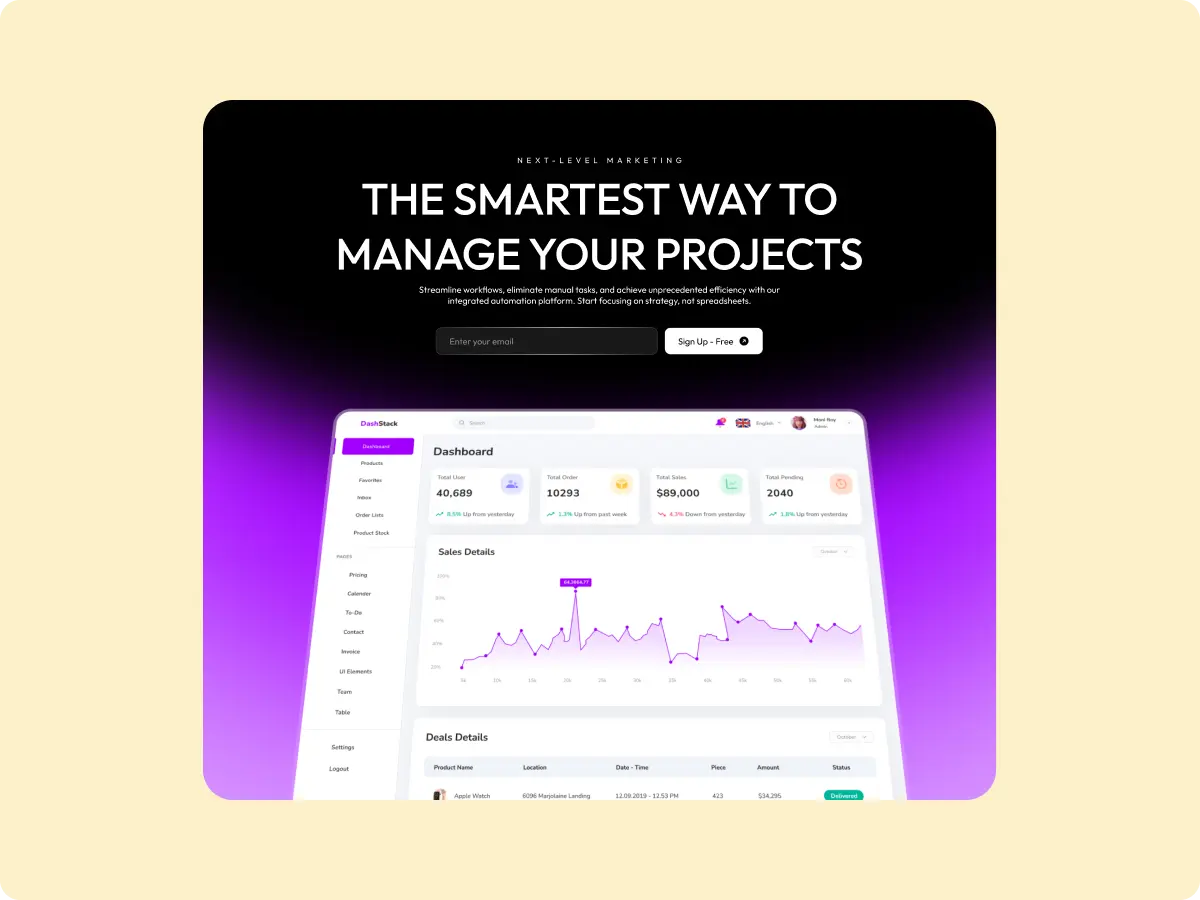


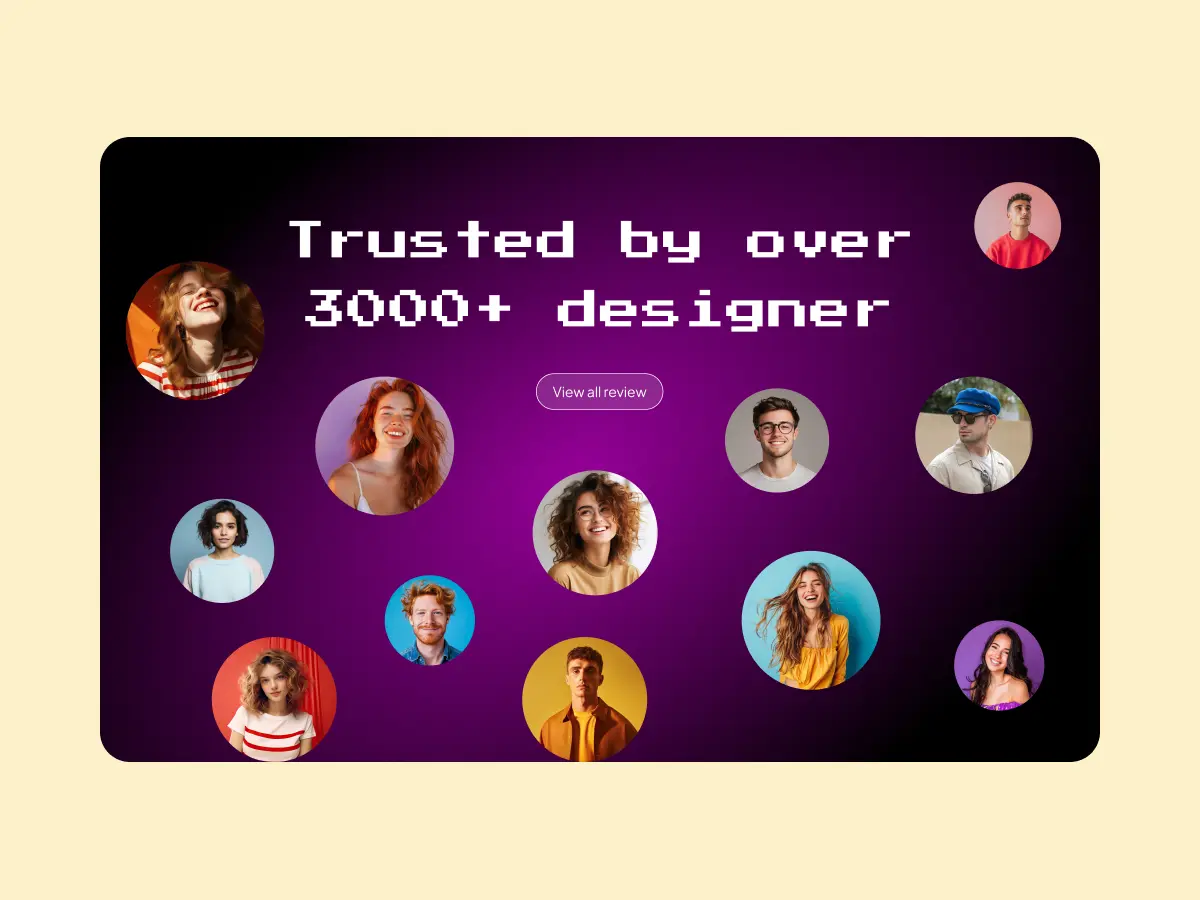
That’s a handful of this month’s additions. Browse the full widget library to see everything available for Elementor, Gutenberg, and Bricks.
🚀 Product Updates
- Download widgets as standalone WordPress plugins.
- New widget abilities in Widget Builder.
- Optimized template import workflow.
- Upgraded AI Template Import experience.
- Bug fixes and stability improvements.
⚡ Quick Win
WDesignKit sits at 4.8 stars across 30,000+ active installs. Here’s one from ssiddiqi4 on WordPress.org:
“It is easy to use. The support is excellent. I had problems with downloading widgets to the WP Admin panel. The support team updated the code and resolved the issue within a couple of days.”
ssiddiqi4, ⭐⭐⭐⭐⭐
😉 Did You Know?
When you download a widget as a standalone plugin, it is fully self-contained. There is no link back to your original workspace or template, so you can move it between sites, hand it off, or archive it, and it keeps working exactly as built.
⚙️ Tool of the Month
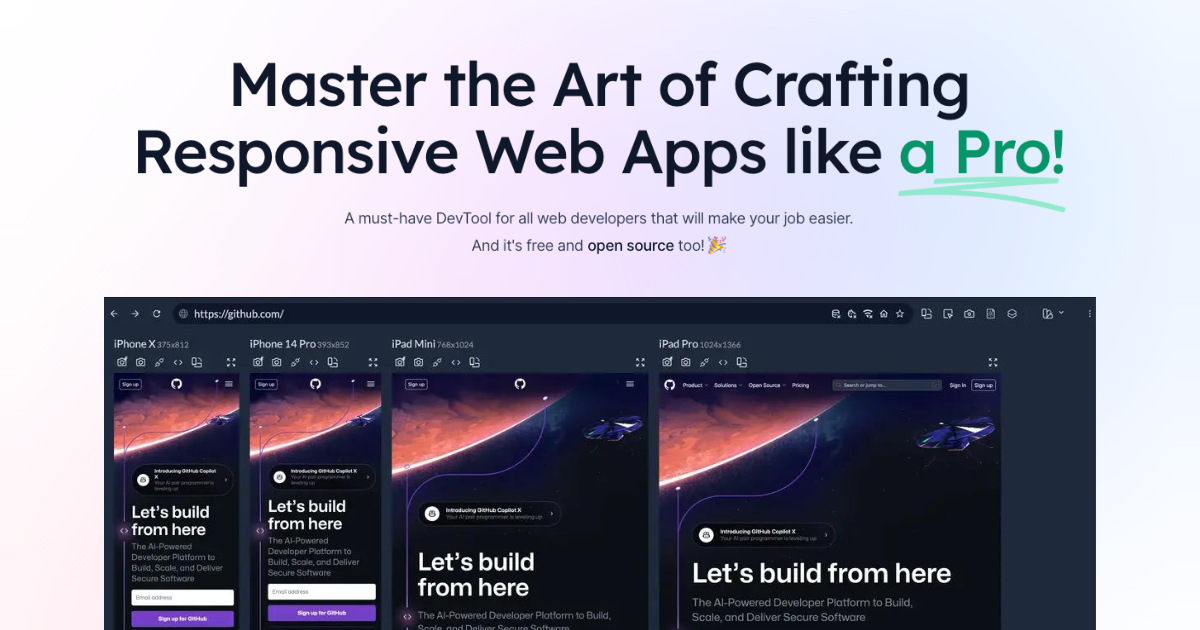
Building responsive layouts gets easier when you can see every screen size at once. Responsively App shows your site across devices side by side, and any click, scroll, or navigation in one device is replicated to all of them in real time. Free and open source.
🧠 Helpful Resource
Create Websites Faster with AI Template Import
Starting a new site doesn’t have to mean starting from zero. With AI Template Import, you pick a ready-made template and WDesignKit adapts the content, visuals, and styling to your site as it imports.
🧩 AI-Compatible Templates to Try
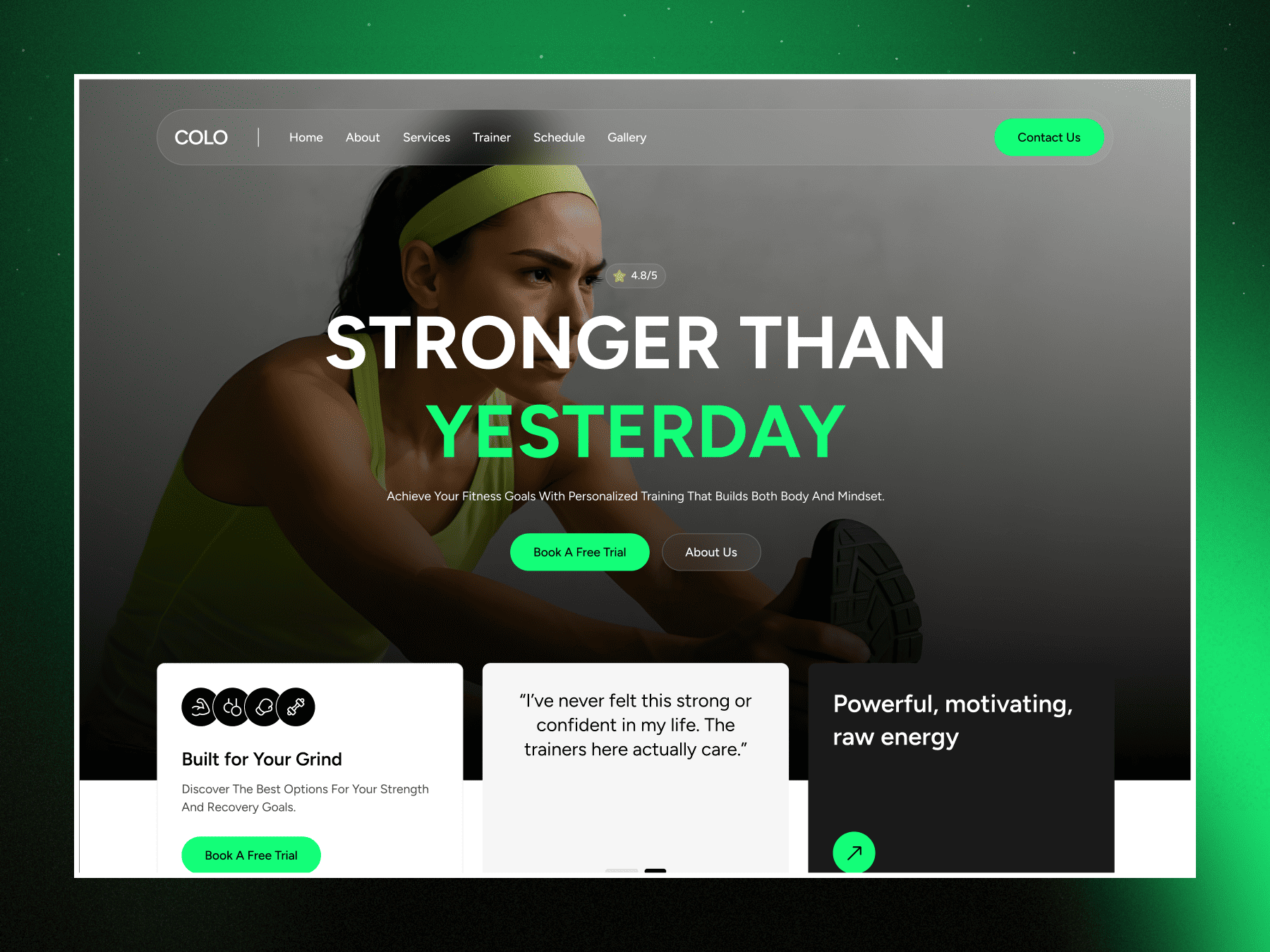
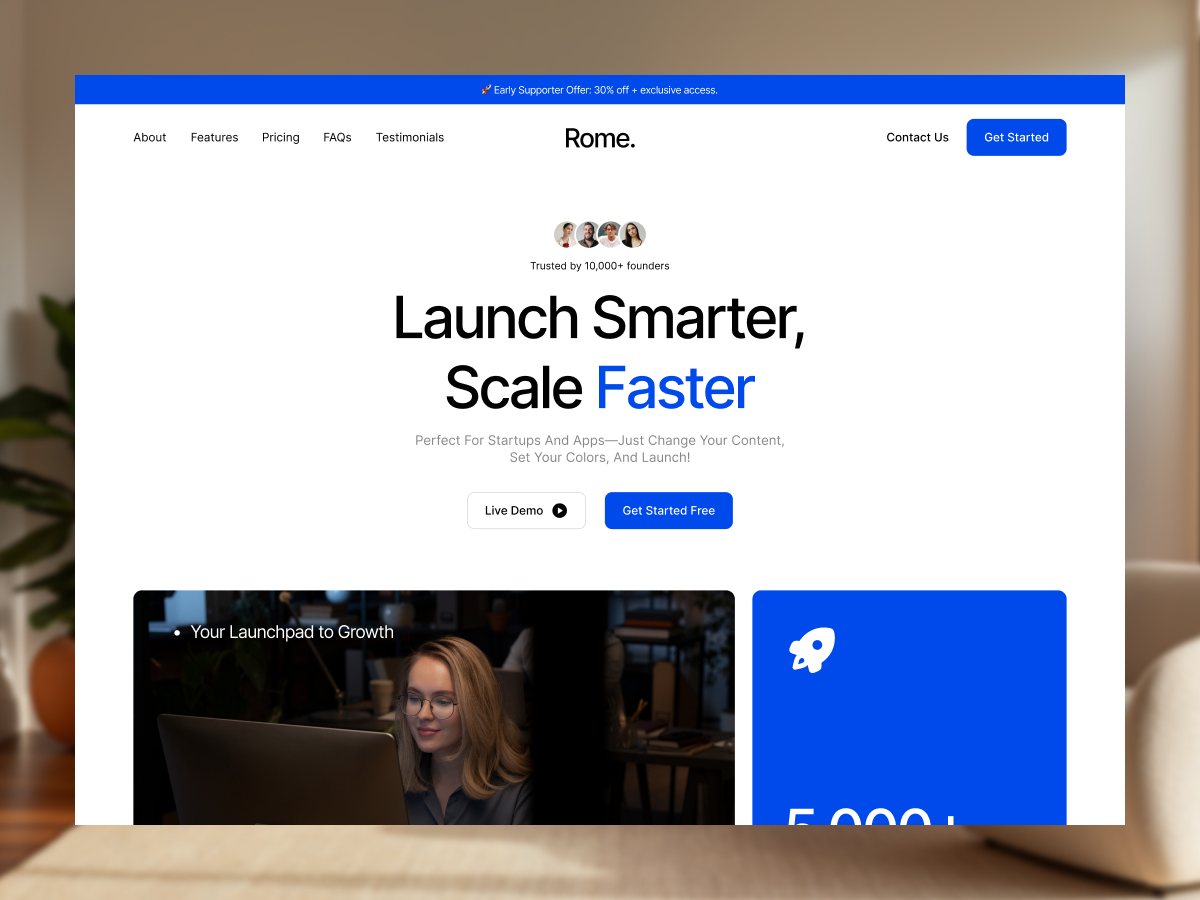
Both are tagged AI Compatible, so you can bring either in through AI Template Import and let WDesignKit fit the content and styling to your site.
👀 Coming Next
Plugin & Builder:
- PHP Editor inside Widget Builder
- More abilities for Widget Builder and Code Snippet
- Code Snippet support inside Workspace
Server:
- New AI-powered pages
- Widget Builder directly on the server
- Continued workflow, performance, and stability work
Stay connected in our WDesignKit Facebook community to get every update first.
Previous: June 2026 Updates | Next: August 2026 Update
Author

Sagar is the Founder & CEO of POSIMYTH Innovations, with 10+ years building WordPress products trusted by 100,000+ websites globally. He has led the development of The Plus Addons for Elementor, Nexter, WDesignKit, and UiChemy, all built hands-on from concept to launch. His work focuses on making website building faster, more flexible, and accessible for creators and businesses worldwide.
Keep reading
New In WDesignKit: AI Templates Now Start With One Line About Your Site
WDesignKit AI Templates now starts with one line about your site. Answer a few questions, set colors and fonts, test on a sandbox, then import.
6 min read
September 2026 Updates: Bricks Widgets Auto-Register, AI Templates And More
WDesignKit September 2026 update: Bricks widgets now register automatically, a Bricks MCP settings fix, six AI-compatible kits and four widgets built to move.
5 min read
August 2026 Update: AI Templates, MCP Abilities & More
WDesignKit August 2026 update: AI-compatible kits, globals import, MCP abilities for WordPress 7.1, security hardening and optional data sharing explained.
12 min read